Chapter 12 Examples
ediuG s’resU 0424ST911
Voiding Cooking Messages
Example 37: Void the message Well from a transaction containing the PLU
number 13 “Hamburger”, as well as removing the hamburger.
Note
After a cooking message is entered using the [# /ns] key, it cannot be easily
removed. To remove such a message, the entire transaction must be voided.
See Voiding an Entire Sale before Finishing the Sale on page 124.
To void the last cooking message and PLU
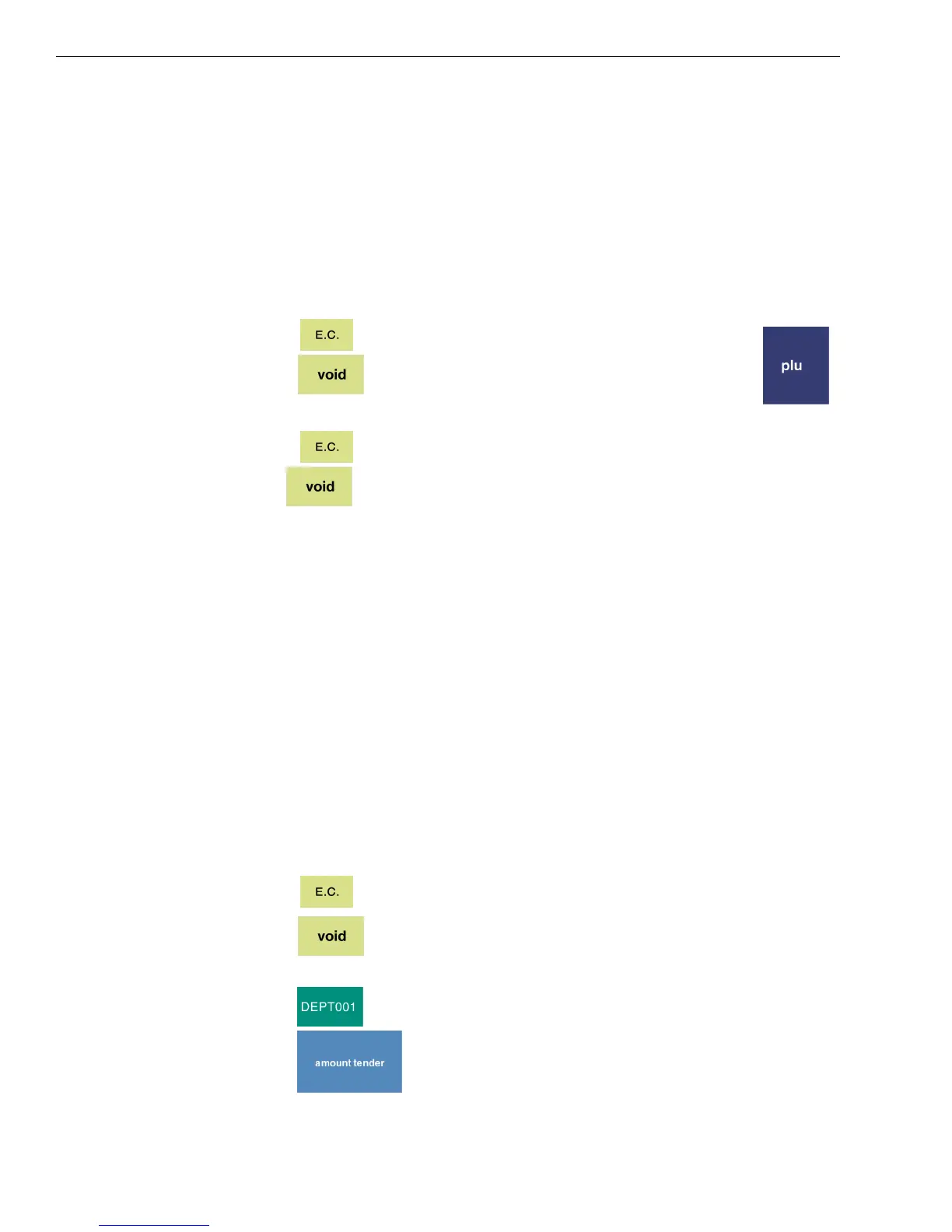
1 Press .
2 Press , and using the Number keys, press 13, and then .
To void a previous cooking message
1 Press .
2 Use to remove the most recently entered cooking message or
items individually.
3 Continue doing this until you reach the desired item in your transaction.
4 Re-enter any applicable items.
Voiding a Coupon Sale
Example 38: Void a $1.00 item in Department 1, and the 20 cent coupon
associated with it.
Note
To void a previously entered coupon, you must do to before entering another
item. If not, then you must void the entire transaction and re-enter it.
To void a coupon sale if the coupon was the last entry
1 Press .
2 Press .
3 Using the Number keys, press 100.
4 Press .
5 Press .


 To Next Page