Chapter 3 Getting To Know the Cash Register
15 TS4240 User’s Guide
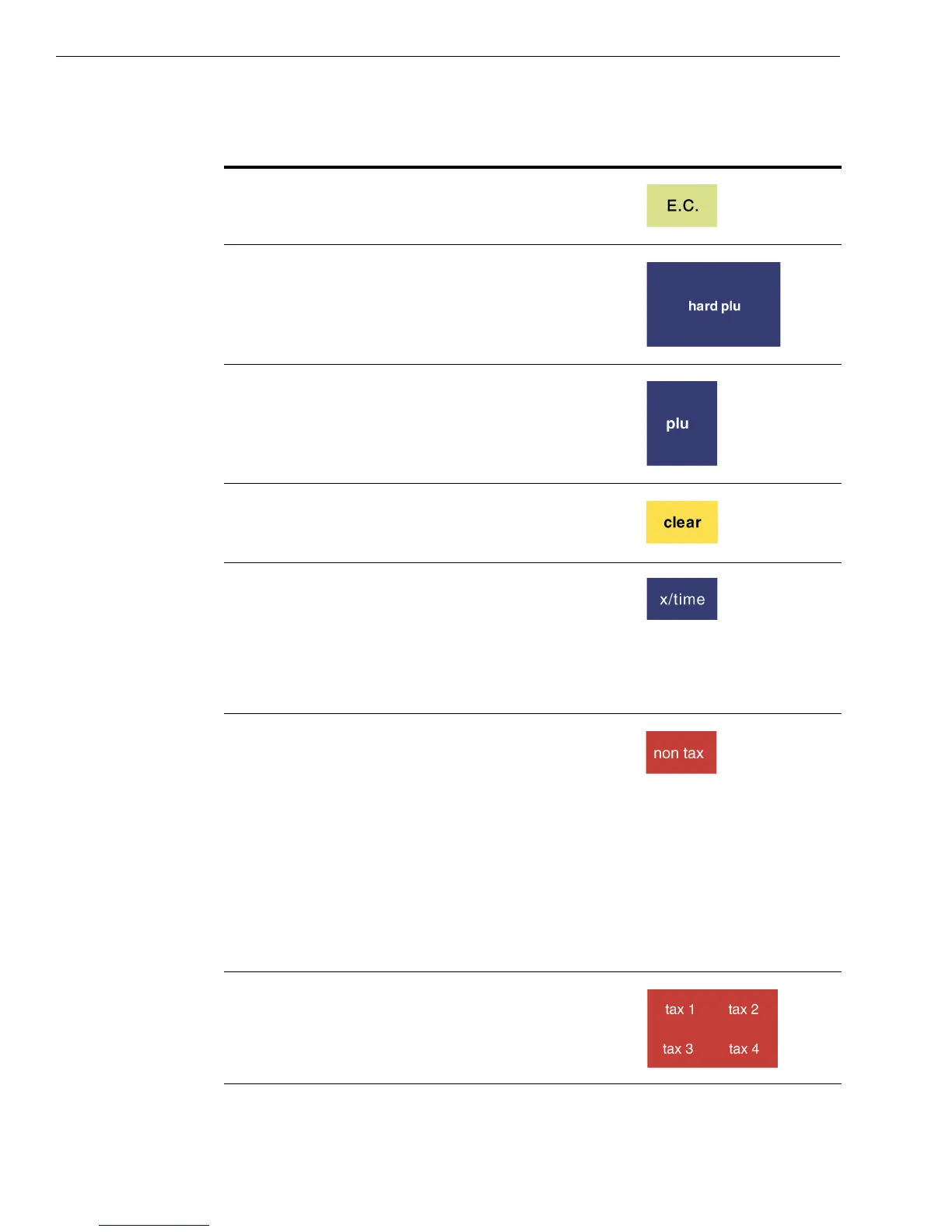
Error Correction of last input.
Access up to 240 direct or hard PLUs for
one-touch item entry
Enter a PLU number manually
Clear an entry
Enter multiple quantities of a PLU or item
during a sale
Show the default date/time/status screen on the
clerk display between sales in the Sales
Registration mode
Sets an entire sales transaction as tax exempt, if
pressed after the Subtotal key at the end of a
transaction. For example, you might be selling to
a non-profit organization or a reseller.
No further items can be entered if a sale is set to
tax-exempt. You see a prompt on the clerk
screen to help you
If pressed before an item is entered, it overrides
the tax on that item.
Override the pre-programmed tax rate for an
item with a different tax rate
Table 2 Navigating the touch screen
To do this... Use this key...



 To Next Page