Chapter 9 Running Reports
89 TS4240 User’s Guide
The Electronic Journal can hold 10,000 lines of transactions in memory.
When the Electronic Journal has 9,500 lines of transactions in memory,
you see an error message after finalizing every transaction. Print or clear
the Electronic Journal as soon as possible to avoid losing important
information.
Sales totals will still be recorded in the financial or sales reports.
Transactions already in memory are kept in memory until the Electronic
Journal record is printed in Z-mode or until you clear the report.
Caution
When the Electronic Journal memory is full, you see a message that the
memory is being cleared. At that point, all your transaction data is cleared
and transactions start over again from zero. You lose all the electronic
transaction history.
You can print the entire Electronic Journal record on the printer in the
cash register in either the X Mode or the Z Mode.
• X-Mode: You can print the Electronic Journal record at any time during
the day. This prints what is currently in the Electronic Journal memory
and does not reset the memory. You can also review the electronic
journal on the clerk screen. You can also run an EJ report by date, if
needed.
• Z-Mode: You can view, print, or clear the entire Electronic Journal
record. Clearing resets the journal memory so everything in memory is
erased. Only run this report at the end of the day, after running the
standard Z Report for the end-of-the-day sales totals.
Make sure there is a lot of paper on the receipt paper roll so the Electronic
Journal reports can print completely.
You can download the Electronic Journal record to the PC using the serial
connection. For more information, see the RegisterLink manual.
Printing a Mid-Day Electronic Journal Report
You can print the Electronic Journal report at anytime during the day
without resetting the memory. You can run an EJ report for a specific date
or time period.
To print X reports
X Report
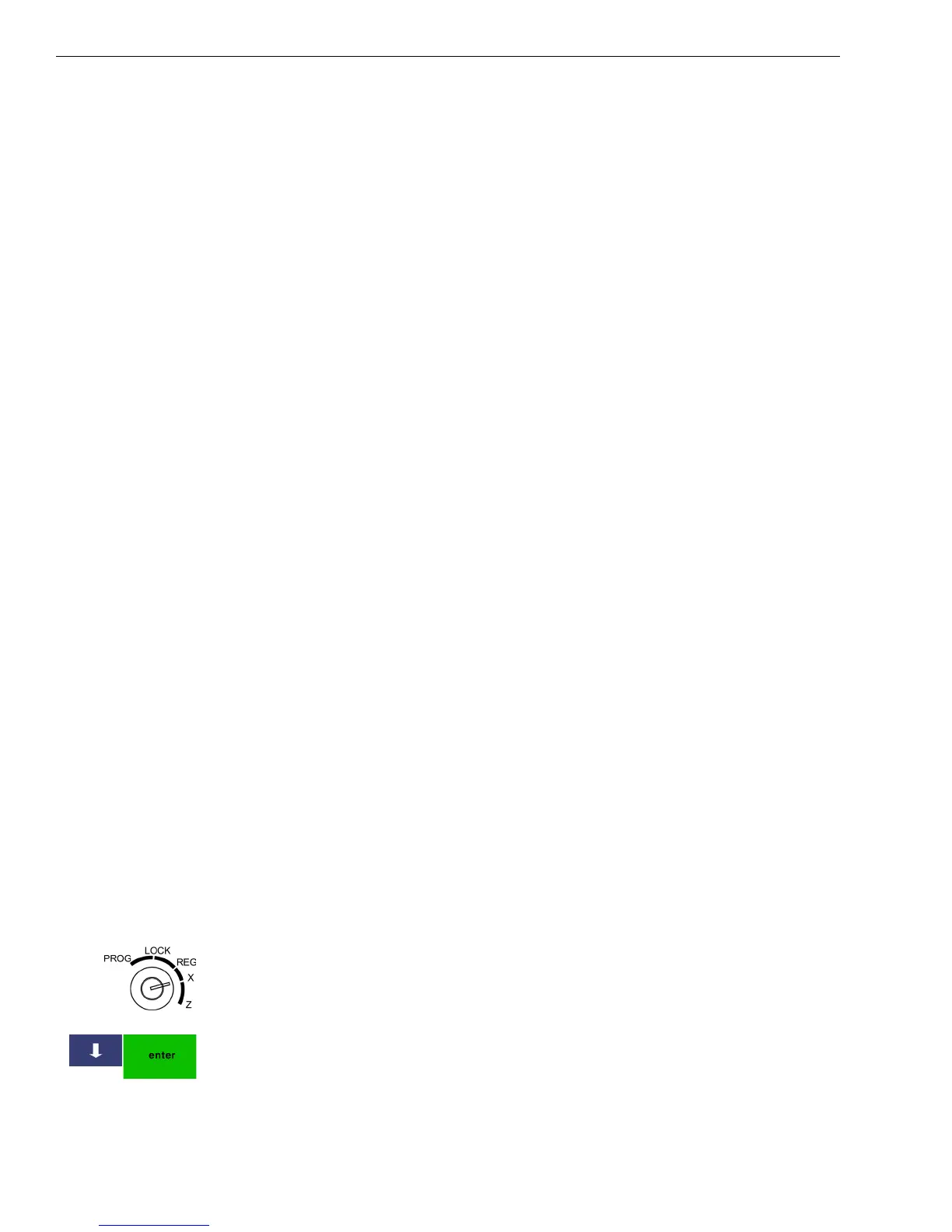
1 Put the MGR key in the Mode key slot and turn it to the X position. If
prompted, enter the Manager passcode and press Enter.
2 Press the Arrow Down key to select the report you want. Press Enter.



 To Next Page