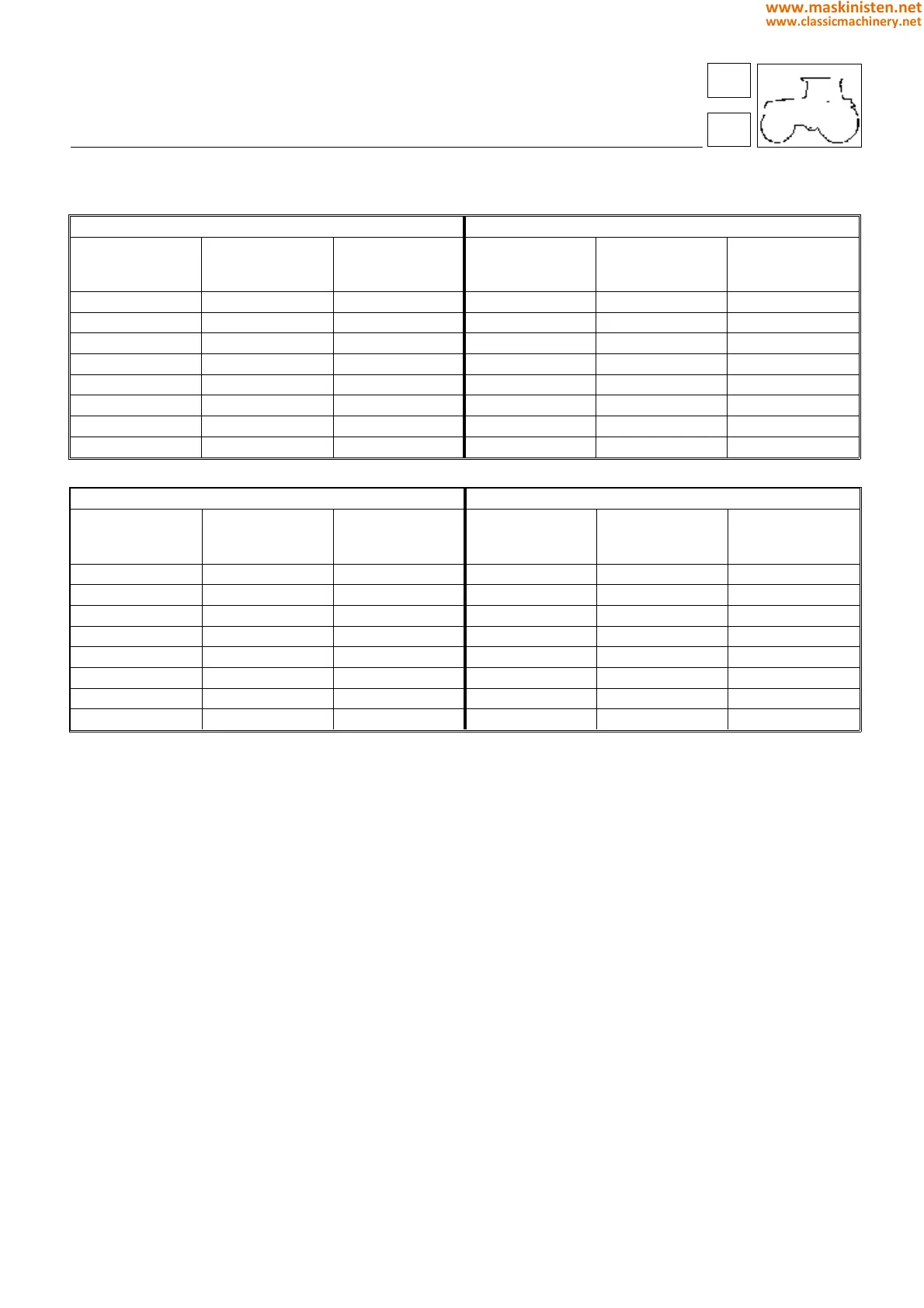
According to the type of tyre fitted, enter the following values:
SILVER 80-90-100.4-100.6 1
st
version
(see serial number to page 133).
SILVER 80-90-100.4-100.6 2
nd
version
(see serial number to page 133).
Automatic acquisition of tyre data
When the parameter for a given tyre is not known, the correct parameter can be computed by the system.
To perform this type of operation, access the "PARAMETERS" menu, select "Wheel data” and press the [
←
] key (8, Fig 1);
When the new video page appears, select "MANUAL” or "AUTOMATIC" with the [
↓
] key (6, Fig 1), then press [
←
]
(8, Fig 1) to confirm.
Press "INFO/PAR" (9 Fig. 1) to return to the previous menu.
If automatic acquisition is selected, the control unit will compute the parameter and then restore "MANUAL".
In order to calculate the correct value automatically, the computer will wait until such time as the implement is in the
“up” position and the ground speed of the tractor has been maintained above 10 km/h for at least 30 seconds.
Entering the P.T.O.
Select "PTO constants" from the parameters menu.
Access the "Machine type" menu, use the [
↓
] key (6, Fig 1) to select the type of tractor, and press [
←
] (8, Fig 1) to confirm.
Press "INFO/PAR" (9 fig. 1) to return to the previous menu.
Entering the unit of measure system
Units of measure can be displayed in metric or imperial.
The factory setting is metric. If imperial is necessary or preferred, select "unit of measure" from the "PARAMETERS"
menu and press [ ← ] (8, Fig 1).
A new video page will appear: use [ ↓ ] (6, Fig 1) to select METRIC or IMPERIAL, and press [ ← ] (8, Fig 1) to
confirm. Press "INFO/PAR" (9, Fig 1) to return to the previous menu.
Contrast adjustment
This allows adjustment of the BLACK-and-WHITE contrast on the display screen. To effect the adjustment, access
the “PARAMETERS” menu, select "CONTRAST" and press the [ ← ] key (8, Fig 1) to confirm. A set of numbers and
bars will be displayed on the screen. The preferred level of contrast is obtained by pressing [ ↓ ] (6, Fig 1) to reduce
or [ + ] (7 Fig. 1) to increase.
Press [ ← ] (8, Fig 1) to confirm, then "INFO/PAR" (9, Fig 1) to return to the previous menu.
Pressing and holding key 11 when power is supplied to the system, the level of contrast will be as per the factory.
body
performance monitor
80-90-100.4 HP 100.6 HP
Pneus 40 km/h version
(or 30 km/h with
electronic limitation)
30 km/h
version
Pneus 40 km/h version
(or 30 km/h with
electronic limitation)
30 km/h
version
16.9 x 34 5483 7205 14.9 R 38 5351 7057
16.9 R 34 5483 7205 480 / 70 R 34 5494 7245
18.4 R 30 5673 7455 520 / 70 R 34 5316 7010
18.4 R 34 5305 6971 16.9 R 38 5149 6790
13.6 R 38 5520 7255 480 / 70 R 38 5149 6790
480 / 70 R 34 5483 7205
14.9 R 38 5340 7018
520 / 70 R 34 5305 6971
80-90-100.4 HP 100.6 HP
Pneus Version 40 Km/h
(or 30 km/h with
electronic limitation)
Version 30
Km/h
Pneus Version 40 Km/h
(or 30 km/h with
electronic limitation)
Version 30
Km/h
16.9 x 34 4639 6096 14.9 R 38 4527 5971
16.9 R 34 4639 6096 480 / 70 R 34 4648 6170
18.4 R 30 4800 6308 520 / 70 R 34 4498 5931
18.4 R 34 4488 5898 16.9 R 38 4356 5745
13.6 R 38 4670 6138 480 / 70 R 38 4356 5745
480 / 70 R 34 4639 6096
14.9 R 38 4518 5938
520 / 70 R 34 4488 5898
71
7
339
www.maskinisten.net
www.classicmachinery.net



 To Next Page