Rev 3 (XXXX 2019)
NexU INSTALLATION MANUAL
100
9 VIRTUAL TERMINAL
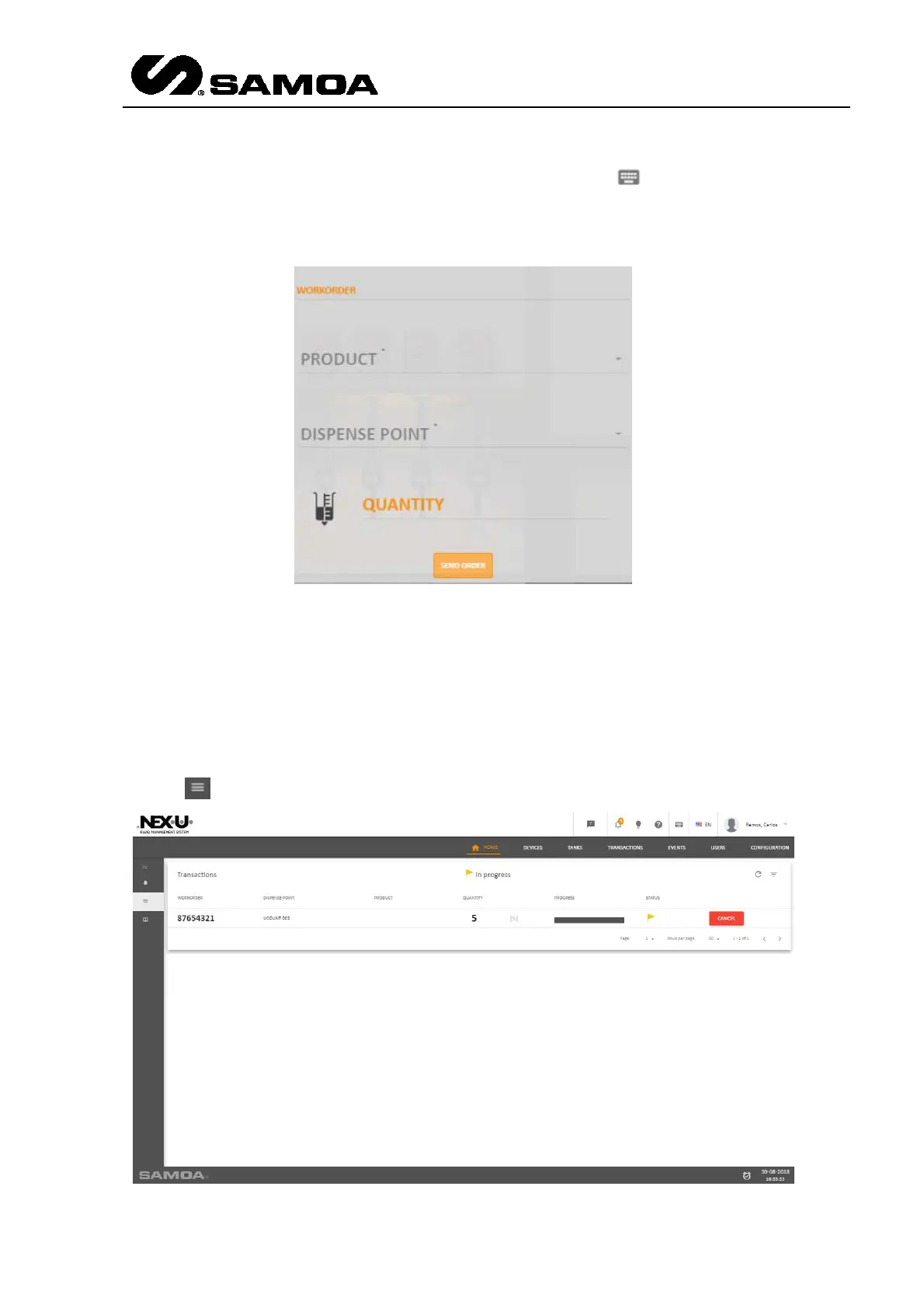
In the upper right part of the window you can find this icon: . This is the virtual
terminal and it allows creating transactions to deliver product. If you click the icon you
will see this window
Depending on the order mode, you can insert:
Workorder / Product / Dispense Point / Quantity
NOTE: When you choose a product, only the points in which you can dispense that
product are available.
In the left part you can see several icons that show the following items.
In the icon you can see the transactions in progress



 To Next Page