Rev 3 (XXXX 2019)
NexU INSTALLATION MANUAL
54
NOTE: the new parameters are stored in the non-volatile memory of the unit only
after reaching this last point. Any changes made previously without reaching the "OK!"
screen will not be saved.
4.4.8 LOCAL PARAMETERS SETUP ON UNET
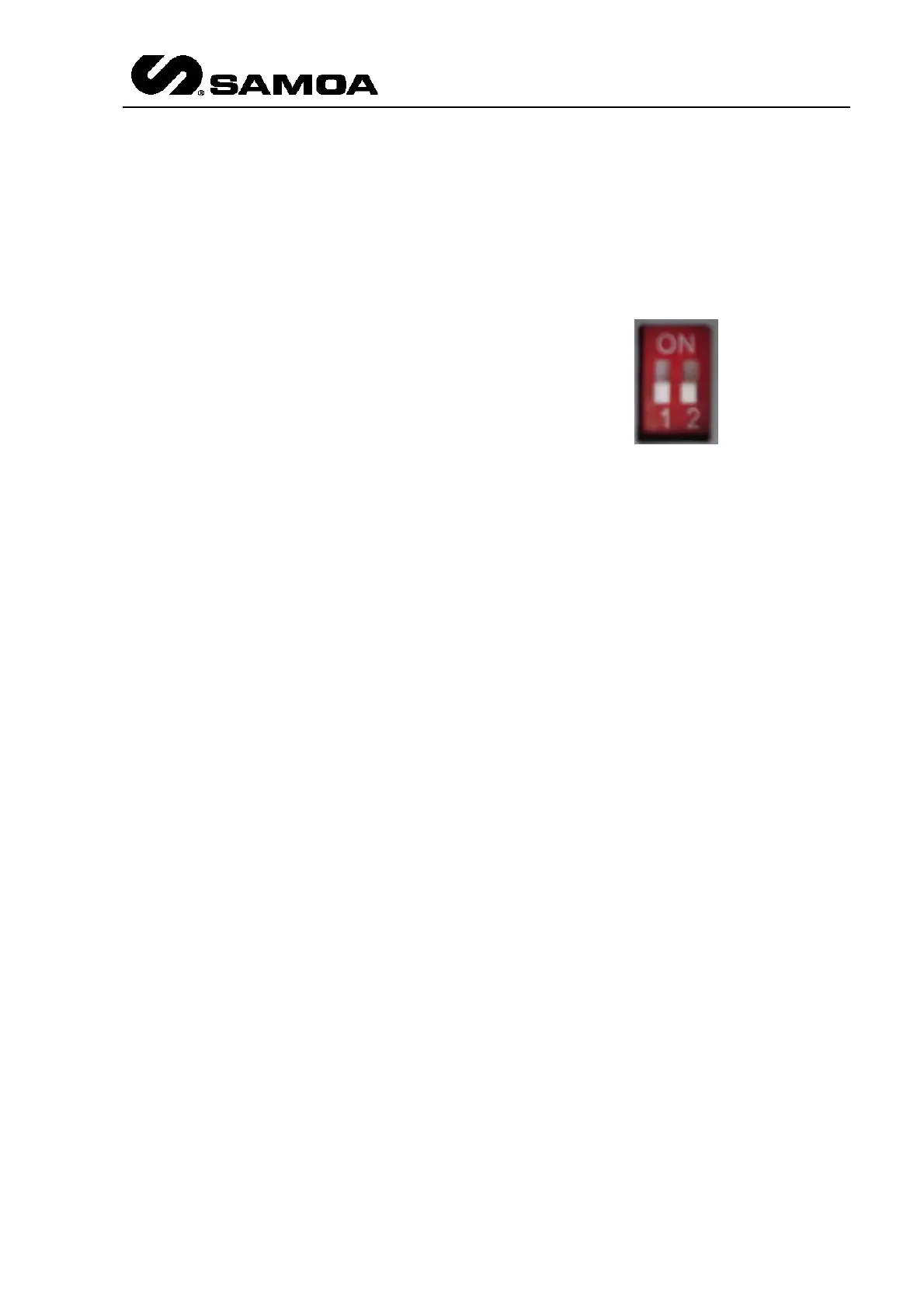
The only setting for the UNet is the
End of Line resistor. By default, it is
set to OFF.
If two switches are in the lower
position (as shown in the picture)
the EoL is OFF. If they are in the
upper position, the EoL is ON.
4.5 DIAGNOSIS OF THE NETWORK STATUS
When we have come to this point it is necessary to assure that the network works
correctly. To do this, a diagnosis of the same must be done:
As default,
1. All the green LEDs “CAN BUS” on the devices must be:
- Lighting.
- Must not be shut off from time to time.
2. No power LEDs on the devices must be blinking.
3. No LEDs on the UNet have to be continuously blinking.
This indicates that the CAN bus network works correctly.
To be able to continue with the next step of the start-up procedure of the
installation, the global parameters setup, it is essential that the network
works correctly.
If this is not the case, the cabling must be revised (connection errors, badly tightened
connections, etc...). The LEDS can delay their lightning a little after a problem has
been corrected, as they are controlled by error counters that are reset only after a
specific number of transmissions/receptions done successfully. To gain time the
installation power supply can be disconnected and connected.



 To Next Page