Rev 3 (XXXX 2019)
NexU INSTALLATION MANUAL
67
6.2.2.1 UTANK
If there are UTanks in the system, this is the first item you have to create. The
parameters are very simple.
Description: You can make a brief description of the UTank (i.e.: North Tank Room)
Communication Type: You can set if the UTank communication is either wired or
wireless
6.2.2.2 TANK
First of all I have to say that this is not a device of the system. In this menu you have
to define the parameters of the tank that contains each product already defined in the
previous tab.
Description: You can make a brief description of the Tank. Please be aware that we are
talking about the product contained in the tank but the tank itself.
Select Product: You have to choose the product that is contained in the tank. The
products will be the ones already defined in the previous tab.
Choose a colour: You can associate a colour to the product contained in the tank.
Select Tank: You can choose the shape of the tank. If you click, you will see a drop-
down menu. In that menu you will find several predefined tanks.
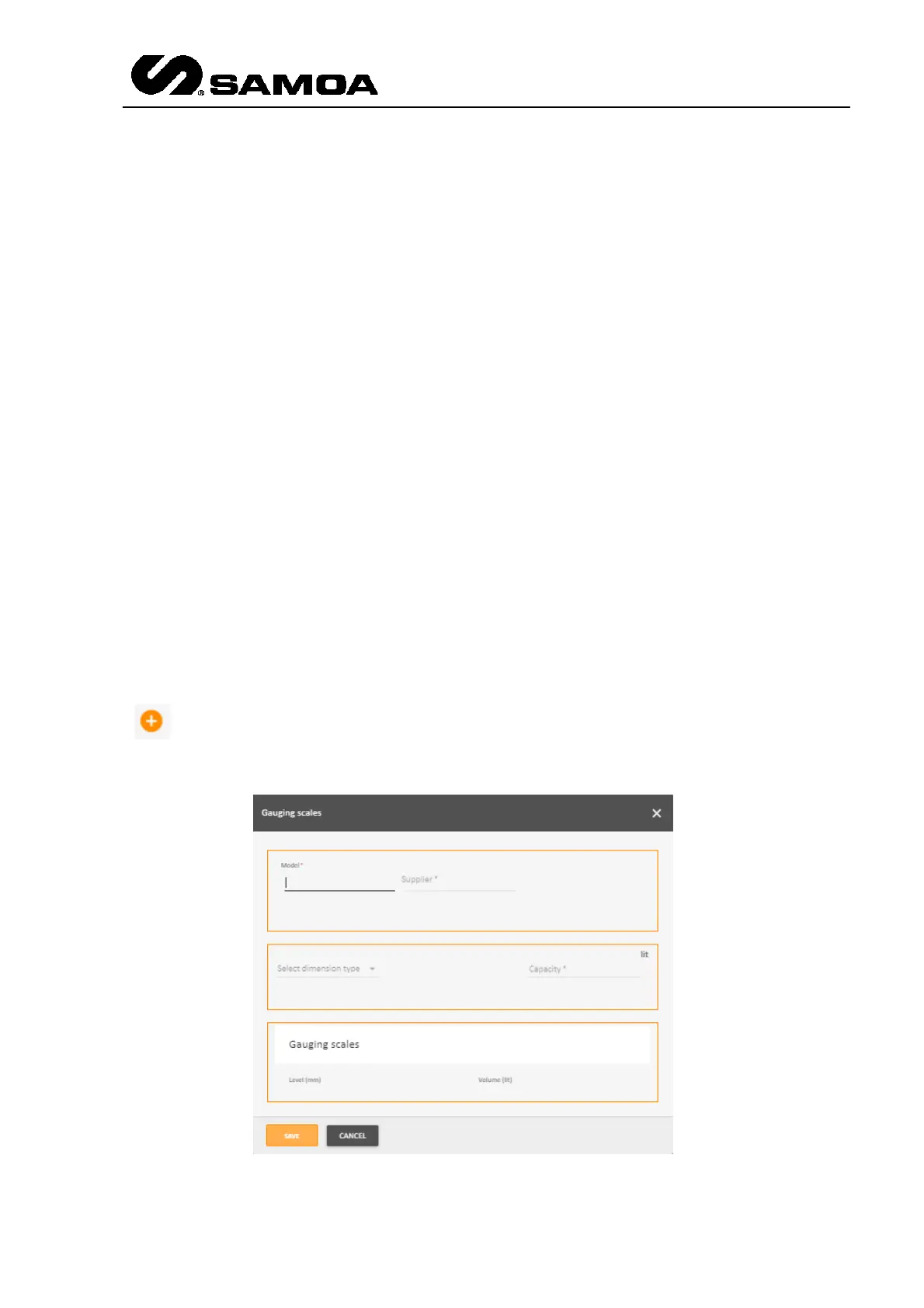
In any case, if the installed tank is not in the list, you can define the tanks with the
button. If you press it a pop up window will appear



 To Next Page