Rev 3 (XXXX 2019)
NexU INSTALLATION MANUAL
66
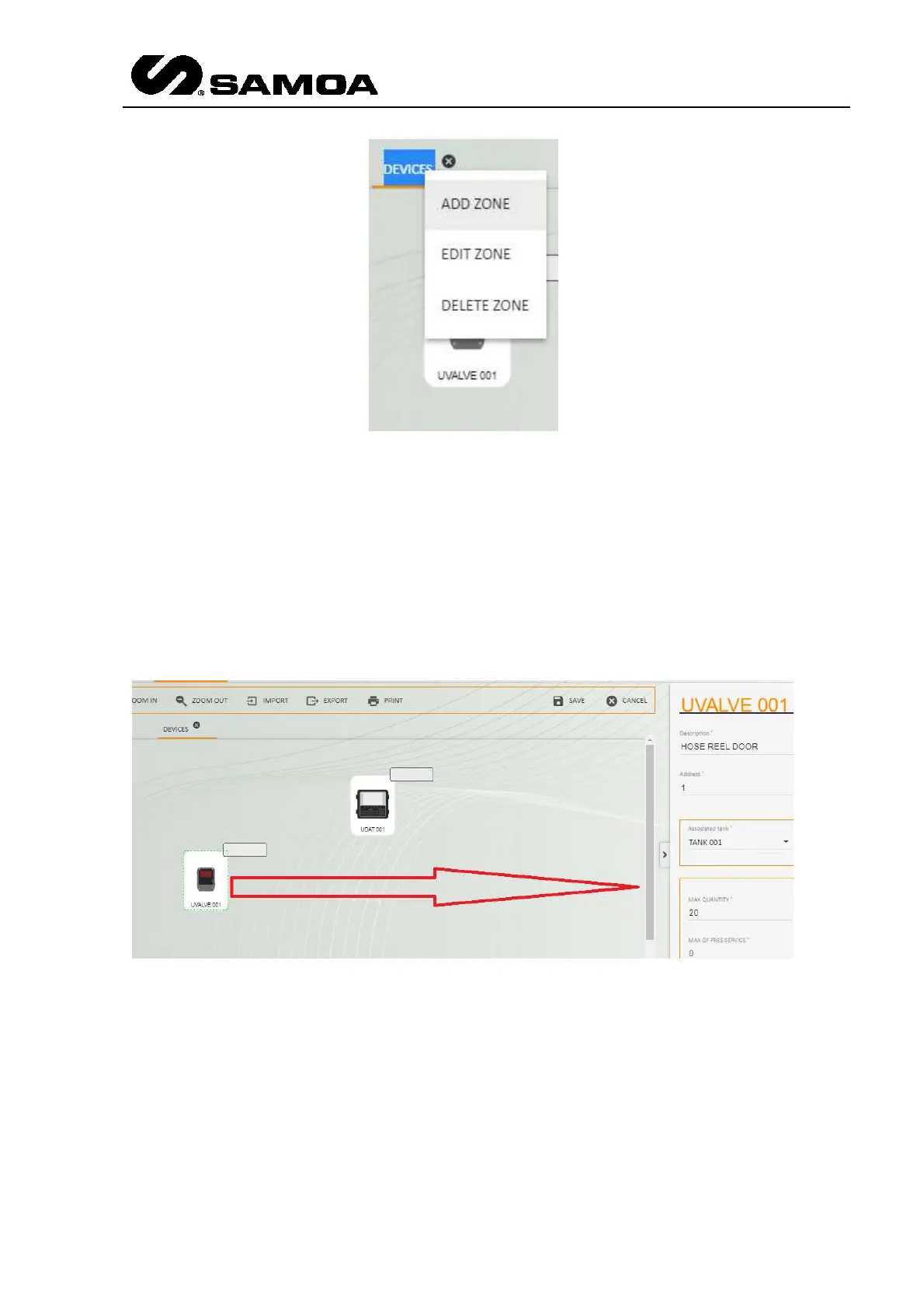
If you press ADD ZONE, a new one will appear. At the same time you can either delete
(DELETE ZONE) the zone or edit (EDIT ZONE) the name of the existing zone.
WARNING: If you delete the zone, all the elements included in that zone will
disappear.
Once the device has been dragged & dropped, click on it and a left window will appear.
You will be able to make the configuration in that window.
Let´s see how to make the configuration of all the elements.



 To Next Page