NexU
7 MANAGER
Once you open the IP address designed by
You have to go to
and then insert user and password.
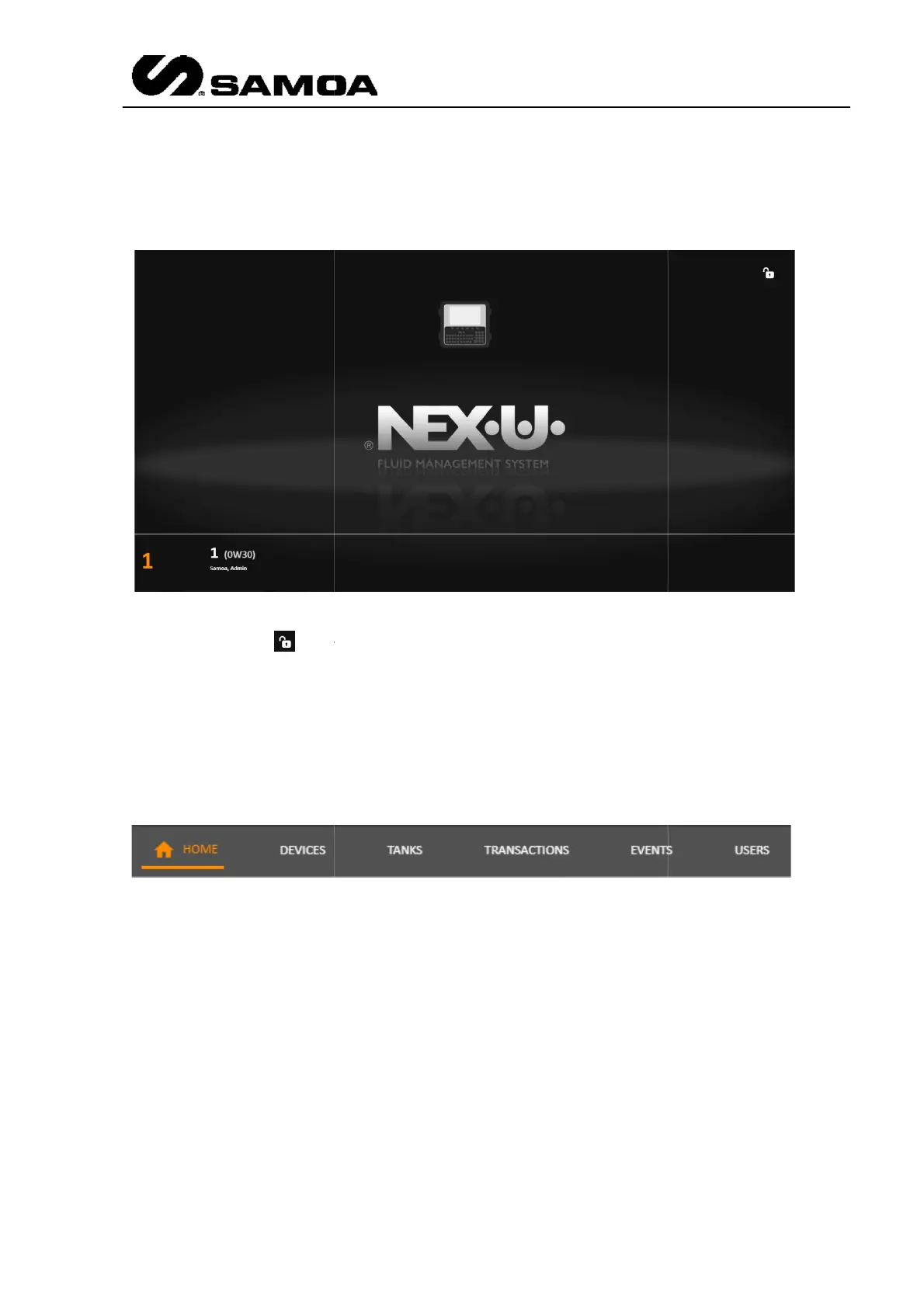
At
the left lower part of the screen you will see the number of transaction in progress
and details of the transactions. (In this case there is one transaction in progress, the
job order is 1,
The upper bar shows six different submenus
We will go through all of them to show all the possibilities.
Once you open the IP address designed by
the customer, you will get the
and then insert user and password.
the left lower part of the screen you will see the number of transaction in progress
and details of the transactions. (In this case there is one transaction in progress, the
0W3
0 and it has been made by Samoa, Admin)
The upper bar shows six different submenus
We will go through all of them to show all the possibilities.
)
78
the customer, you will get the
main screen.
the left lower part of the screen you will see the number of transaction in progress
and details of the transactions. (In this case there is one transaction in progress, the
0 and it has been made by Samoa, Admin)



 To Next Page