Rev 3 (XXXX 2019)
NexU INSTALLATION MANUAL
79
7.1 HOME
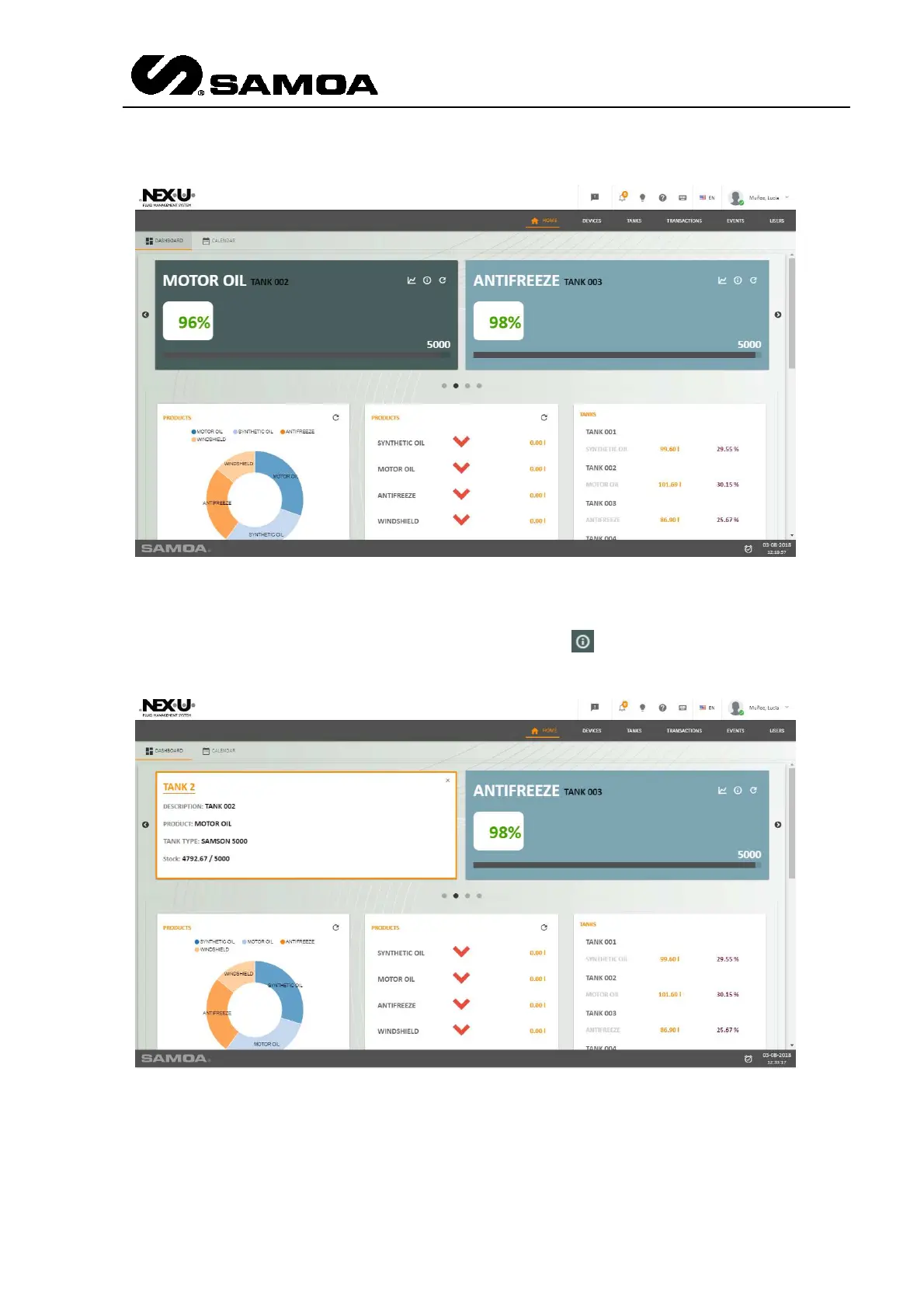
In the upper part you will see a rolling screen in which the situation of the tanks is
available.
In that upper right part of that sub-window you can see . If you press it, that sub-
windows will turn and it will show more data about that particular tank.
Below those sub-windows, you will find three more sub-windows. Left and right ones
indicate the percentage of total fluid consumption since first UTrack installation. The
one in the middle indicates the product variation referred to the previous month.



 To Next Page