Rev 3 (XXXX 2019)
NexU INSTALLATION MANUAL
56
6 SOFTWARE CONFIGURATION
6.1 INSTALLATION PROCESS
There is no installation process. In fact, UTrack is a program already installed in the
UNet and it runs with any browser (Google Chrome, Mozilla Firefox, Microsoft Edge,...).
The UTrack address is, by default
http://192.168.1.100:4000
In order to make the NexU configuration, it is highly recommendable to do it with a
particular PC the IPv4 network address range has to be 192.168.1.101
Once the UTrack configuration is made, the last of the steps will be to change the IPv4
network address according to the customer network.
NOTE: The customer has to give us a fixed IPv4 network address in order to connect
the UTrack. This action will allow the customer to access the UTrack from any PC /
laptop / mobile phone of the customer facilities (if there are no restrictions from IT
department)
6.1.1 HOW TO CHANGE THE IPv4 ADDRESS FOR A LOCAL NETWORK
As we have already said, configuration can be made in a local PC. His PC has to be in
the same range as the one of the UNet. This is the procedure to do it.
The first thing that has to be made is connecting the Ethernet wire from the UNet to
the PC. Then a local network will be automatically created (in this example, the name
for the network is
Ethernet 2
).
Windows 10
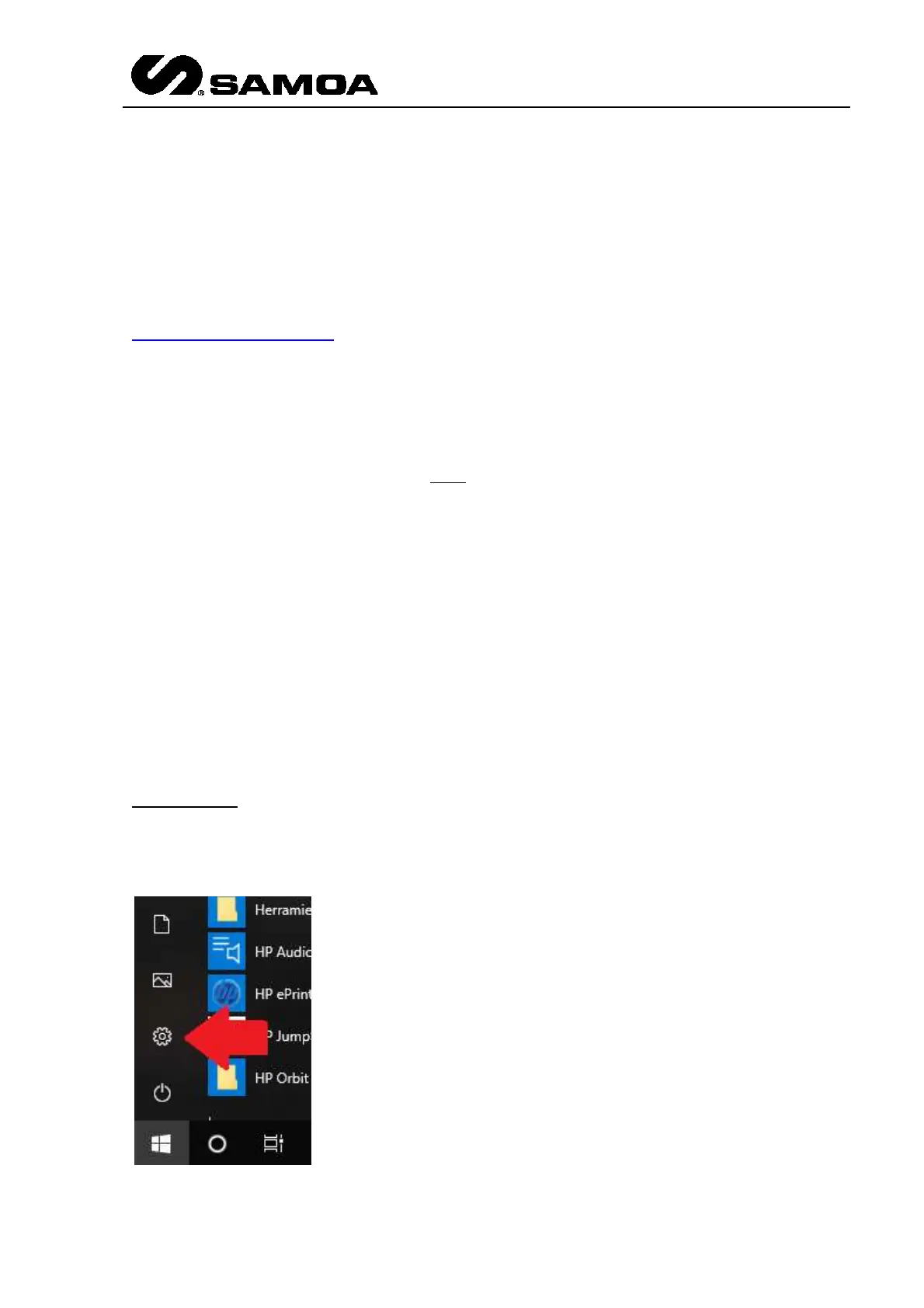
Press the Windows Icon and go to the configuration menu



 To Next Page