Rev 3 (XXXX 2019)
NexU INSTALLATION MANUAL
84
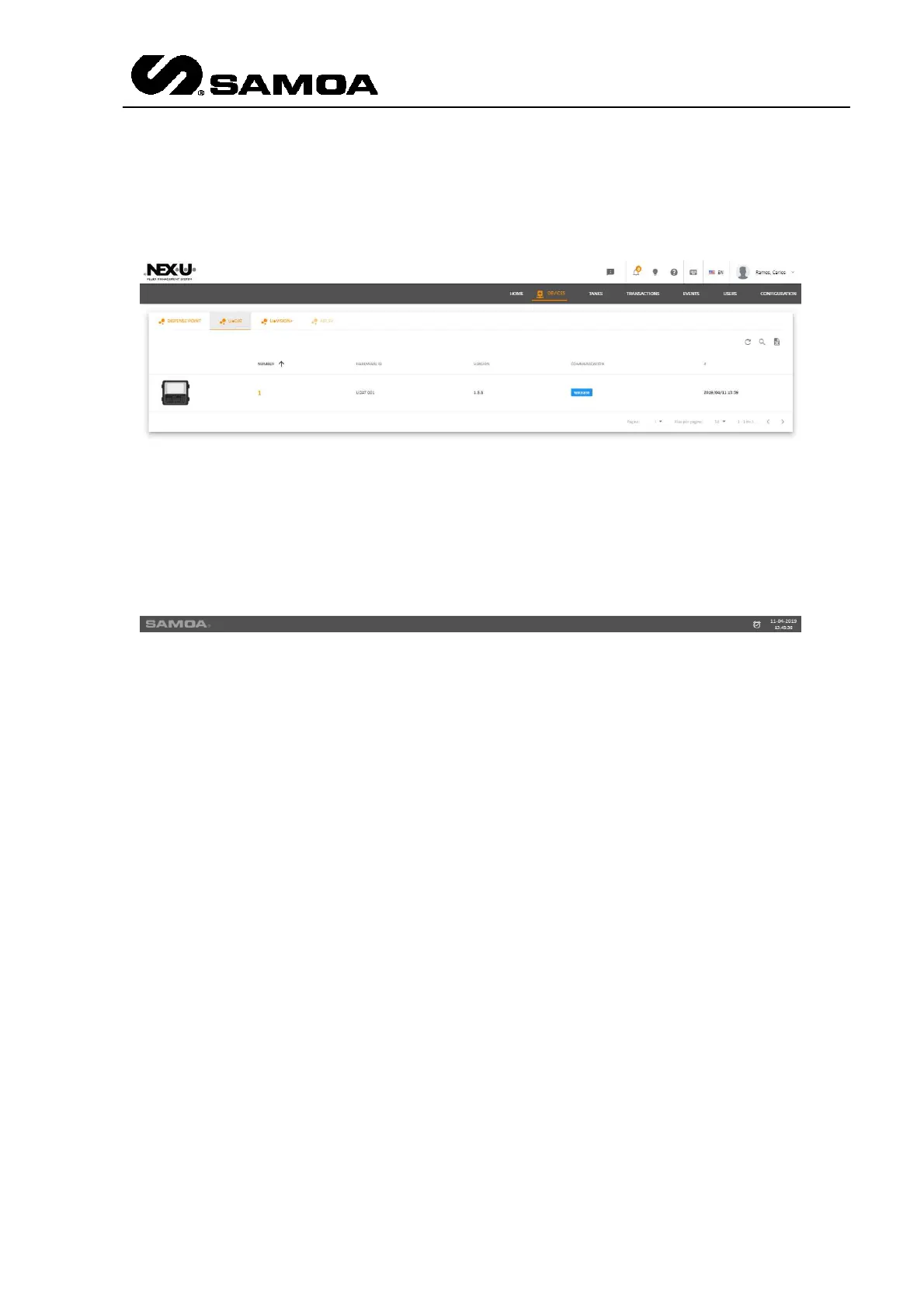
7.2.2 UDAT
This screen shows a complete situation of the connected UDats. Also in this window
you can change some of the parameters.
First column: There is a little picture of the device.
Second column: The address is shown. It represents the number of the local
parameter.
Third column: It shows the description of the device. This description is the one that
was set in the configuration menu.
Fourth column: It shows the loaded device firmware version.
Fifth column: It shows the way the device is connected. It can be either wired or Wi-Fi
linked.
Sixth column: A date/time is shown as well. This indicates the last moment in which
right communication was held between the UNet and the device. If date/time is old, it
means that there is something wrong with the communication.



 To Next Page