Rev 3 (XXXX 2019)
NexU INSTALLATION MANUAL
73
6.2.2.10 AIR SV
Description: You can make a brief description of the Solenoid Valve (i.e.: North Tank
Room Solenoid Valve)
Selected UTank: You have to set the UTank number which the Solenoid Valve is
connected to.
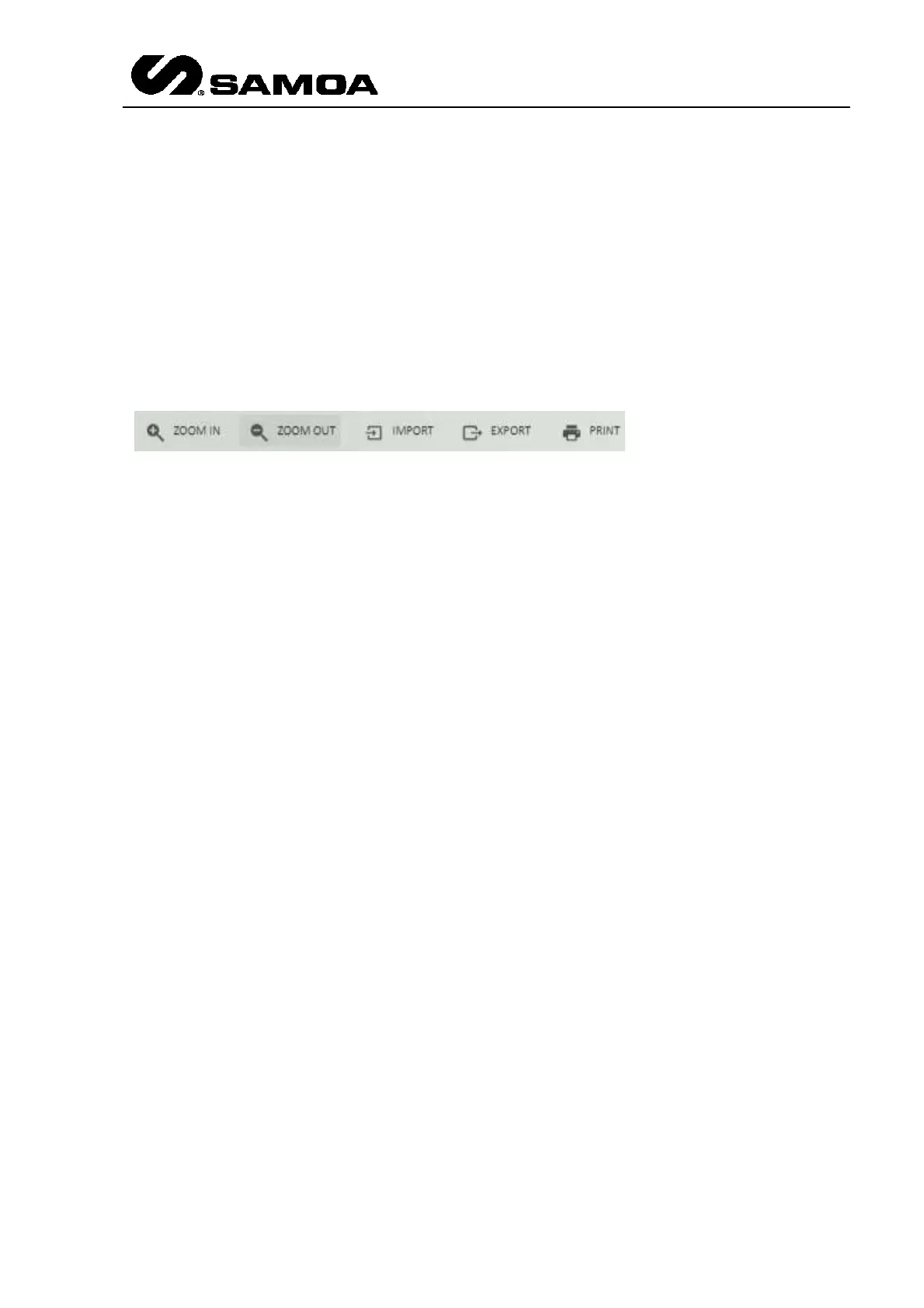
In the upper part of the Devices Screen you will see five icons
Zoom in: This option makes the icons bigger.
Zoom out: This option makes the icons smaller.
Import: This option allows importing a configuration from a file called scala.xml. This
importation is made for each zone, that is to say, if you have two zones (i.e. Tanks and
Devices) you will have to import two scala.xml files.
Export: Once the configuration is made, if this icon is pressed, a file called scala.xml is
created for each zone. The entire configuration is recorded in that file. It can be used
as a backup.
Print: It makes a print of the configuration picture.



 To Next Page