Rev 3 (XXXX 2019)
NexU INSTALLATION MANUAL
75
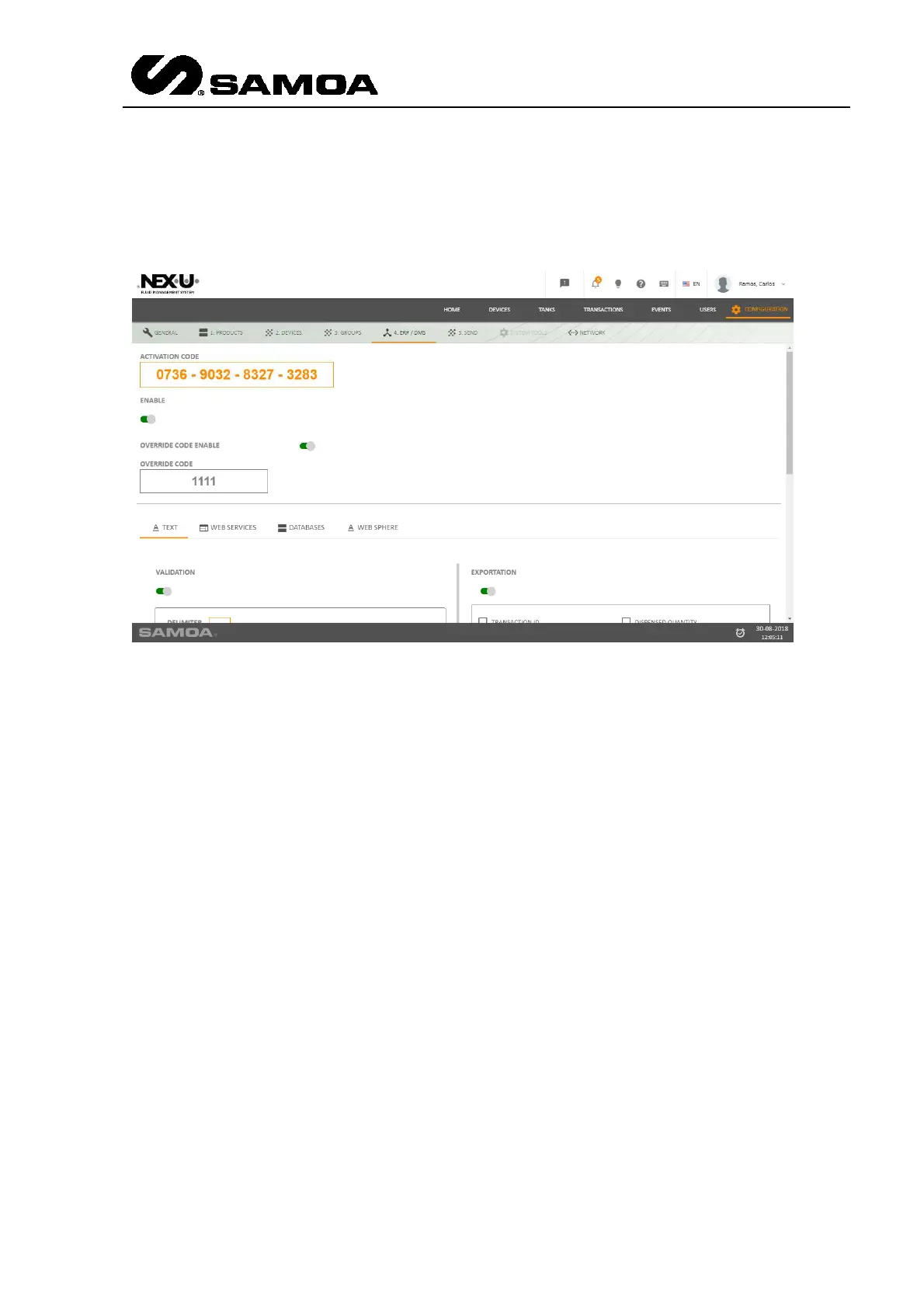
6.2.4 ERP / DMS
When the system is connected to a DMS, it need to be activated with a code. This code
has to be inserted in this window.
As well, there is an option called “Enable”. If you choose it, the DMS link is enabled. If
not, the DMS link is not enabled and there is no link with the Data Management
System.
If the DMS link is enabled and the user does not know any valid work order, there is a
possibility which is inserting the Override Code Enable which is set in this window.
In the bottom part of the window, you can choose the DMS link type (Text, Web
Services, Databases, Web Sphere) and make the customization for each particular
case.



 To Next Page