Rev 3 (XXXX 2019)
NexU INSTALLATION MANUAL
59
6.2 CONFIGURATION PROCESS
This process has to be made by a superuser (user with installation rights).
As default, the credentials for a superuser are
Name: technician@samsoncorporation.com
Password: TECH5678
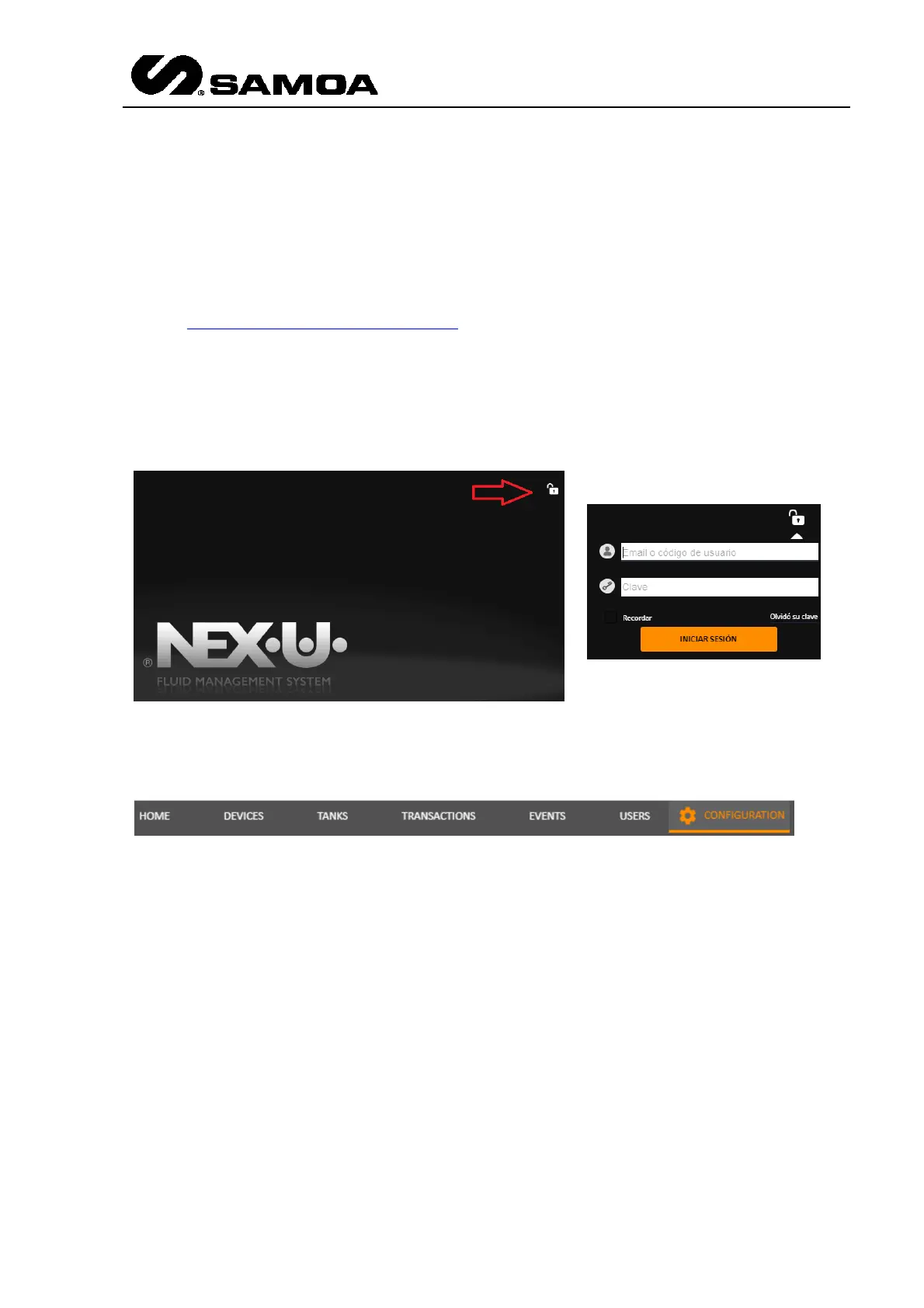
You have to press the padlock at the upper right part of the screen and insert the
Superuser credentials
Once you enter, you will see the configuration option in the upper right part
Press that option and you will see a home page with a brief summary of the installation
(if it is not new). It is under the Option “General”.
In this screen you have to set in the “Order Mode” how you want to work. There are
several options
Multivalidation: (NexU is linked to a DMS). When the user inserts certain parameters
(to be defined. i.e. Job order, plate number,…) the UTrack checks it in the customer
DMS.
Preset: (Validated Preset Transactions). The customer records job orders that will be
executed later. The final user will insert the job order and the hose reel. The quantity
is set in the preset process.
ERP Preset: UTrack with ACP. Quantity from customer.



 To Next Page