Rev 3 (XXXX 2019)
NexU INSTALLATION MANUAL
65
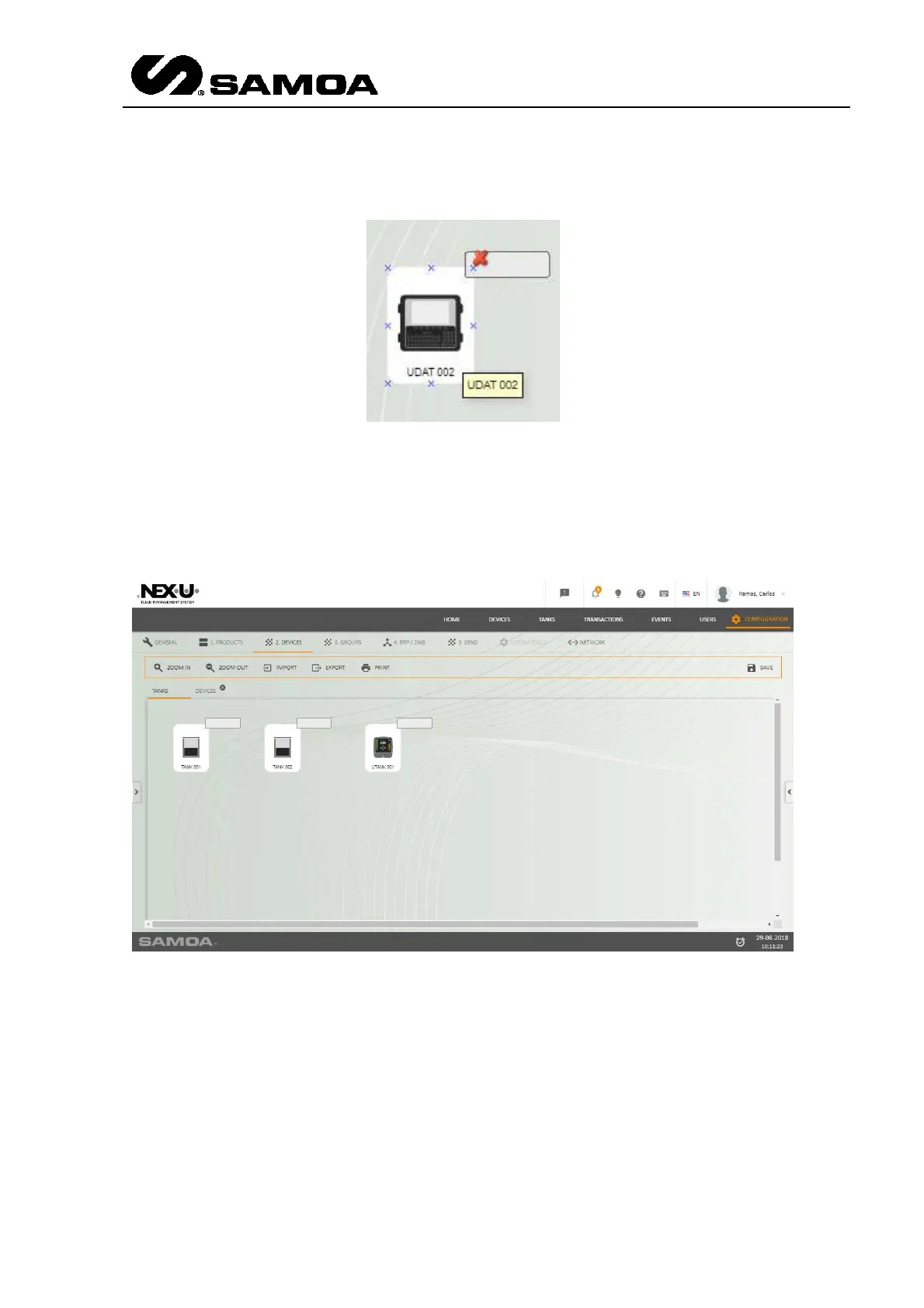
If you want to eliminate the device, you have to put the mouse on it. A red cross will
appear and if you click it, it will be deleted.
By default you will see two tabs: Tanks and Devices.
This has been made to make the configuration a little bit easier.
In the first one (Tanks) you can drag the devices related to the Tanks (Tanks and
UTanks). In the second one you can drag the rest of the elements. In any case, if you
want to create more tabs, you can double-click in any of the active tabs and a pop up
window will appear.



 To Next Page