Rev 3 (XXXX 2019)
NexU INSTALLATION MANUAL
102
To start dispensing, follow the following procedure:
1. OPERATOR
Select the “operator” field on the screen and enter your code by keyboard. Then, press
.
Optionally, you can log in by using RFID or magnetic key if these devices have been
provided to you.
2. ORDER
In the “order” menú, select the “work order” field and enter the order you want to
execute. Press to confirm.
3. PRODUCT
Select the product field on the screen and use the shortcut keys associated with the
navigation buttons to select the fluid to dispense. Then, select the
dispensing point field on the screen and, using , select the desired hose
reel.
Press to confirm.
4. QUANTITY
Select the “Quantity” field on the screen and enter the volume to be dispensed using
the keyboard. Press to confirm.
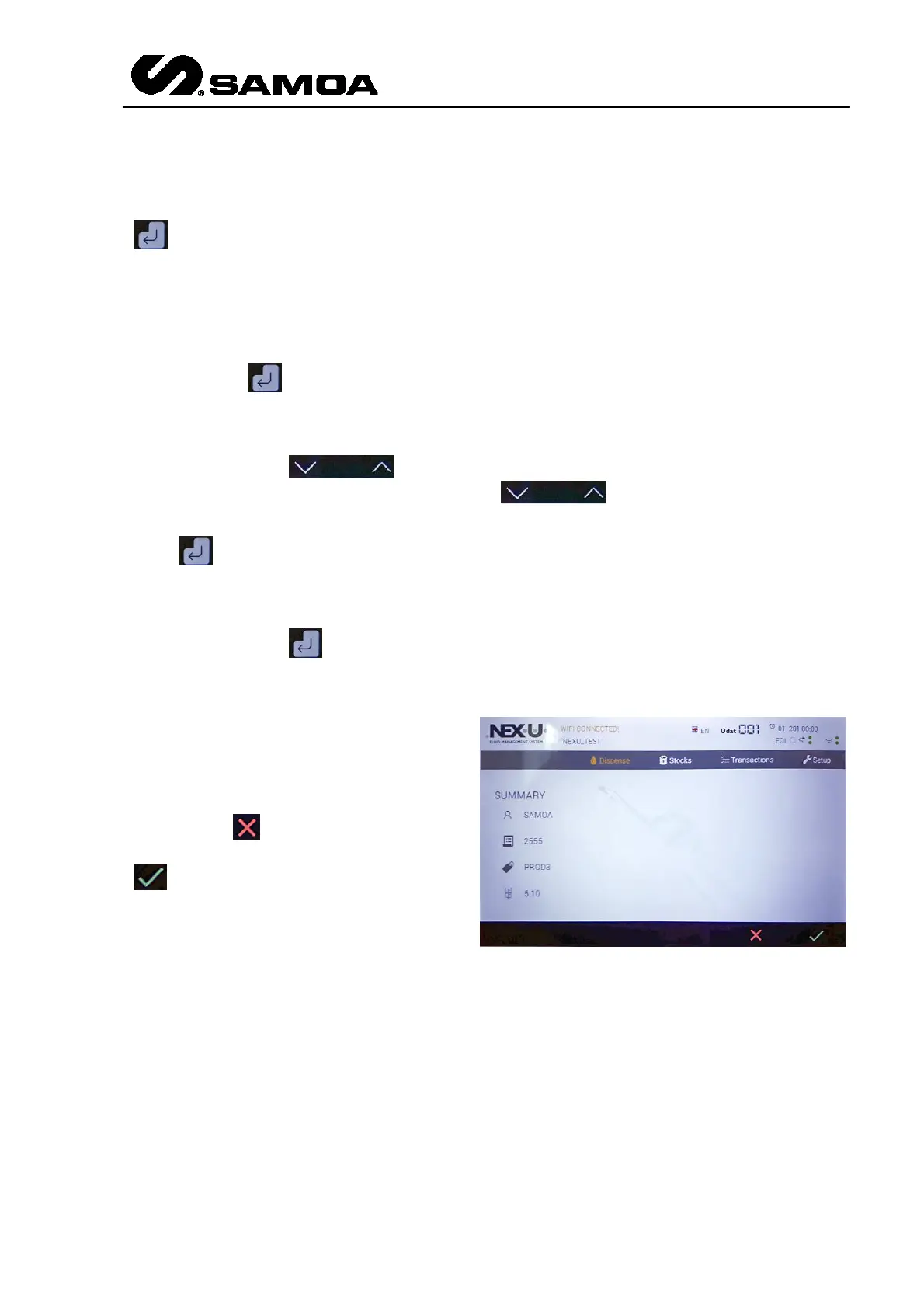
5. SUMMARY AND CONFIRMATION
Finally, a summary screen that
presents all the data entered in the
4 previous steps is displayed on the
screen. If any of these parameters
need to be modified press the
cancel key and if they are
correct press the confirmation key
to start the dispensing.
TRANSACTIONS IN PROGRESS
Immediately after launching a
transaction from the “dispense”
menú, the “transactions in
progress” screen is displayed
(figure 18).
All transactions in progress are
displayed on the screen. Using the
navigation buttons (1) and (2) you
can scroll through the list.
EMERGENCY STOP
Transactions in progress can be stopped by pressing the cancellation button (3). Then,
the cancellation confirmation of the order will be displayed on the screen (figure 19).



 To Next Page