Rev 3 (XXXX 2019)
NexU INSTALLATION MANUAL
62
Once you have finished, press SAVE to save the changes.
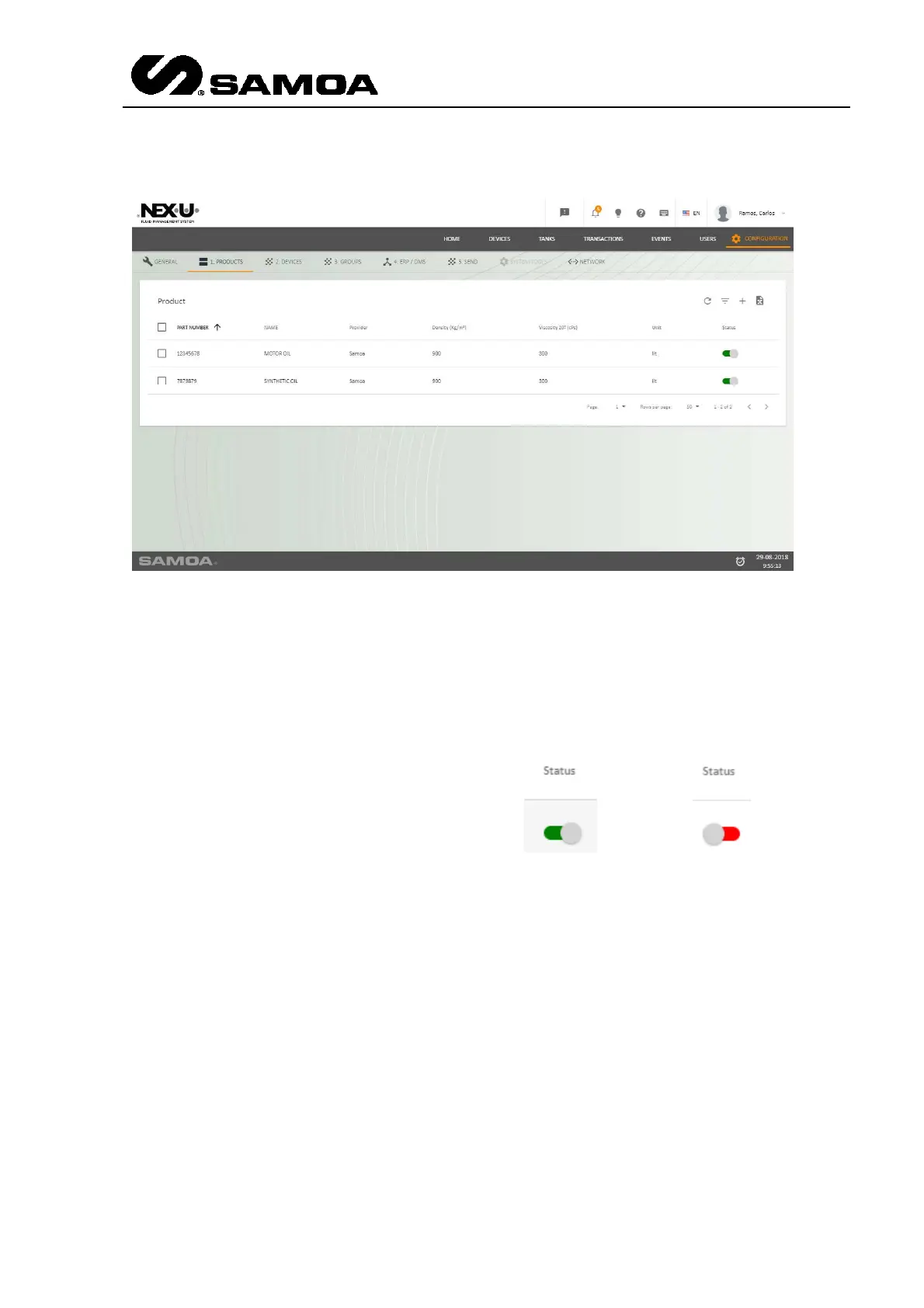
Once it is created you see the list in the screen.
At the end of the line you can see a column with “Status”. If it is active (green) it
means that the product is active and it is part of the installation.
If the customer stops using that
product, you have to create a new
one and deactivate the previous
one (click in the button and it will
be red). The product that is not
used any more will not be removed
from the system.



 To Next Page