100 • seca 655/654
17-10-07-654-100_01-2020B
7. Read off the measuring result.
8. You have the following options for continuing:
► Completing the measurement ➔ Completing the measurement
procedure, page 105
► Clearing measuring results: Press key
6.5 Using extended weighing functions
Taring additional weight (tare)
Use the Tare function to prevent an additional weight (e.g. a towel) from
affecting the patient’s weight value.
NOTICE!
Incorrect measurement as a result of force shunt
If an additional weight, e.g. a large towel, touches the surface on
which the scale is stood, the weight will not be measured correctly.
► Make sure that additional weights are only placed on the scale's
weighing platform.
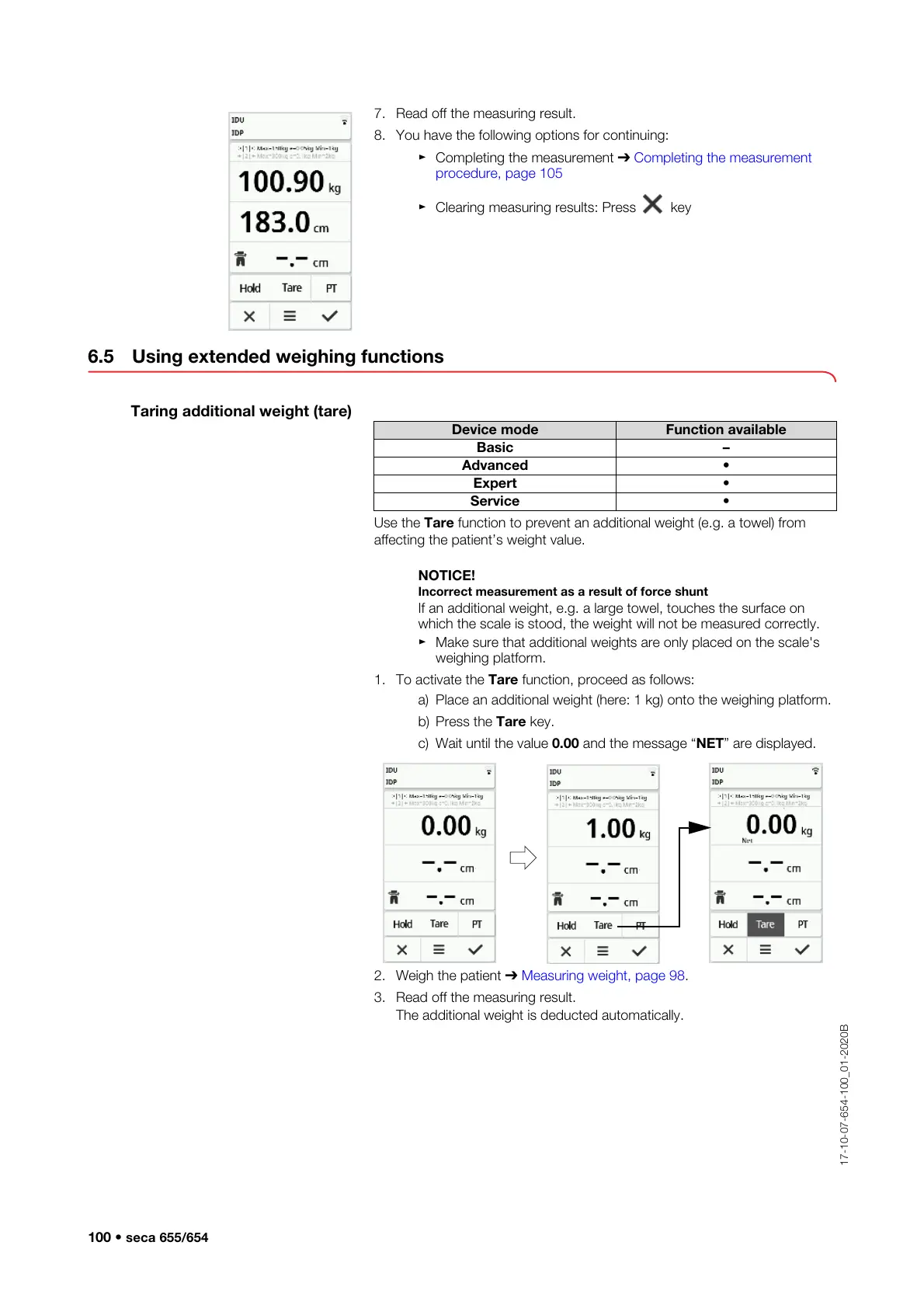
1. To activate the Tare function, proceed as follows:
a) Place an additional weight (here: 1 kg) onto the weighing platform.
b) Press the Tare key.
c) Wait until the value 0.00 and the message “NET” are displayed.
2. Weigh the patient ➔
Measuring weight, page 98.
3. Read off the measuring result.
The additional weight is deducted automatically.
Device mode Function available
Basic –
Advanced •
Expert •
Service •



 To Next Page