118 • seca 655/654
17-10-07-654-100_01-2020B
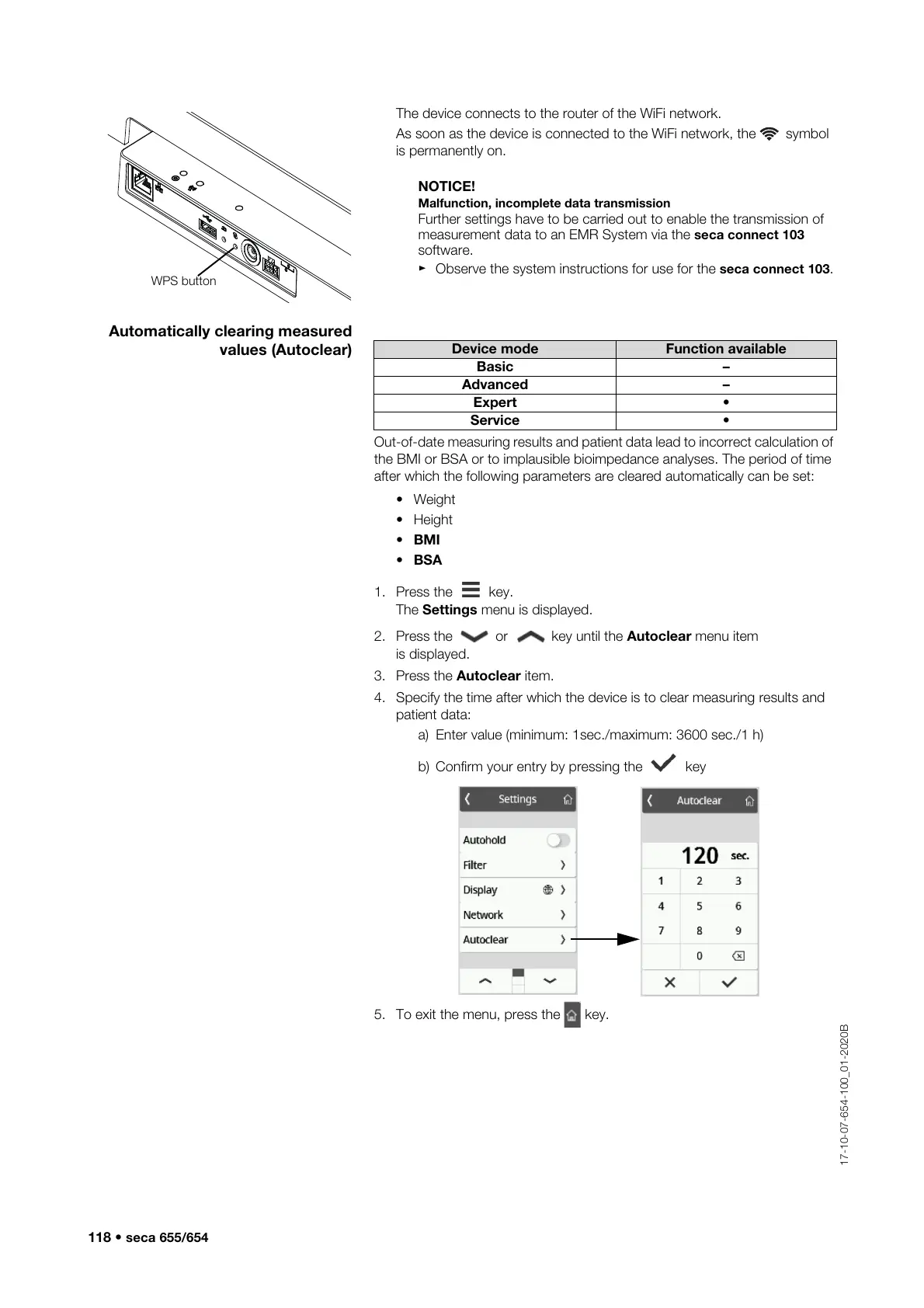
The device connects to the router of the WiFi network.
As soon as the device is connected to the WiFi network, the symbol
is permanently on.
NOTICE!
Malfunction, incomplete data transmission
Further settings have to be carried out to enable the transmission of
measurement data to an EMR System via the seca connect 103
software.
► Observe the system instructions for use for the seca connect 103.
Automatically clearing measured
values (Autoclear)
Out-of-date measuring results and patient data lead to incorrect calculation of
the BMI or BSA or to implausible bioimpedance analyses. The period of time
after which the following parameters are cleared automatically can be set:
•Weight
•Height
• BMI
• BSA
1. Press the key.
The Settings menu is displayed.
2. Press the or key until the Autoclear menu item
is displayed.
3. Press the Autoclear item.
4. Specify the time after which the device is to clear measuring results and
patient data:
a) Enter value (minimum: 1sec./maximum: 3600 sec./1 h)
b) Confirm your entry by pressing the key
5. To exit the menu, press the key.
Device mode Function available
Basic –
Advanced –
Expert •
Service •



 To Next Page