Operation • 105
17-10-07-654-100_01-2020B
6.6 Completing the measurement procedure
NOTICE!
Incorrect measuring results
On devices that are equipped with a scanner holder, the barcode
scanner and the barcode scanner holder lie in the weighing-sensitive
area and can falsify the measuring result.
► Hang the barcode scanner in the holder.
Devices with connection to an EMR
System
To complete a measurement on devices that are connected to an EMR
System, proceed as follows:
1. Make sure that the displayed measured values are plausible.
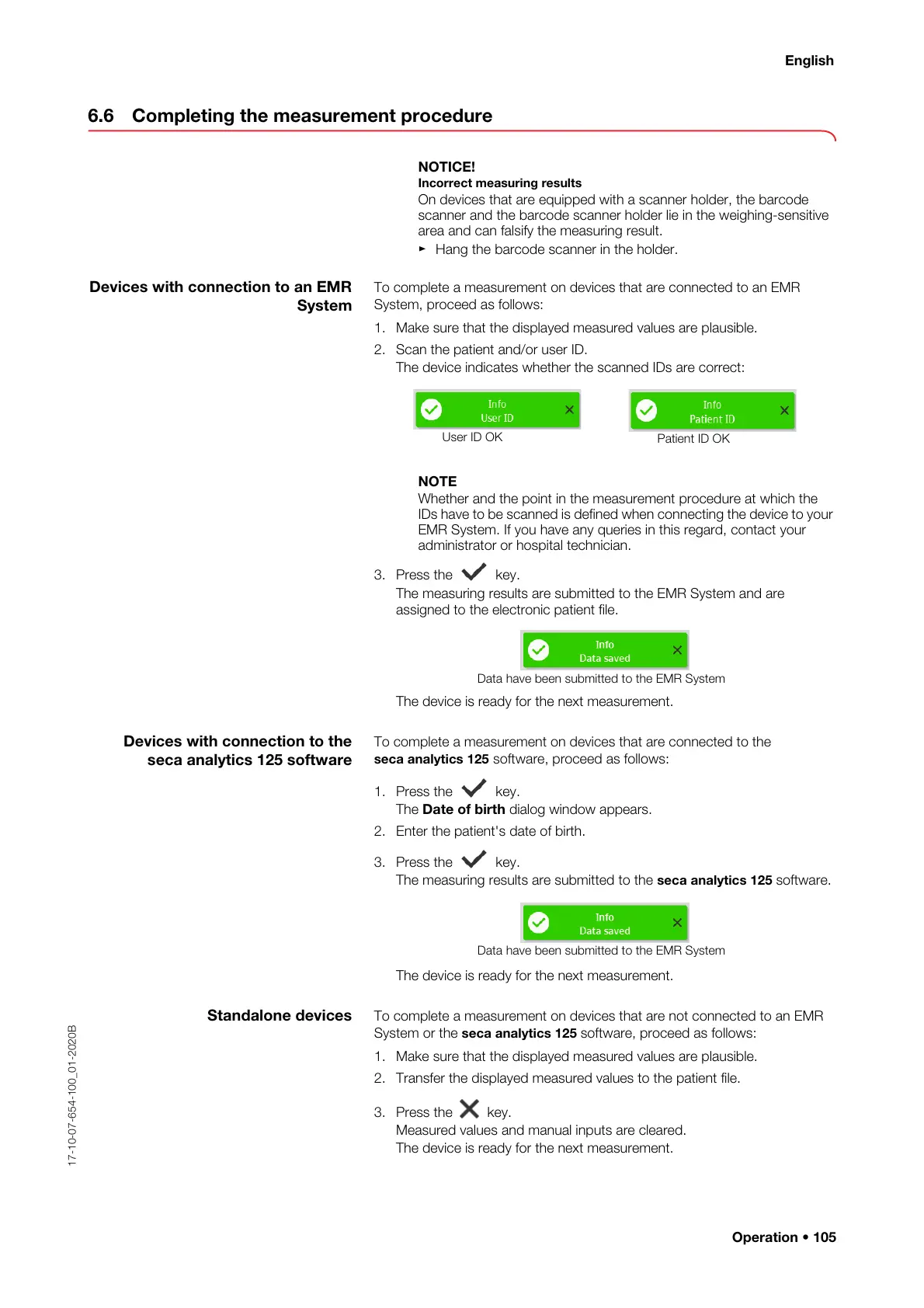
2. Scan the patient and/or user ID.
The device indicates whether the scanned IDs are correct:
NOTE
Whether and the point in the measurement procedure at which the
IDs have to be scanned is defined when connecting the device to your
EMR System. If you have any queries in this regard, contact your
administrator or hospital technician.
3. Press the key.
The measuring results are submitted to the EMR System and are
assigned to the electronic patient file.
The device is ready for the next measurement.
Devices with connection to the
seca analytics 125 software
To complete a measurement on devices that are connected to the
seca analytics 125 software, proceed as follows:
1. Press the key.
The Date of birth dialog window appears.
2. Enter the patient's date of birth.
3. Press the key.
The measuring results are submitted to the seca analytics 125 software.
The device is ready for the next measurement.
Standalone devices To complete a measurement on devices that are not connected to an EMR
System or the seca analytics 125 software, proceed as follows:
1. Make sure that the displayed measured values are plausible.
2. Transfer the displayed measured values to the patient file.
3. Press the key.
Measured values and manual inputs are cleared.
The device is ready for the next measurement.
Data have been submitted to the EMR System
Data have been submitted to the EMR System



 To Next Page