114 • seca 655/654
17-10-07-654-100_01-2020B
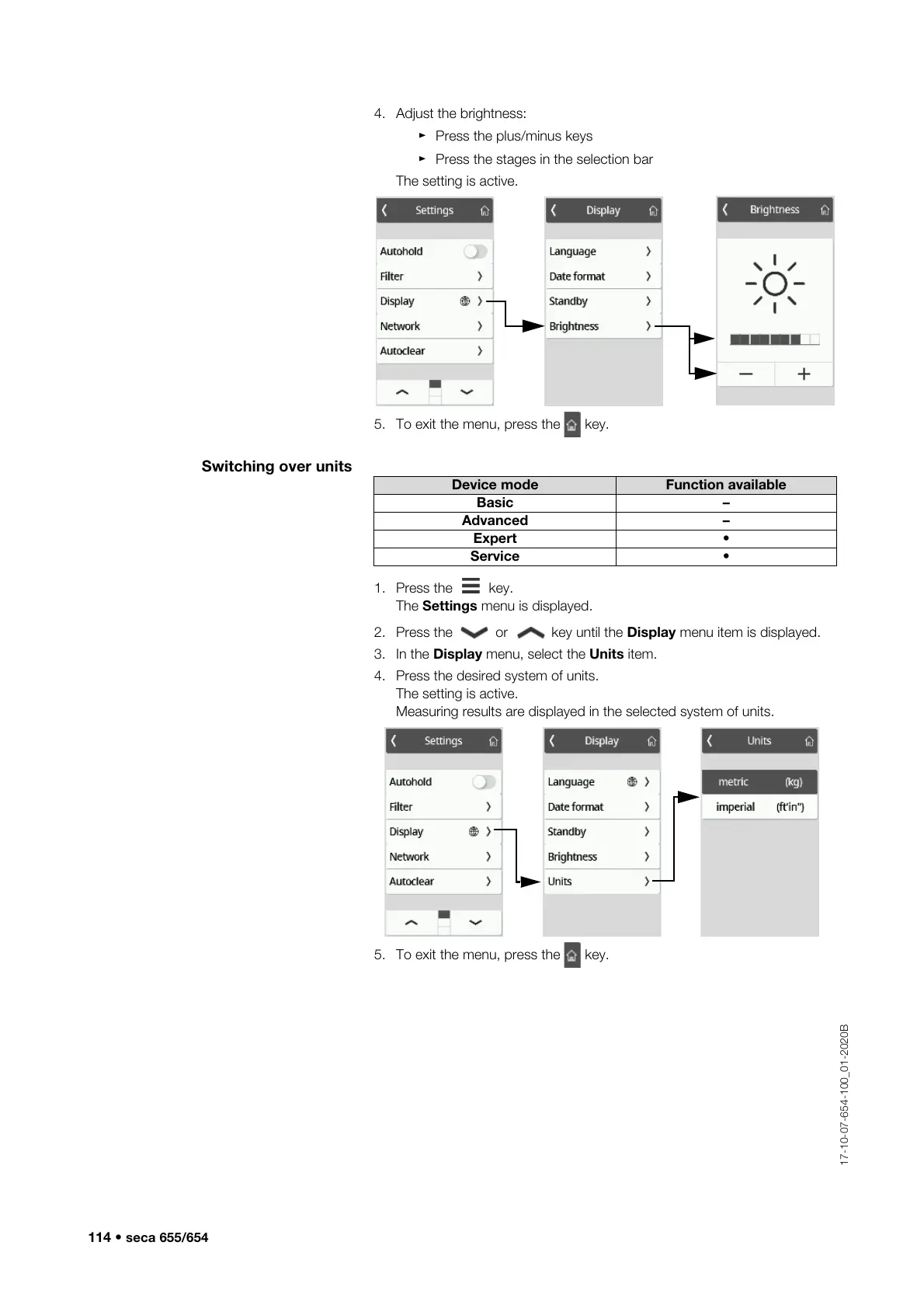
4. Adjust the brightness:
► Press the plus/minus keys
► Press the stages in the selection bar
The setting is active.
5. To exit the menu, press the key.
Switching over units
1. Press the key.
The Settings menu is displayed.
2. Press the or key until the Display menu item is displayed.
3. In the Display menu, select the Units item.
4. Press the desired system of units.
The setting is active.
Measuring results are displayed in the selected system of units.
5. To exit the menu, press the key.
Device mode Function available
Basic –
Advanced –
Expert •
Service •



 To Next Page