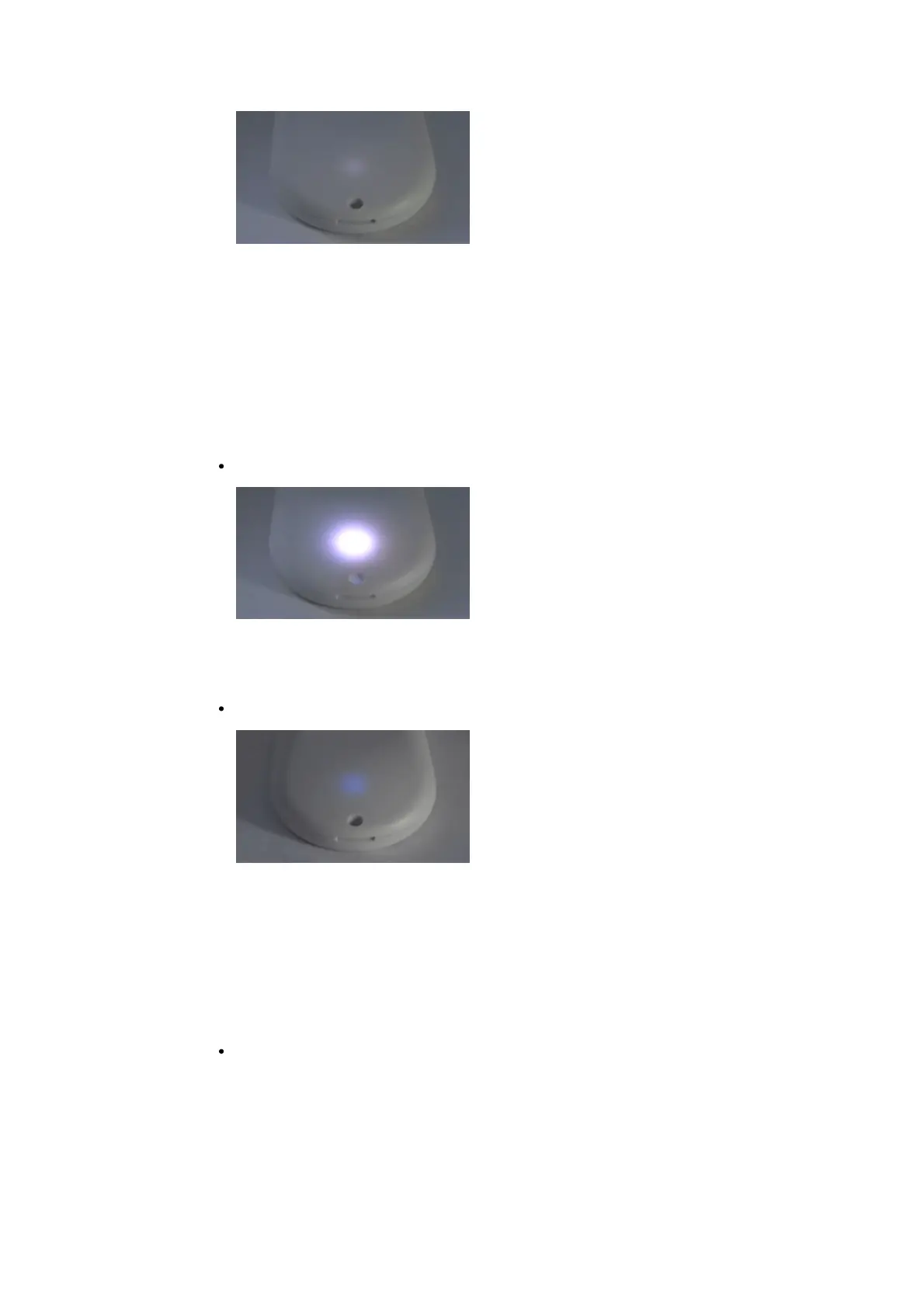
AP mode is the openSPOT4's default mode of operation if no Wi-Fi
networks have been configured.
The LED will show this state if the openSPOT4 is broadcasting its own Wi-
Fi network called openSPOT4 AP. See the Connecting the openSPOT4 to a
Wi-Fi network section for information on how to connect to this access
point and set up the openSPOT4.
If the openSPOT4 is already connected to a Wi-Fi network and you want to
turn off access point (AP) mode, then press the Wi-Fi button for 3 seconds.
Access point (AP) mode active, client connected:
The LED will show this state if you've connected your browser device
(phone/tablet/computer) to the openSPOT4's own Wi-Fi network called
openSPOT4 AP.
openSPOT4 is trying to connect to a Wi-Fi network:
Connecting to a Wi-Fi network should only take max. 10 seconds. If the
LED is showing this state for too long, then please make sure you are in the
range of a previously set Wi-Fi network, or turn on AP mode by pressing
the Wi-Fi button for 3 seconds, and set up a new Wi-Fi connection again.
See the Connecting the openSPOT4 to a Wi-Fi network information on how
to set up a Wi-Fi network connection in AP mode.
Also please refer to the troubleshooting section for additional help.
openSPOT4 is connected to the Wi-Fi network and trying to connect to the
selected server:



 To Next Page