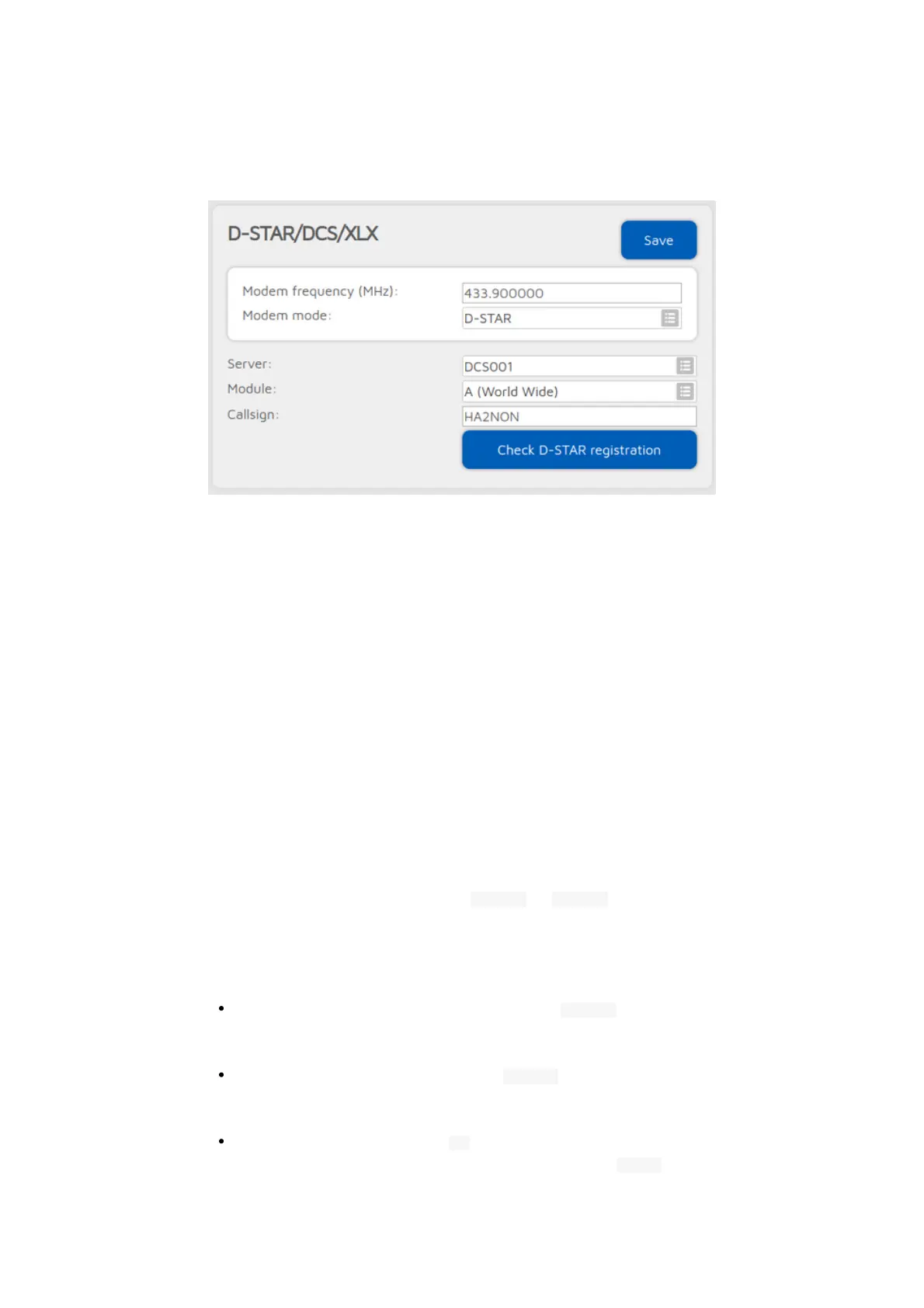
DCS/XLX connector
You can use this connector to connect to a network which supports the DCS
protocol like DCS or XLX.
The easiest way is to use the Quick setup to connect to these networks.
DCS and XLX servers usually do not need a valid D-STAR® registration, but you
can check your callsign's registration by clicking on the Check D-STAR®
registration button.
If you want to talk on a DCS or XLX reflector, set the URCALL on your radio to
CQCQCQ, and the local module to D in the openSPOT4. Make sure you have
not entered any space characters in your radio before or after CQCQCQ in the
URCALL.
Switching reflectors/gateways using your radio
URCALL/your call method
You can switch reflectors using your radio by starting a short call to their names
as the destination callsign (URCALL), like DCS001 A , or XLX001 A . Set the desired
remote module as the last character of the URCALL. You can switch to
gateways the same way.
The URCALL/your call method lets youe change to the following server types:
REF/XRX/Gateway: set the URCALL to for example REF001 C . Switching to
REF/XRF servers or gateways this way changes the openSPOT4's active
connector to the REF/XRF connector.
DCS/XLX: set the URCALL to for example DCS001 A . Switching to DCS/XLX
servers this way changes the openSPOT4's active connector to the DCS/XLX
connector.
BrandMeister: set the URCALL to BM followed by the BrandMeister server
ID. Example: starting a call to destination callsign (URCALL) BM2162



 To Next Page