UsingtheWires-Xbutton
Here'savideoabouttheopenSPOT2'sWires-Xbuttonsupport:
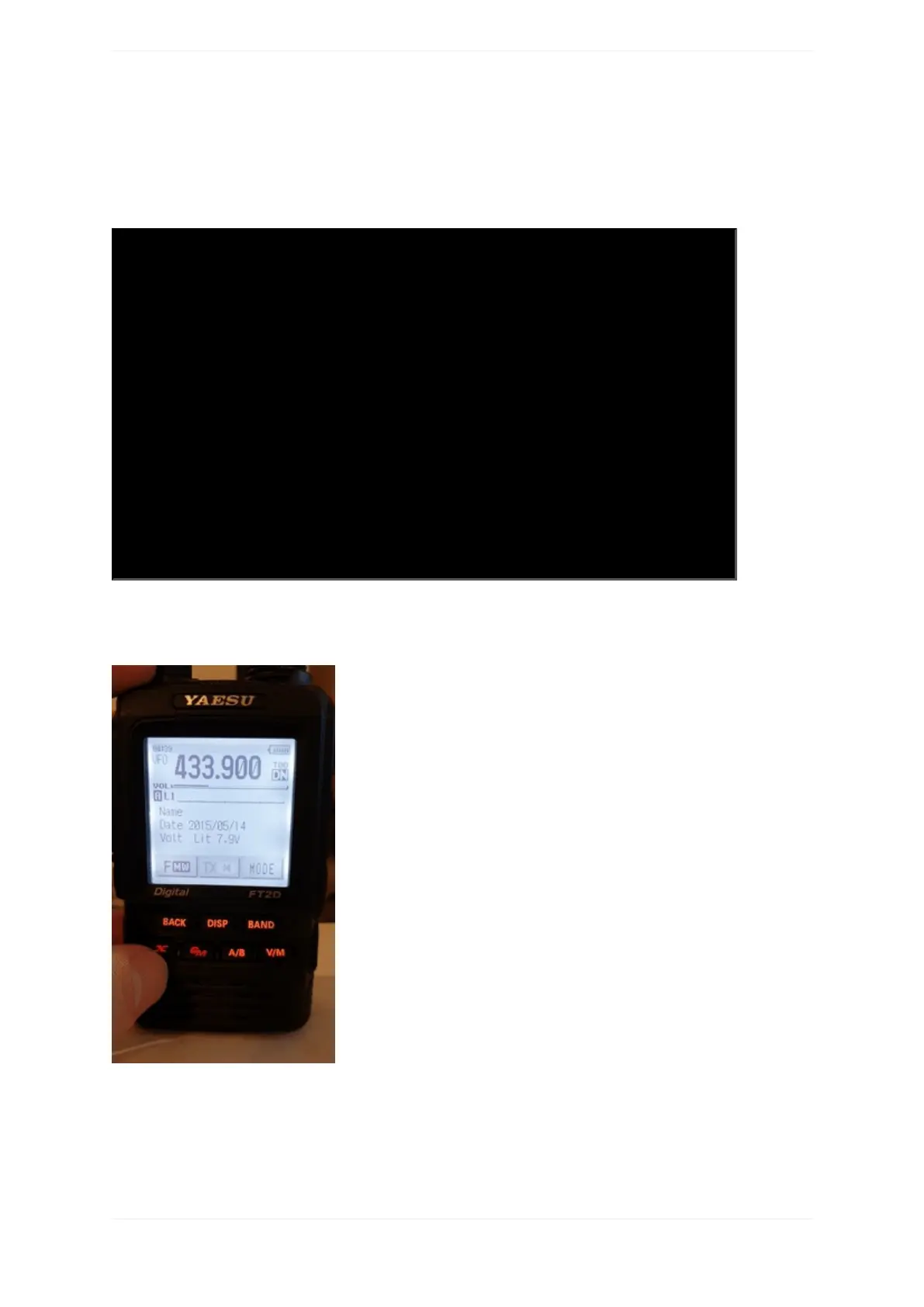
IftheopenSPOT2'smodemisinC4FM(orC4FMHalfDeviation)modemmode,thenthedevicewillautomatically
broadcastWires-XinformationwhichwillbedisplayedonradiosinWires-Xmode.Youcanswitchyour
C4FM/FusionradiointoWires-Xmodebypressingit'sWires-Xbutton(sometimeslabelledasDXbutton).
TheopenSPOT2displaysthecurrentlyactiveconfigurationprofilenumberatthebottomrightcornerofthe
FT2D'sdisplay.DisplayedinformationmaylookdifferentonothertypeofC4FM/Fusionradios.Theexampleshere
aredemonstratedusinganFT2D.
UsingyouropenSPOT2withaC4FM/FusionradioinWires-Xmodeisveryconvenientasyou'llalwaysseethe
activeserver'sname,andyoucaneasilyswitchbetweenserversusingtheradio'suserinterface.



 To Next Page