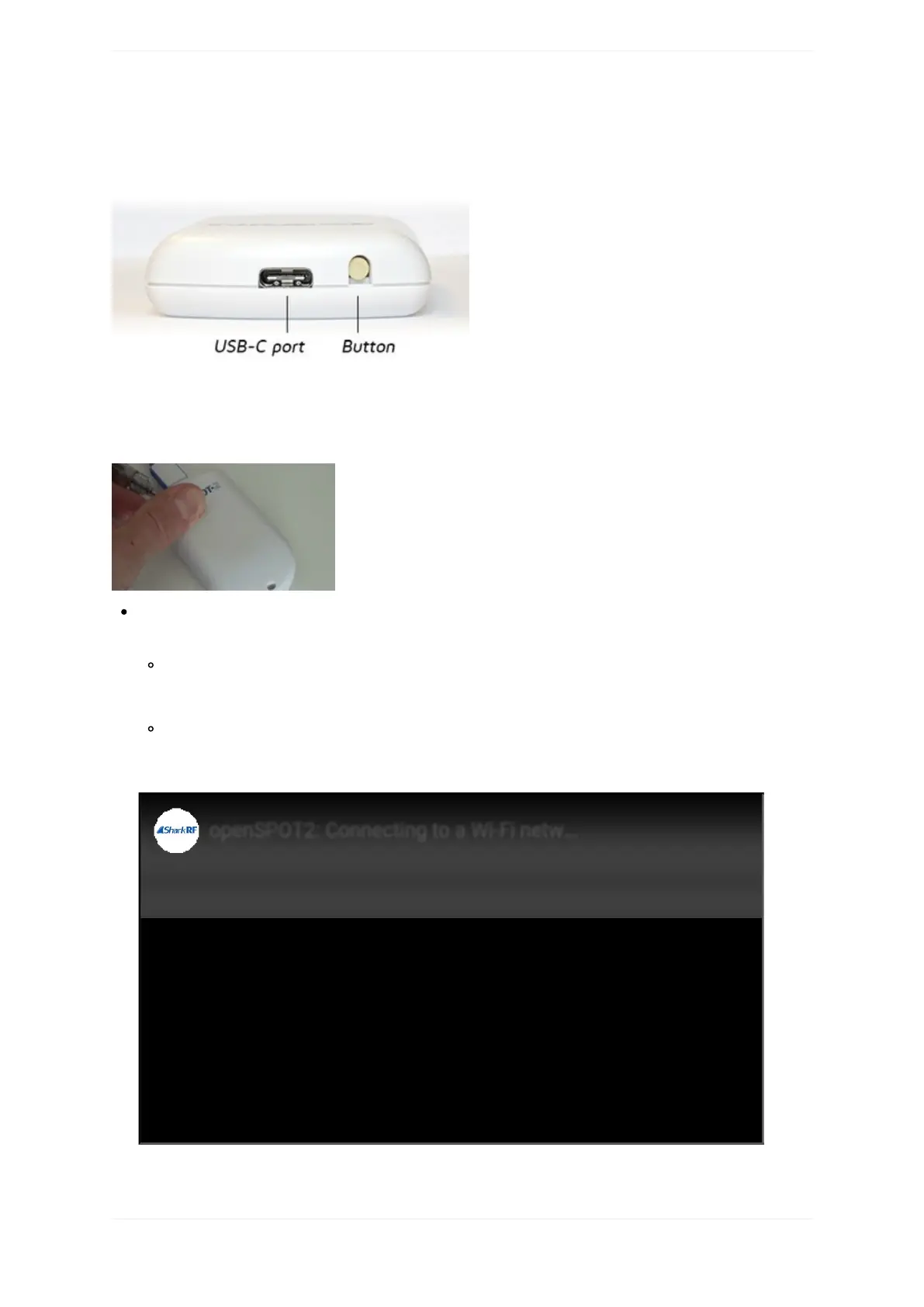
Buttonusage
Pleaseonlyuseaballpointpentopressthebutton,don'tuseasharpitemlikeaneedle!
TheLEDwillblinkwhitewhilethebuttonisheld.Theblinkintervalindicateshowmuchtimeisleftuntilthe
buttonpressisconfirmed.ConfirmationisindicatedbytwoshortwhiteLEDblinks.
Holdthebuttonfor3secondstoswitchtheopenSPOT2betweenWi-Fiaccesspoint(AP)modeandnormal
mode.
InAPmode,theopenSPOT2broadcastsit'sownWi-FinetworkcalledopenSPOT2AP.TheLEDis
pulsatingwhiteinaccesspoint(AP)modeandsolidwhiteifaWi-Ficlientisconnected.Youcanusethis
modetosettheopenSPOT2'sWi-Finetworks.SeetheFirststepssectionformoreinformation.
Innormalmode,theopenSPOT2istryingtoconnecttooneoftheWi-Finetworkswhichhavebeenset
ontheNetworkpage,Wirelesssettingssection(orusingtheInitializationsetupinAPmode).
Here'savideoshowinghowtoswitchtheopenSPOTtoAPmodeandconnectittoaWi-Finetwork:



 To Next Page