LEDstates
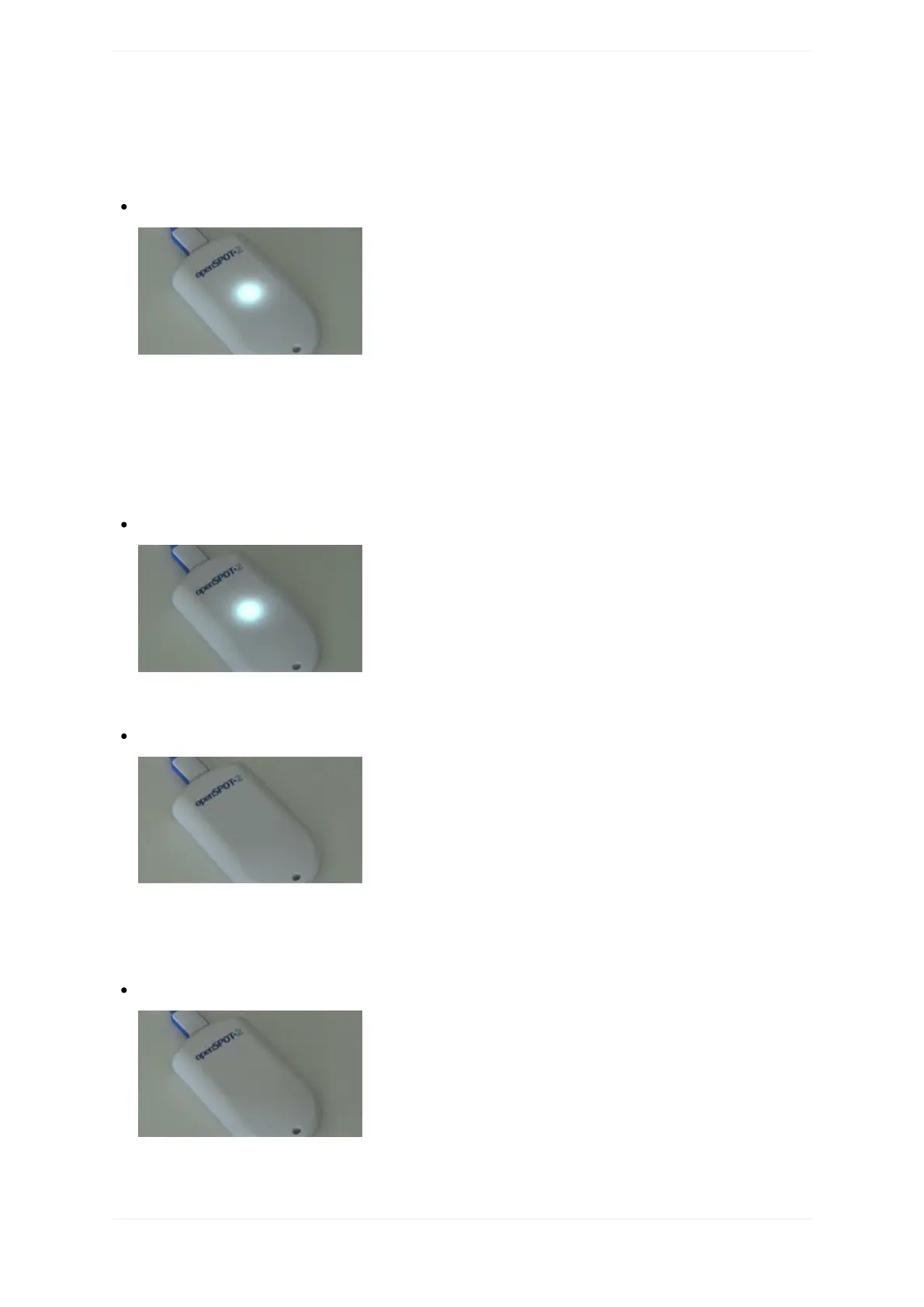
Accesspoint(AP)modeactive,noclientsconnected:
APmodeistheopenSPOT2'sdefaultmodeofoperationifnoWi-Finetworkshavebeenconfigured.
TheLEDwillshowthisstateiftheopenSPOT2isbroadcastingit'sownWi-FinetworkcalledopenSPOT2AP.
SeetheConnectingtheopenSPOT2toaWi-Finetworksectionforinformationonhowtoconnecttothis
accesspointandsetuptheopenSPOT2.
Ifyou'vepreviouslysetuptheopenSPOT2andwanttoswitchitbacktonormalmode,pressthebuttonfor3
seconds.
Accesspoint(AP)modeactive,clientconnected:
TheLEDwillshowthisstateifyou'veconnectedyourbrowserdevice(phone/tablet/computer)tothe
openSPOT2'sownWi-Finetwork.
openSPOT2istryingtoconnecttoaWi-Finetwork:
ConnectingtoaWi-Finetworkshouldonlytakeafewmoments.IftheLEDisshowingthisstatefortoolong,
thenpleasemakesureyouareintherangeofapreviouslysetWi-Finetwork,orturnonAPmodeby
pressingthebuttonfor3seconds,andsetupanewWi-Ficonnectionagain.SeetheConnectingthe
openSPOT2toaWi-FinetworkinformationonhowtosetupaWi-FinetworkconnectioninAPmode.
openSPOT2isconnectedtotheWi-Finetworkandtryingtoconnecttotheselectedserver:
Connectingtoaservershouldonlytakeafewmoments.IftheLEDisshowingthisstatefortoolong,then
pleaseseemoreinformationintheTroubleshootingsection.



 To Next Page