TheLEDwillbepulsatingwhiteindicatingthatthedeviceisinaccesspoint(AP)modeandit'sbroadcastingit's
ownWi-FinetworkcalledopenSPOT2AP.
TheAPmodeistheopenSPOT2'sdefaultmodeofoperationifnoWi-Finetworksareconfigured.APmodelets
youconfigureaWi-FinetworkwhichtheopenSPOT2willconnectinnormalmode.YoucanswitchbetweenAP
andnormalmodeanytimebypressingthebuttonfor3seconds.
ConnectingtheopenSPOT2toaWi-Finetwork
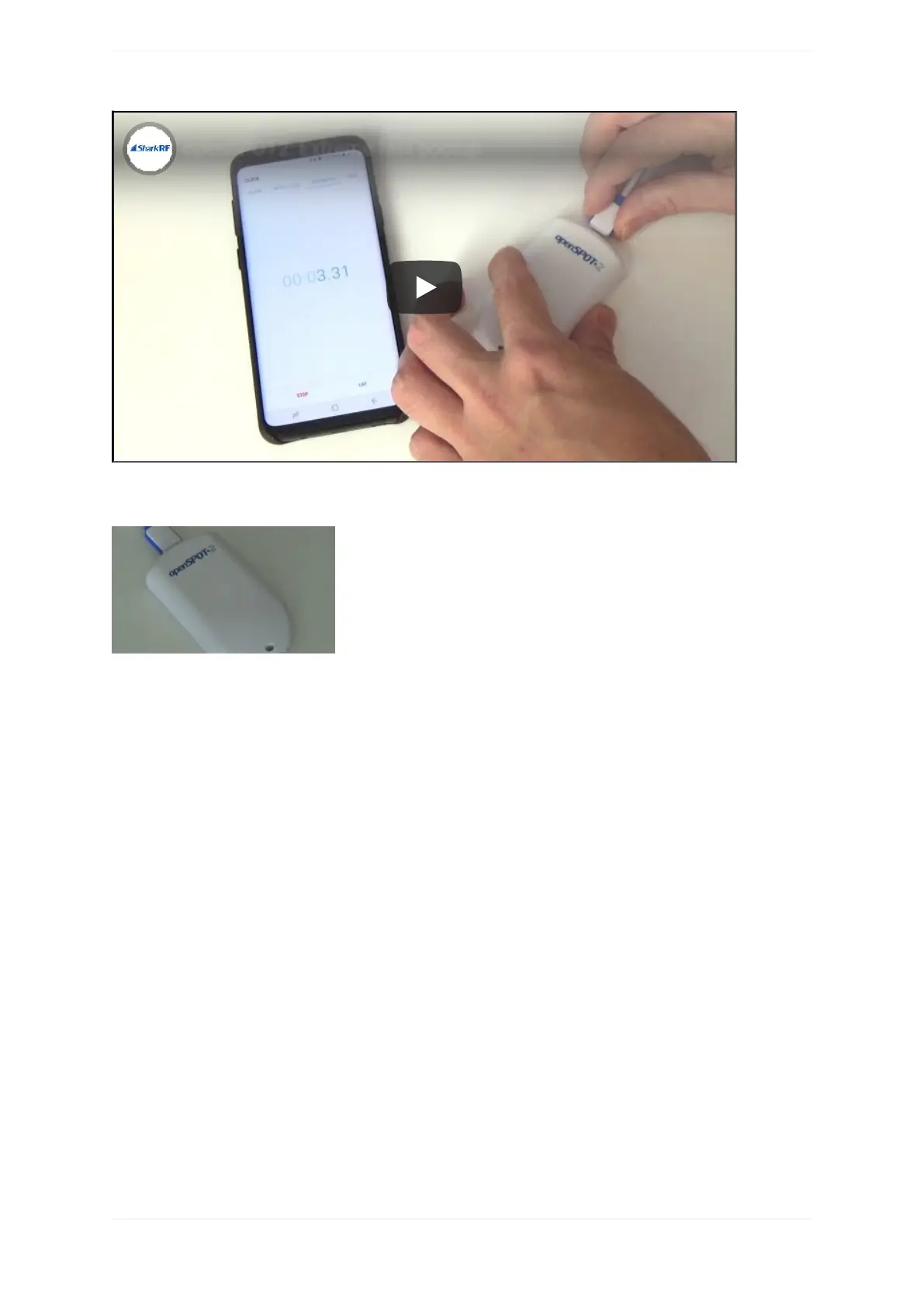
Thisanimationshowsyouthewholeinitializationsetupprocessusingaphone:



 To Next Page