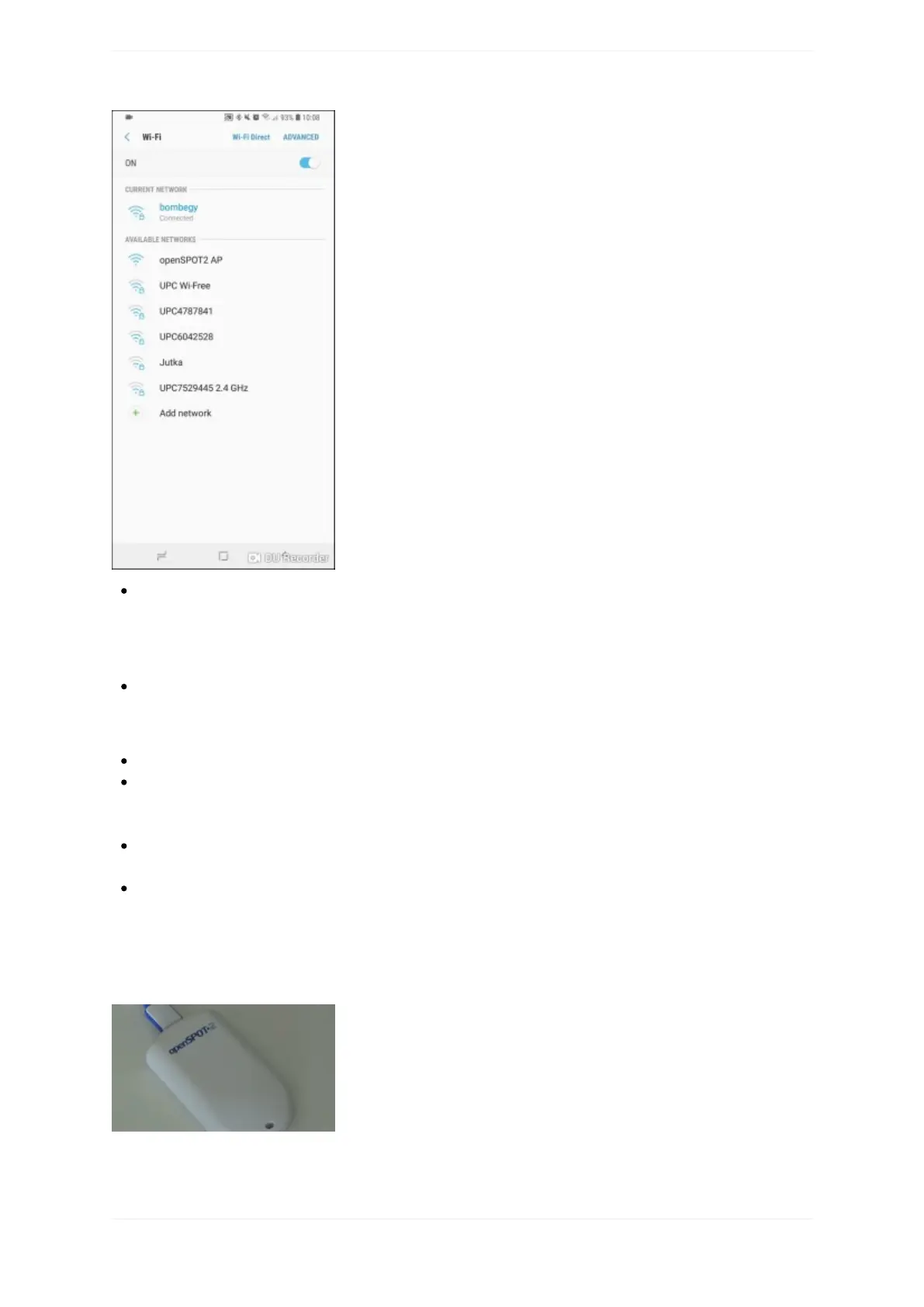
Connectyourwebbrowserdevice(phone/tablet/computer)totheWi-FinetworkcalledopenSPOT2AP.
IfthereisnoWi-FinetworkcalledopenSPOT2AP,thenmakesuretheopenSPOT2isinAPmode(white
LEDispulsating).YoucanswitchbetweenAPandnormalmodeanytimebypressingthebuttonfor3
seconds.
Theinitializationsetupopensautomatically.
Iftheinitializationsetupwon'topenautomatically,thenyoucanopenitbyenteringhttp://openspot2.local/
orhttp://192.168.99.1/intothewebbrowser.
Selectthecountryofoperation,thenclickontheNextbutton.
SelectwhichWi-FinetworktheopenSPOT2willuse(usuallyyourownWi-Finetwork)byclickingonthe
ConnectbuttonatthedesiredWi-Finetwork.EntertheWi-FinetworkpasswordintheNetworkkeydialog
(makesureyouenterthepasswordcasesensitive),thenclickonthedialog'sConnectbutton.
TheopenSPOT2stopsbroadcastingit'sownWi-Finetwork,andautomaticallytriestoconnecttotheselected
Wi-Finetwork.
Thewebbrowserdevice(ex.yourphone)detectsthattheopenSPOT2APisnolongeravailable,and
automaticallyconnectsbacktothepreviouslyusedWi-Finetwork.Ifitdoesnot,connectittothesame
networkyou'veselectedduringtheinitializationsetup(usuallyyourownWi-Finetwork).
AsuccessfulconnectiontotheWi-Finetworkisindicatedbyapulsatinggreen/yellowLEDontheopenSPOT2
whichmeanstheNullconnectorisactiveandthedeviceisconnectedtotheWi-Finetwork.
QuickSetupinitialization



 To Next Page