Networkpage
YoucanchangethenetworksettingsoftheopenSPOT2onthispage.
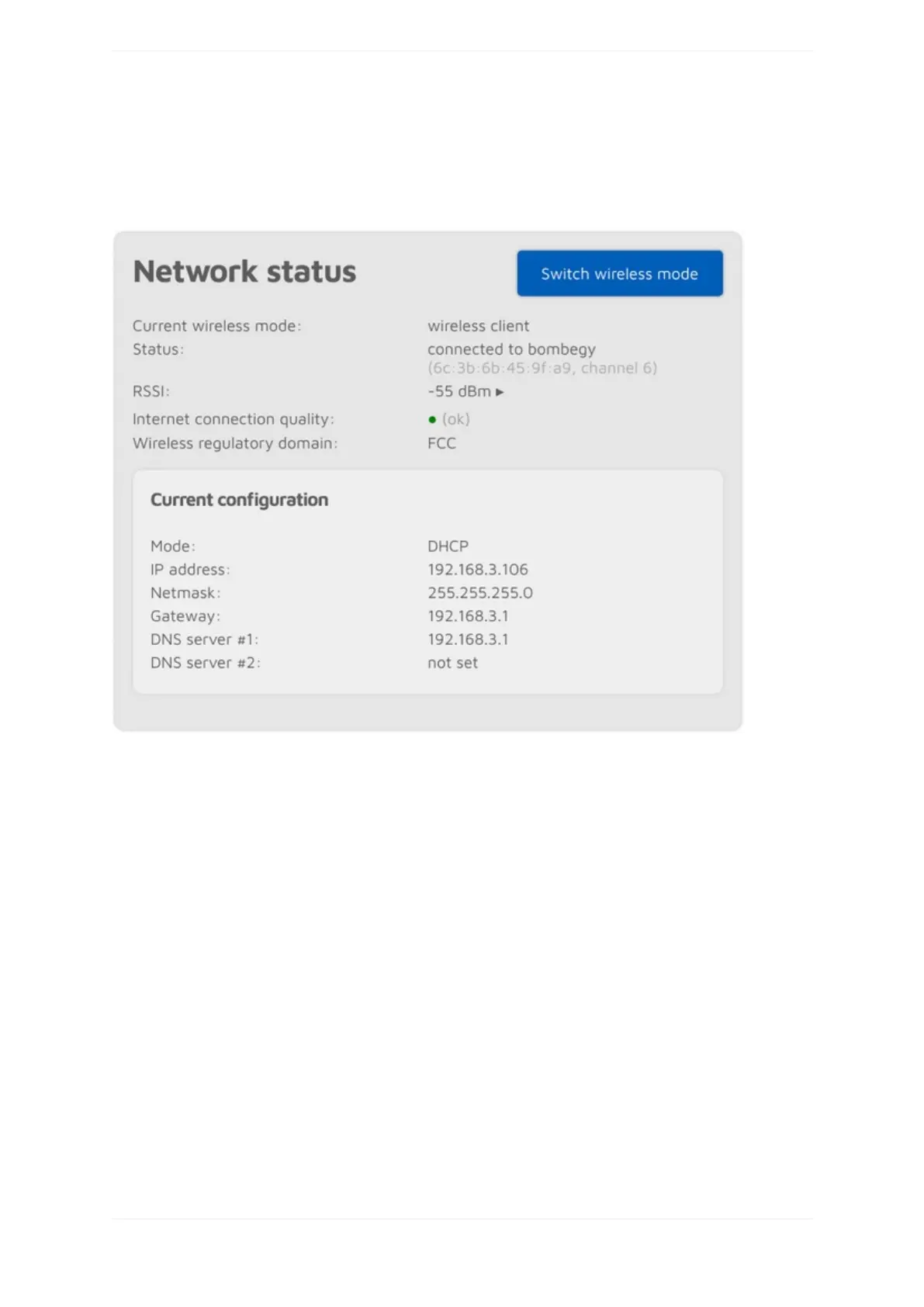
TheNetworkstatussectionshowscurrentnetworkstatus.TheWi-FiRSSIgraphcanbeshownbyclickingon
thelittlearrownexttotheRSSIvalue.TheInternetconnectionqualityisdeterminedbytheopenSPOT2by
periodicallymeasuringthenetworklatency.Youcangetthemeasuredlatencyvaluebyhoveringthemouse
abovethequalitydisplaycircle.TheWirelessregulatorydomainissetbythecountryofoperation.
TheopenSPOT2canbeswitchedbetweenAPandnormalmodesbyclickingontheSwitchwirelessmode
button.Thisisthesameaspressingthebuttonfor3seconds.
Networktraffic



 To Next Page