USBserialconsole
TheopenSPOT2showsupasaUSBserialport(COMport)whenpluggedintoacomputer.Youcanreachthe
serialconsolebyopeningthisUSBserialportwithserialterminalsoftwarelikePuTTY,RealTerm,TeraTerm,
minicometc.TofindoutwhichisyouropenSPOT2'sserialportdevicepath(COMportnumber),lookatthe
devicelistofyourcomputer(inyouroperatingsystem'scontrolpanelforexample).Youcanusethefollowing
settingsforopeningtheserialport,butintheoryanyconfigurationwouldwork:baudrate115200,8databits,no
paritybits,1stopbit.
TheopenSPOT2'sserialconsoledoesnotrequiredriversonmodernoperatingsystems,asitshowsupasa
standardUSBACMdevicewithourofficialUSBID0x1fc9:0x8125.YoucandownloadadriverforWindowsXP,7
andVistahere.SomeusersreportedthatWindows8.1alsorequiresthisdriver,butitcanonlybeinstalledifthe
signeddriverrequirementisturnedoff.
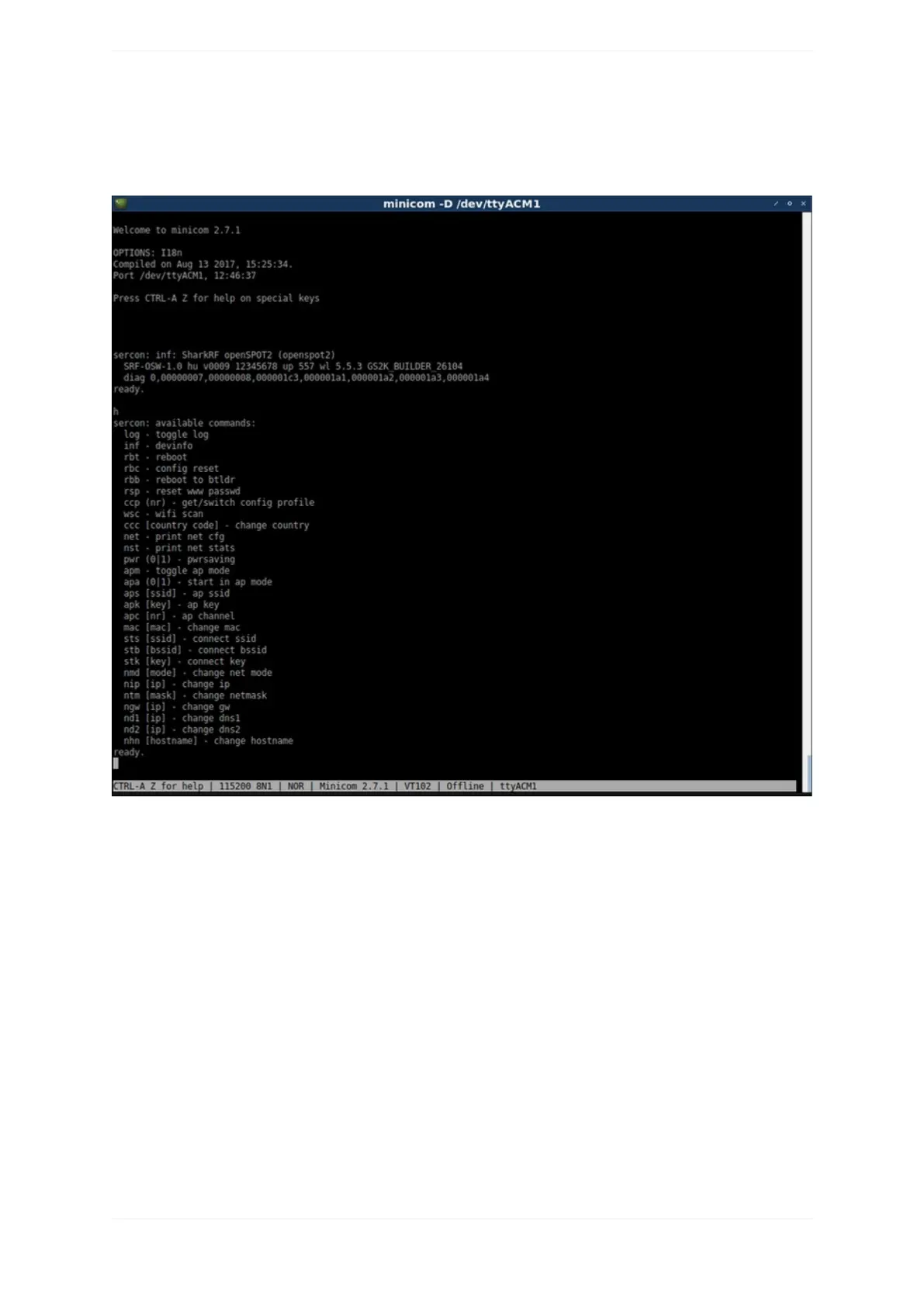
Theserialconsolecanbeusedtochangebasicnetworksettings,reboottheopenSPOT2,switchittobootloader
mode,seeit'sdebuglog,resetthewebinterfacepasswordandmanymore.Thelistofavailablecommandscan
bequeriedwiththehelpcommand.



 To Next Page