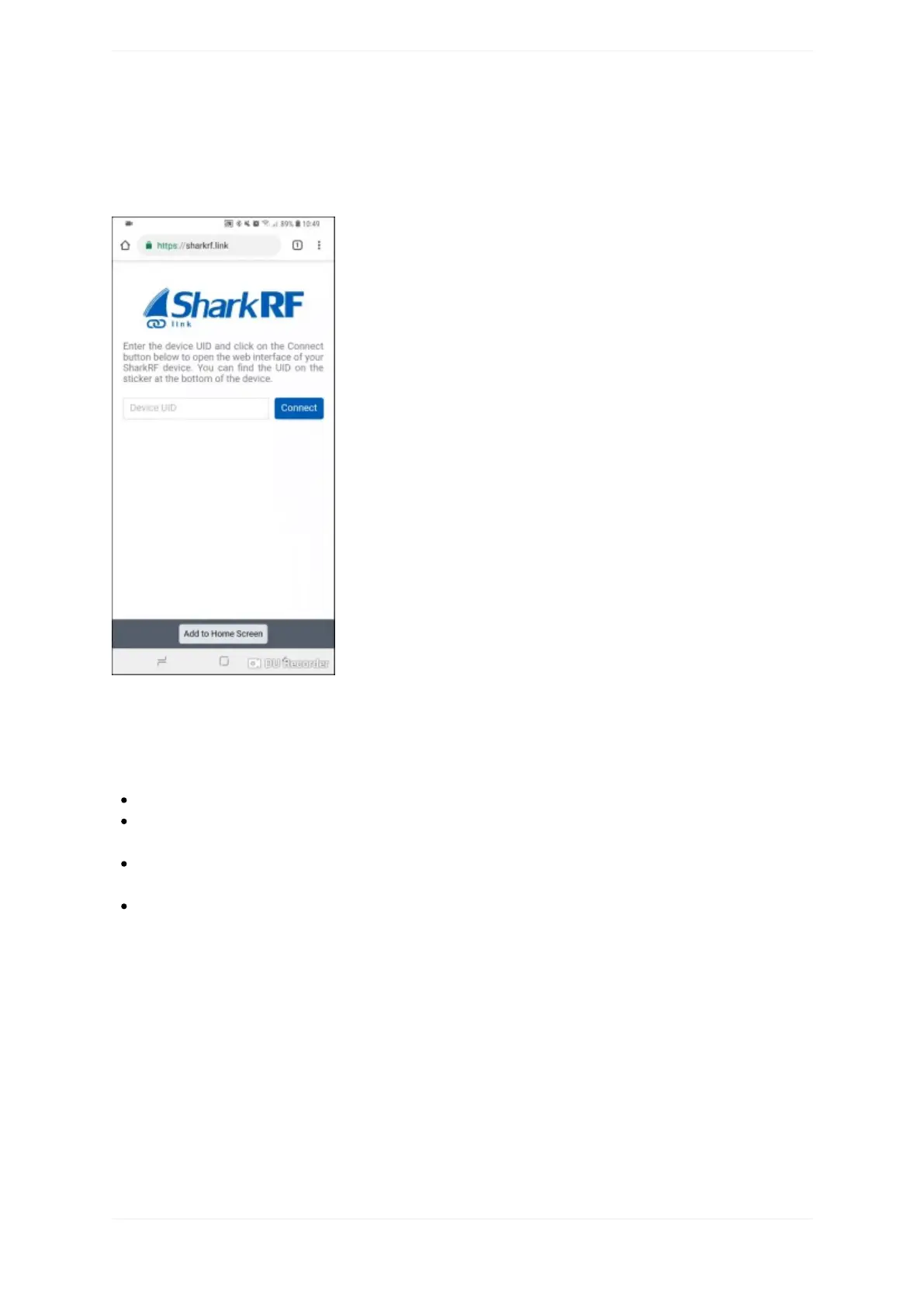
OpenSharkRFLinkinyourwebbrowser.EntertheopenSPOT2'sdeviceUID(youcanfindthisIDonthestickerat
thebottomoftheopenSPOT2),thenclickontheConnectbutton.
TheopenSPOT2'swebinterfacewillopeninyourwebbrowser.FillinyourcallsignandIDsintheQuicksetup,
thenclickontheSavebutton:
QuickSetup
QuickSetuphelpsyoutoconfiguretheopenSPOT2withyourtransceiverandconnecttothepreferrednetwork
withthefollowingsteps:
Selectthetypeofyourradio
Setsomebasicsettingslikethefrequency,andselectthenetworkyouwanttoconnect(thiswillsetwhich
connectorwillbeused)
Selecttheservertoconnect,settheneedednetworkparameters(likeyourcallsign,IDs,etc.),andclickon
theConnectbutton
AftertheopenSPOT2isconnectedtotheselectedserveritisreadytousewithyourtransceiver
ThefollowinganimationshowstheQuickSetupforconnectingtotheBrandMeisternetworkusingaDMR
transceiver:



 To Next Page