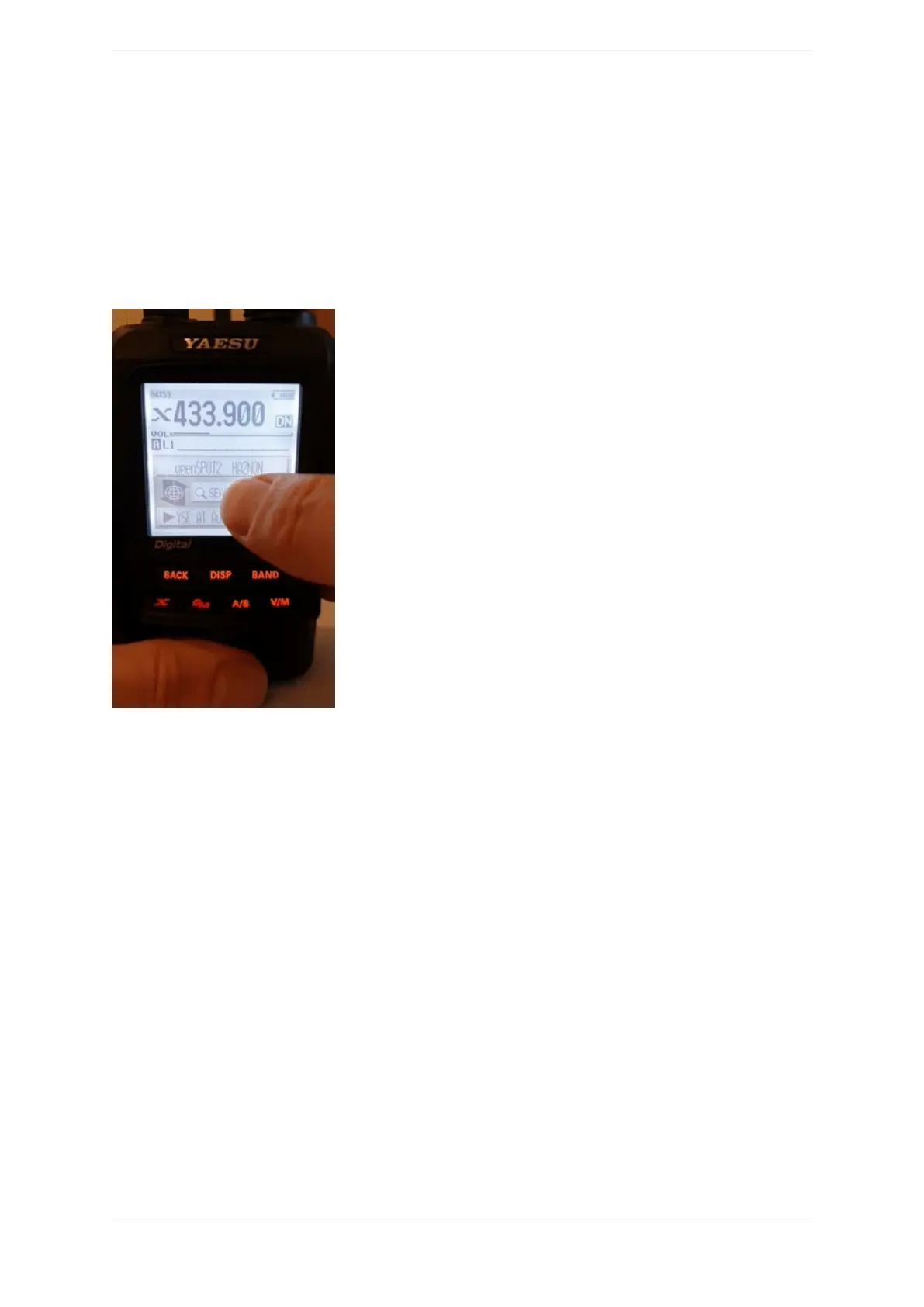
Youcanenterapartoftheservername.Allmatchingserverswillbelisted.Toswitchtoaserver,selectitusing
thedialandpressPTTforashorttime(orjusttaponitincaseyouhaveatouchdisplay).
DirectIDentry
YoucanconnecttoYSFReflectorserversdirectlyifyouknowthedesiredserver'sID.SelecttheSearch&Direct
option,thenselecttheSearch&Directbutton,thenselecttheIDbutton.EntertheserverIDandthenselectthe
ENTbutton.ServerIDsare5digitlong,makesureyou'veenteredalldigitsotherwisetheradiowon'tletyou
selecttheENTbutton.
Categories
Youcansaveyourfavoriteserversbyaddingthemtocategories.TheopenSPOT2willautomaticallyswitchtothe
savedserver'sconnectorincaseit'sneeded.
Addingaserver
SelecttheservernameonthemainWires-Xscreen(theoptionatthebottom).Thiswillloadthestation
informationscreen.SelecttheAddbutton,thenselectacategory.



 To Next Page