49
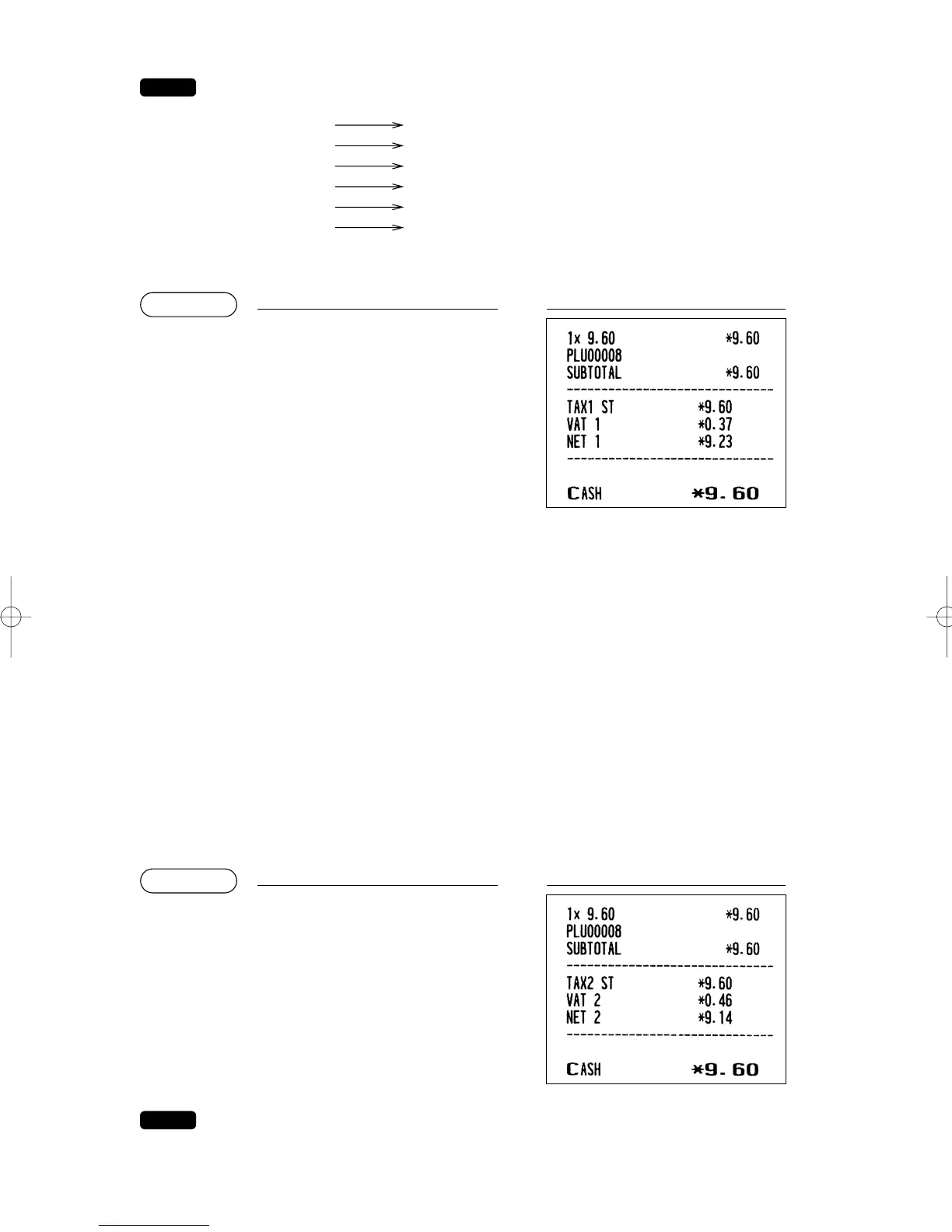
VAT/tax assignment is printed at the fixed right position of the amount on the receipt and bill as
follows:
When the multiple VAT/tax is assigned to a department or a PLU, a smaller number of the
VAT/tax will be printed. For details, contact your authorized SHARP dealer.
■ VAT shift entries
This feature is intended to shift the tax status of a particular department (or PLU) programmed for taxable 1
or taxable 1 and taxable 3.
1. When the VAT shift entry is made for a particular department or PLU programmed for taxable 1, their tax
status shifts to taxable 2.
2. When this entry is made for a particular department (or PLU) programmed for taxable 1 and taxable 3, the
tax status “taxable 1” remains unchanged, but the other, “taxable 3” is ignored.
There are two types of VAT shift entries: VAT shift by transaction and by item.
VAT shift by transaction enables the VAT shift function to be in effect during a transaction. Press the
Z
(
w
) key to enter the VAT shift mode at the start of transaction. You can also perform this function by
assigning the clerk to operate in the VAT shift status (PERSONNEL-CLERK programming).
VAT shift by item is valid only for one item. Press the
v
key just before the item entry.
In case of VAT shift by transaction
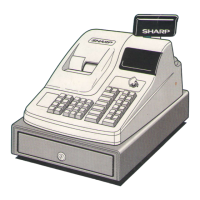
ER-A280F
• If you want to achieve the VAT shift per item, contact your authorized SHARP dealer.
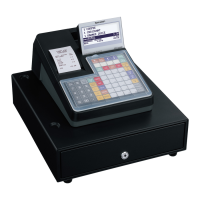
ER-A280N
• If you need the VAT shift function, contact your authorized SHARP dealer.
Z
8
s
z
A
(When the manual
VAT 1 through 6 system
is selected)
PrintKey operation
8
s
z
A
(When the manual
VAT 1 through 6
system is selected)
PrintKey operation
VAT1/tax1
VAT2/tax2
VAT3/tax3
VAT4/tax4
VAT5/tax5
VAT6/tax6
A
B
C
D
E
F
ER-A280F_N(SEEG)(E)-2 09.6.18 6:50 AM Page 49


 To Next Page