77
© 2012 SHFL entertainment, Inc.
MD2® CR
Service Manual 20121015
Confidential
11. Allow a few minutes for the adhesive to dry before re-installing the
Camera and Bracket Assembly into the shuffler.
12. Complete the Tuning procedure for the desired deck(s). The newly
scanned images will replace images previously stored for each deck
type. Verify the quality of the new images through the “Images” page
of the shuffler-integrated web pages.
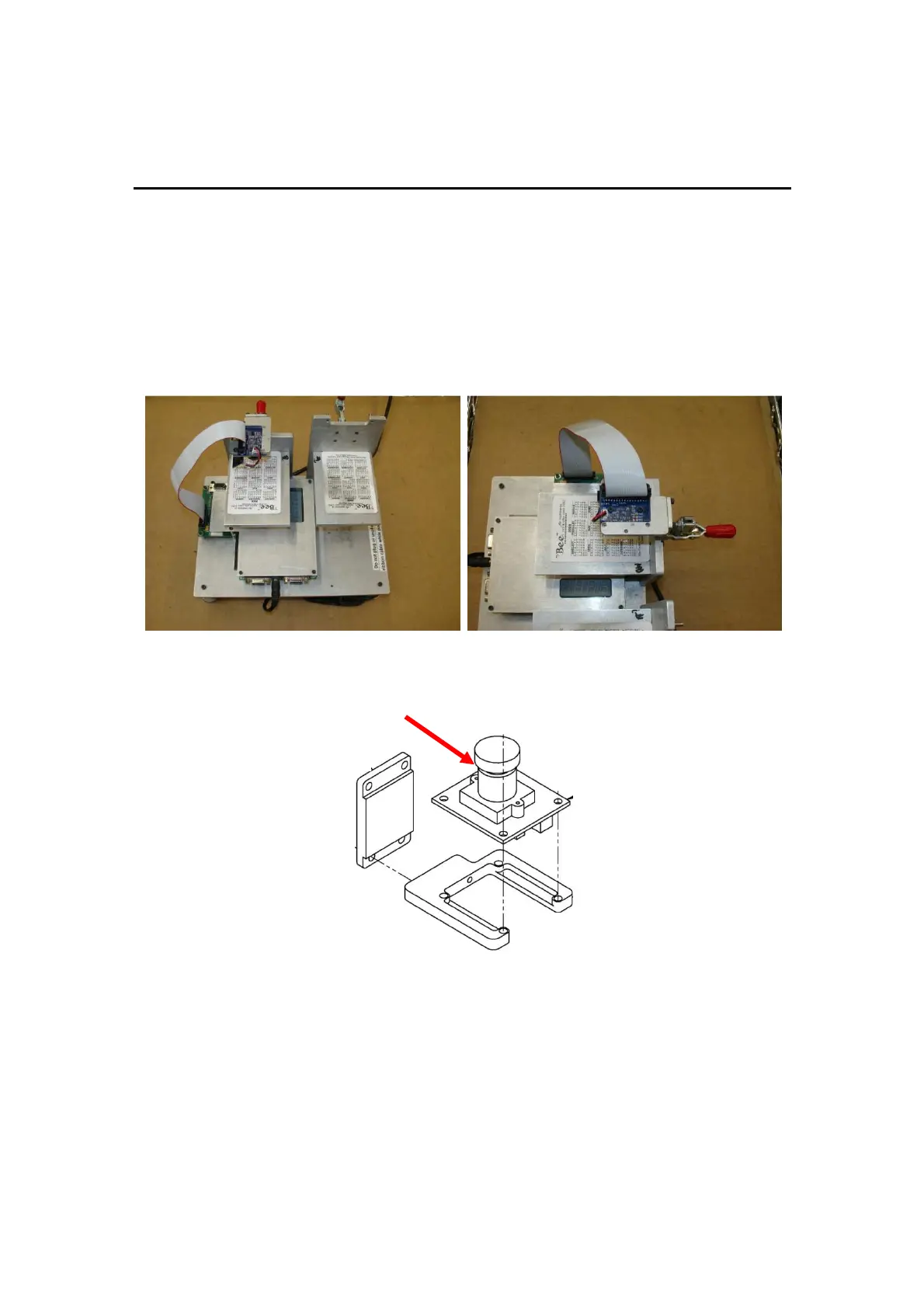
Figures 1 & 2
MD2® CR
Camera Mounted on Focusing Fixture
Figure 3
MD2® CR
Torque-Seal Location



 To Next Page