CONNECTING TO THE WEBUI
1-14
SIG-QG-20-02 JANUARY 2021
Version : A.2
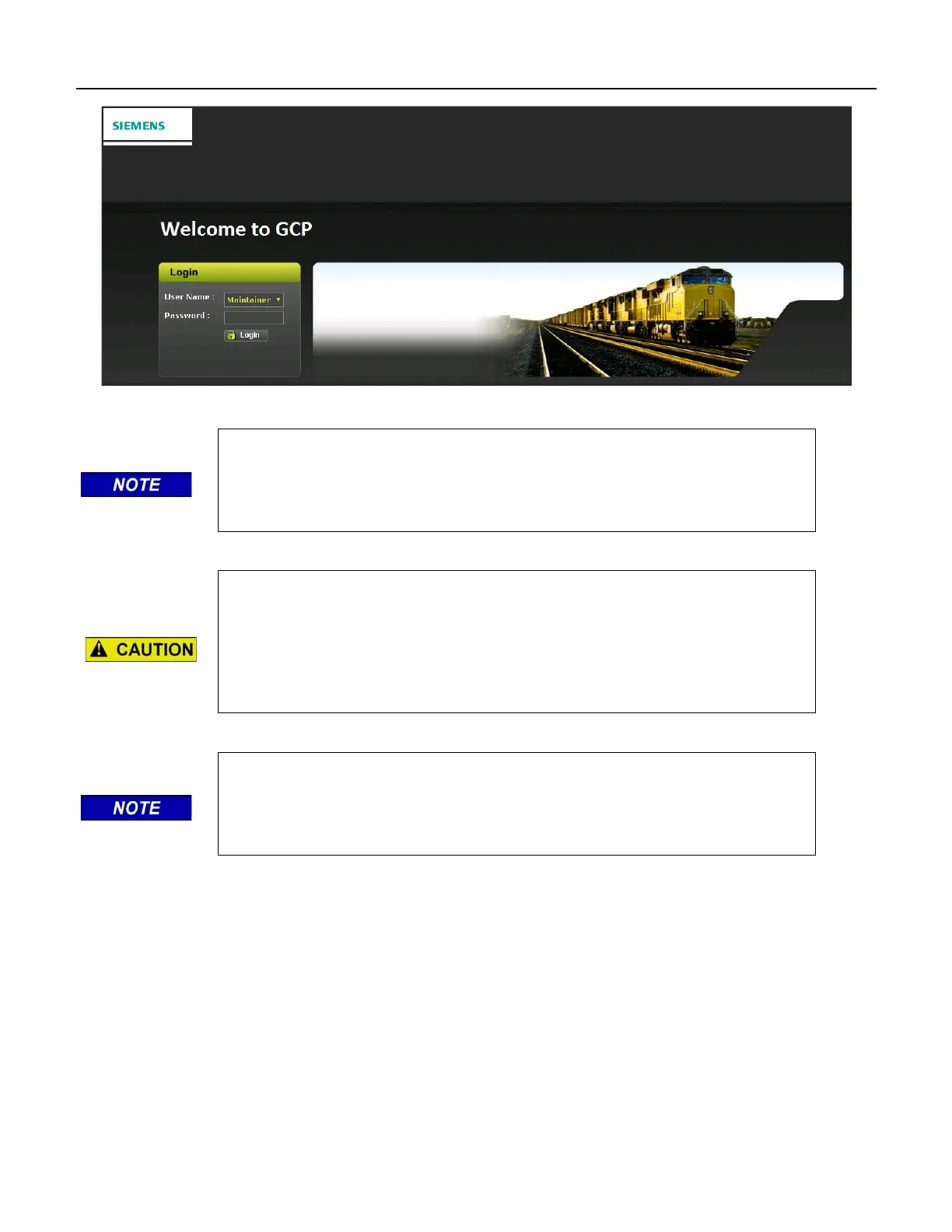
Figure 1-2 WebUI Login Screen
NOTE
The passwords GCP3000+ and GCP5000 are also valid Maintainer login
passwords, this is because the Display Module is a common module for the
3000+, 4000, and 5000 GCP products.
CAUTION
IF THE EQUIPMENT IS TO BE CONNECTED TO A NETWORK, IT WILL
BE NECESSARY FOR THE USER TO SET THE ETHERNET PORT AS A
CLIENT, FAILURE TO DO SO WILL CAUSE AN INTERRUPTION OF THE
NETWORK SINCE TWO DHCP SERVERS WILL BE INTRODUCED ONTO
THE NETWORK.
NOTE
The GCP WebUI has a 1-minute session timeout. If the web browser is
closed without selecting Logout. The user will not be able to log back in for
1 minute.
1.2 MENU OVERVIEW
The WebUI has buttons at the top which allow the user to select the various functions. These top-level
menus can vary from product to product, but the sequence remains the same.










 To Next Page