SYSTEM VIEW
2-8
SIG-QG-20-02 JANUARY 2021
Version : A.2
When OOS Control is set to Display, the Web or Local UI by itself can be used to take a GCP approach
or island out of service.
When OOS Control is set to Display+OOS IPs, the WebUI is used in conjunction with the Trk Out of
Service inputs (IN 2 on the each track module) to take a GCP approach or island out of service.
When OOS Control is set to OOS IPs, the WebUI is not used in taking the GCP approach and island out
of service, only the Trk Out of Service inputs are used.
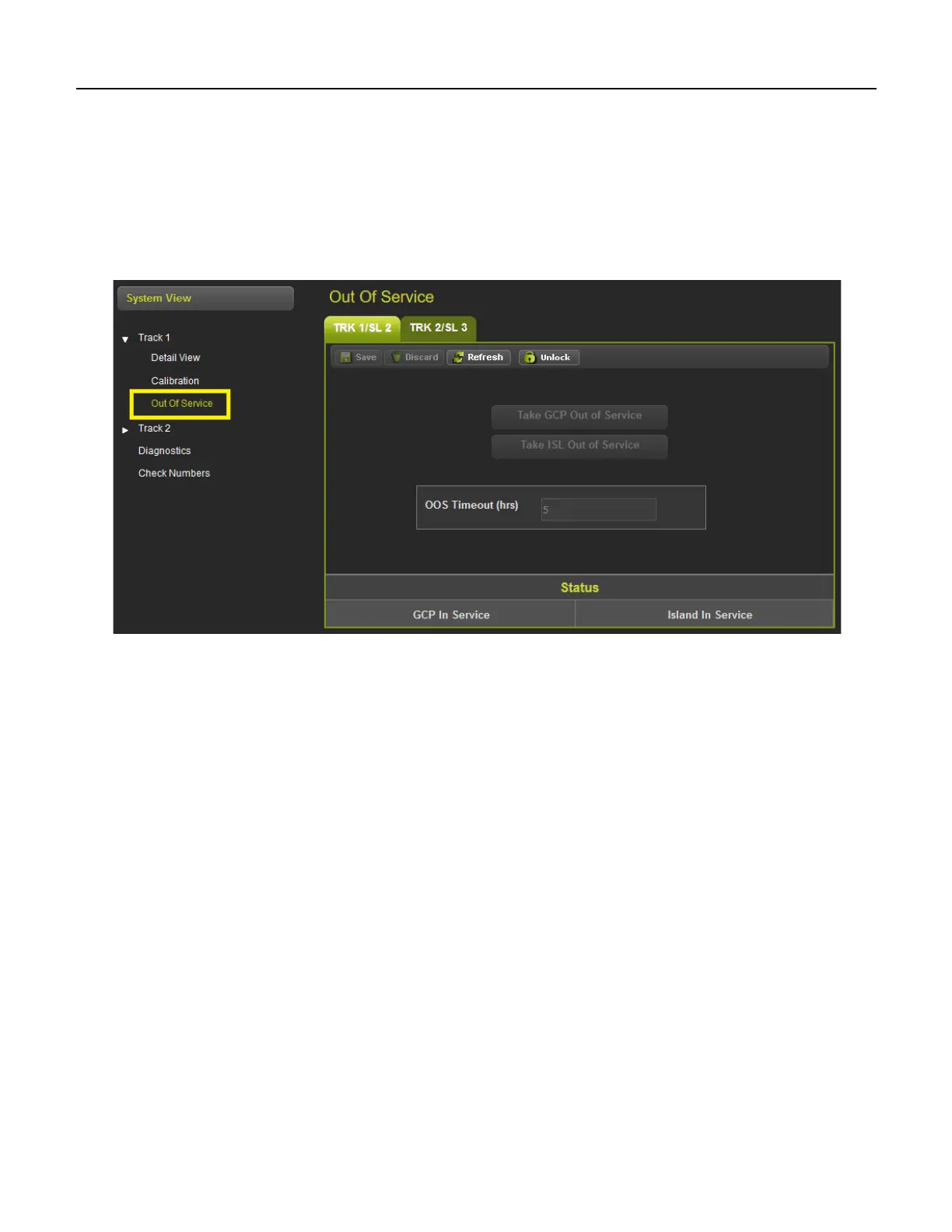
Selecting the Track Out of Service screen will show the Out of Service screen as shown below.
Figure 2-10 WebUI Out of Service
Since the WebUI may be used remotely, before anything can be changed on this page, the screen has to
be unlocked by demonstrating that there is a person at the actual GCP in the field. Select the Unlock
button and then have the person in the field use the keypad to acknowledge the message shown on the
display, see Section 6.1.5.1 for more information.










 To Next Page