CONFIGURATION
3-1
SIG-QG-20-02 JANUARY 2021
Version : A.2
SECTION 3 CONFIGURATION
3.0 OVERVIEW
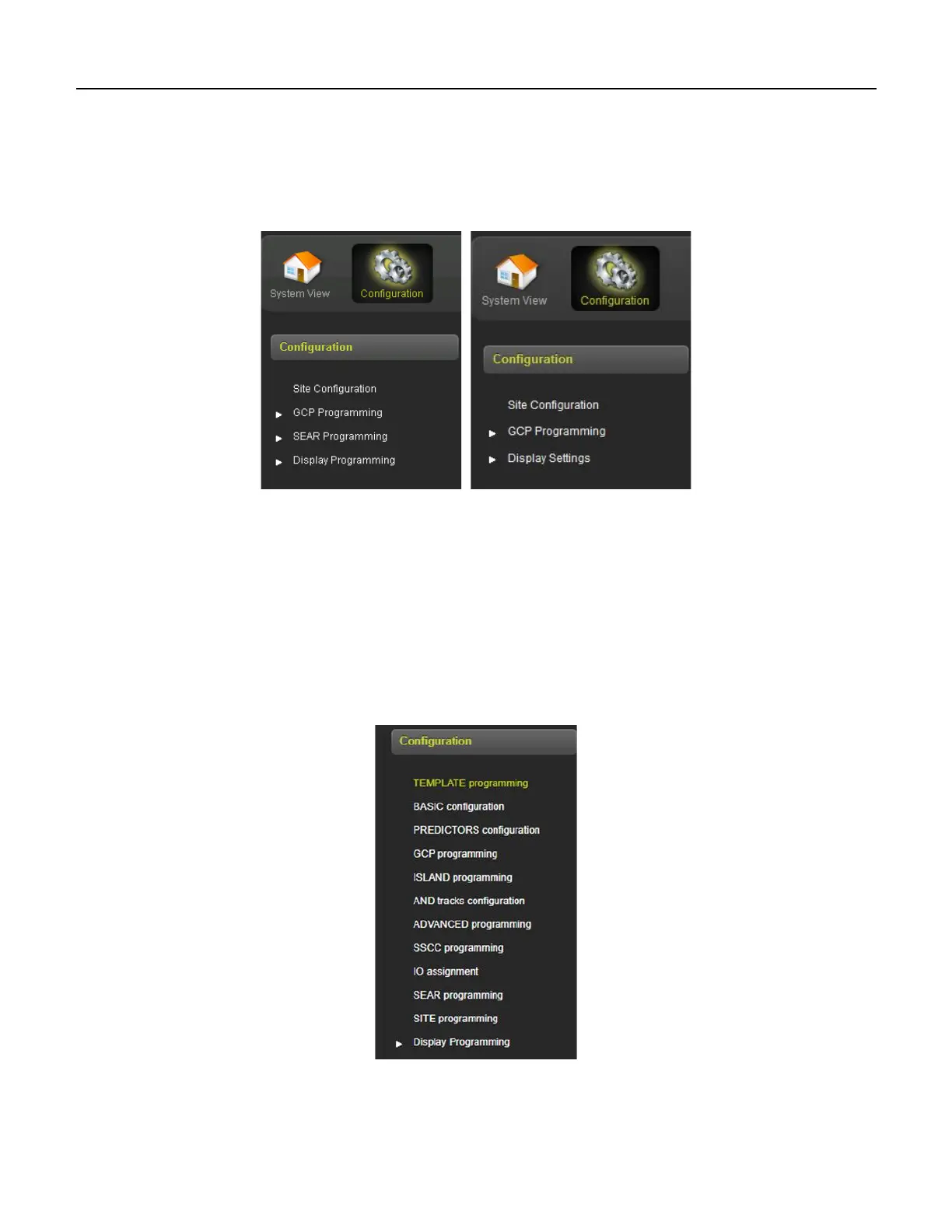
When the configuration icon on the tool bar is selected, the WebUI will show the menus illustrated in
Figure 3-1 and Figure 3-2.
GCP 5000 GCP 3000+
Figure 3-1 WebUI Configuration Menus
3.1.1 Configuration Menus (GCP 5000/3000+)
• Site Configuration is used to set up the non-vital site information, for example, site name,
milepost, DOT number, etc.
• GCP Programming is used to set the vital parameters that control the operation and the GCP
• SEAR Programming (5000 only) is used to upload and remove the CDL, view the CDL Log, and
adjust the settings for the CDL once uploaded
• Display Programming is used to set non-vital settings related to the operation of the display.
Figure 3-2 GCP 4000 WebUI Configuration Menu










 To Next Page