REPORTS & LOGS
5-11
SIG-QG-20-02 JANUARY 2021
Version : A.2
5.8.1 Reports
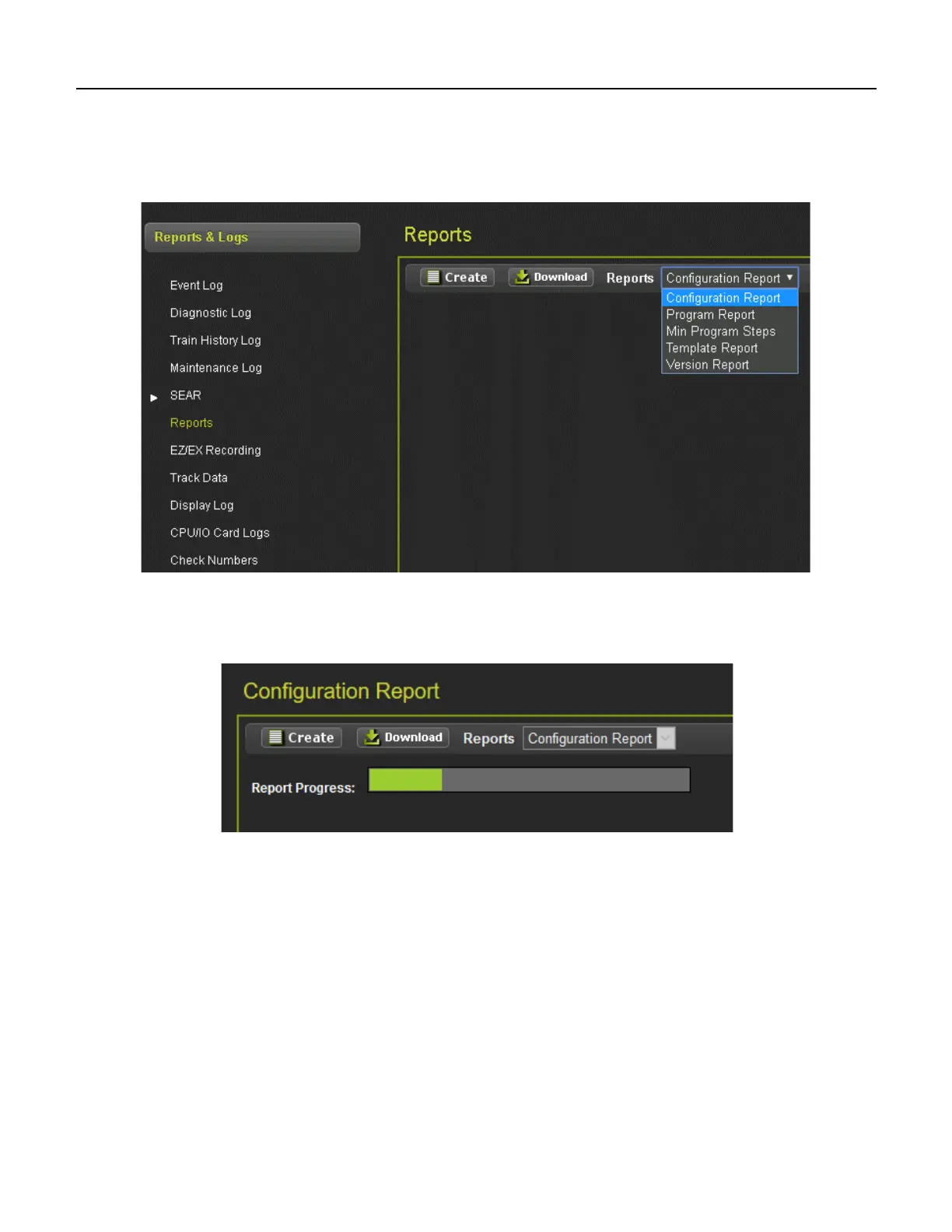
Selecting the Reports Menu will bring up the screen shown in the following figure. Press the Create
button to create one of the five available reports: Configuration Report, Program Report, Min Program
Steps Report, Template Report, or Version Report.
Figure 5-15 Report Types WebUI
Once the report has been selected and Create has been clicked, the screen will have a status bar for the
report generation progress.
Figure 5-16 WebUI Configuration Report Progress
After the Configuration report has been created, it will show up as illustrated in Figure 5-17. Use the
scroll bars to navigate it. Select the download button to save the report to the PC or open it in a separate
file.










 To Next Page