REPORTS & LOGS
5-1
SIG-QG-20-02 JANUARY 2021
Version : A.2
SECTION 5 REPORTS & LOGS
5.0 OVERVIEW
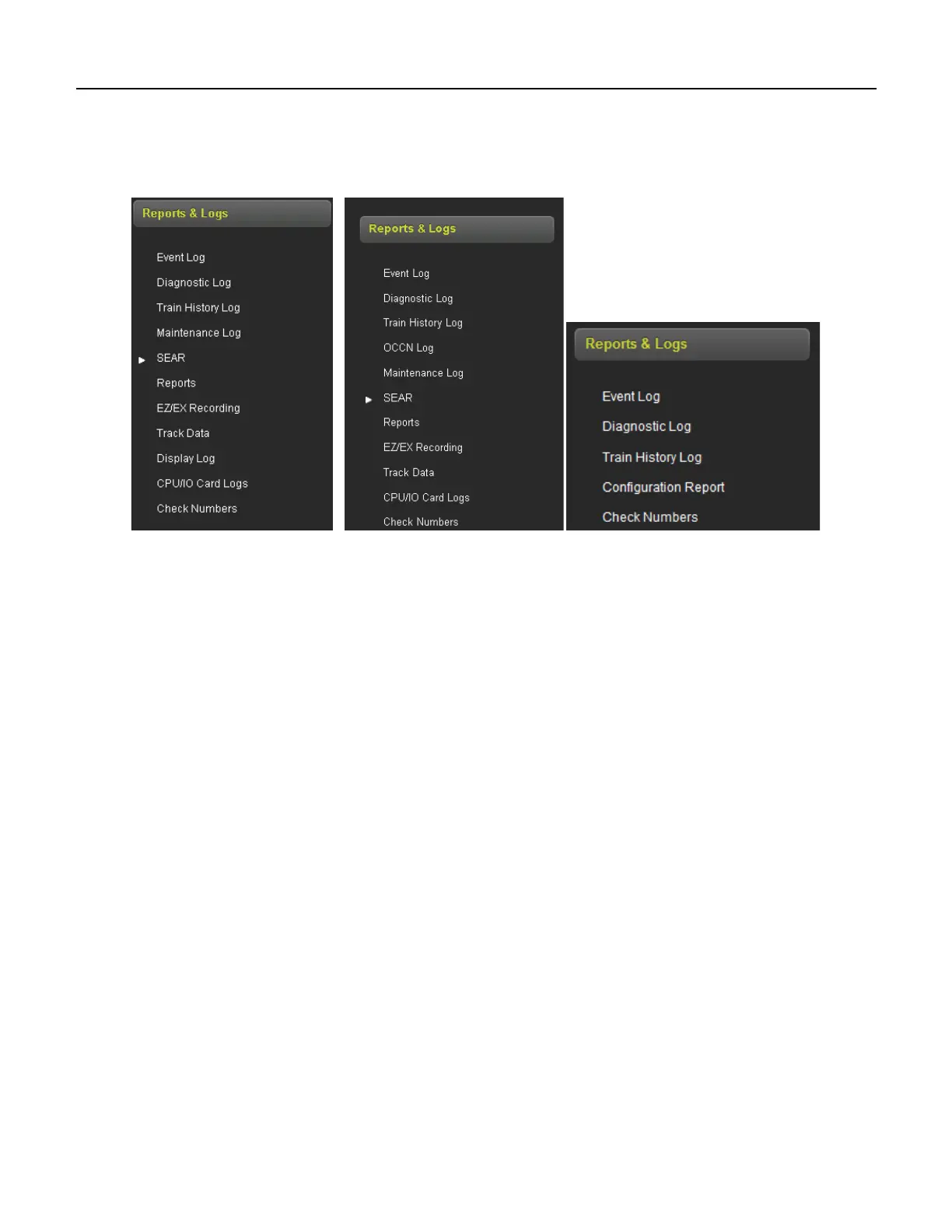
Selecting the Reports and Logs icon will result the WebUI showing the following menu selections.
GCP 5000 GCP 4000 GCP 3000+
Figure 5-1 WebUI Reports and Logs Menus (Display WebUI)
The WebUI will also display the last events in event log when the Reports and Logs are first entered.
5.1 EVENT LOG
The display contains an event log. The events in here are generated by the CPU and sent to the display
where they are time stamped and added to the log. In a redundant system, the Display log will contain
events from both the main and standby systems.
The WebUI event log page allows the user to page through the event, download all or part of the log, or
turn on a real time trace so new events get displayed as they are logged.










 To Next Page