SYSTEM VIEW
2-6
SIG-QG-20-02 JANUARY 2021
Version : A.2
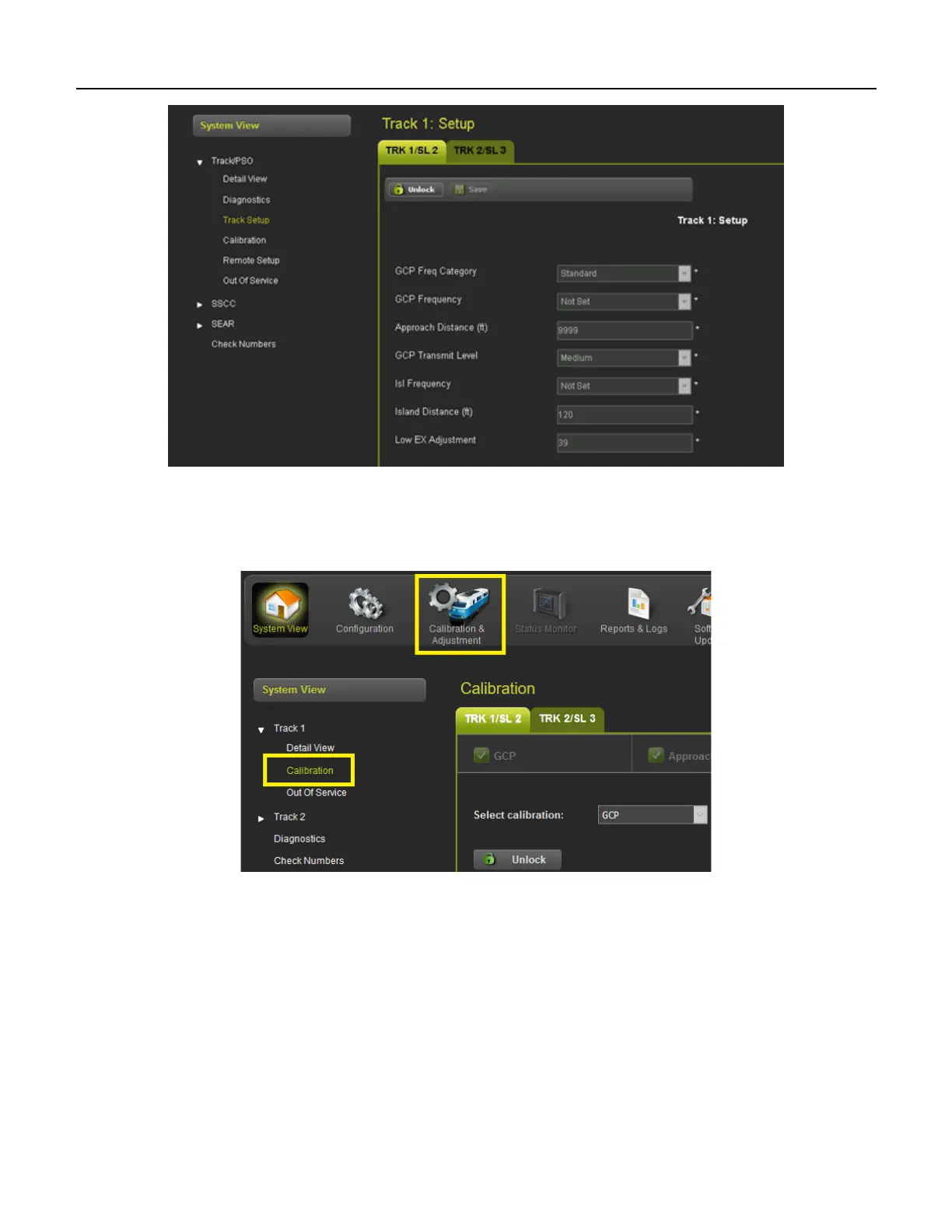
Figure 2-7 System View Menus
2.4 CALIBRATION
The calibration screen can be accessed from the System View > Calibration menu or from the
Calibration & Adjustment icon on the tool bar.
Figure 2-8 Selecting Calibration
Calibration is available under the System View tab but will be discussed in this document under section
4.0.
2.5 REMOTE SETUP (GCP 4000/5000 ONLY)
When Remote Setup is selected the WebUI shows the following screen that allows the user to obtain the
remote setup password and select which tracks are going to be calibrated when the system is used with
a VHF communicator and DTMF radio that allow remote setup operations to be performed. Before
options can be selected on the screen, it has to be unlocked and local user presence confirmed.










 To Next Page