CONFIGURATION
3-9
SIG-QG-20-02 JANUARY 2021
Version : A.2
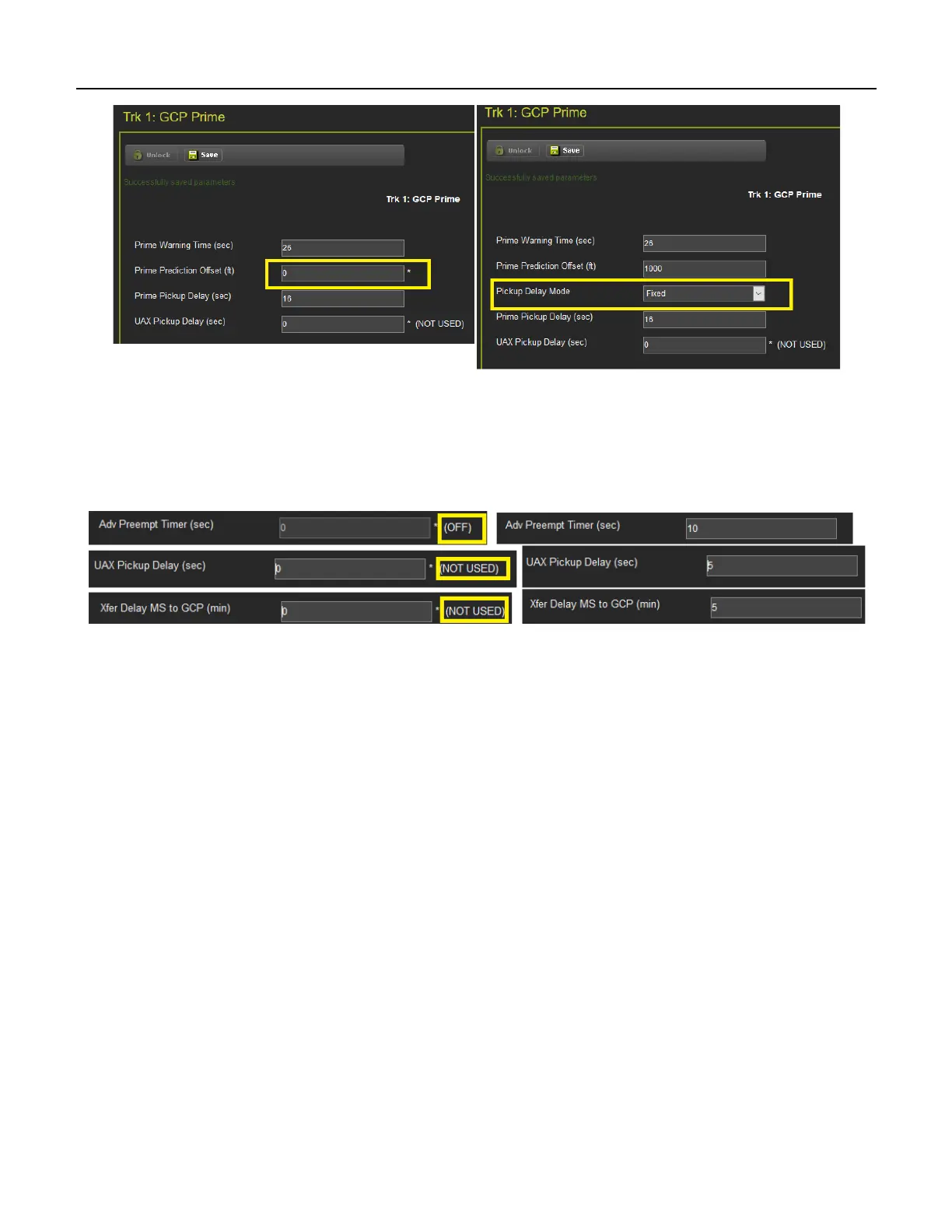
Figure 3-9 WebUI Hidden Parameters
The * to the left of the value indicates that the parameter is set to its default value.
The 3000 GCP had some numerical parameters where 0 represented a Not Used or Off condition. In
order to emulate this on the 3000+ GCP, these specific parameters that use an Off value will show this in
text to the right of the value, as shown in the following examples:
Figure 3-10 WebUI Off Values
Changes to some parameters cause the options in the left-hand menu to change. For example, the
DAXes menu is empty unless the Number of DAXes is greater than 0 in the General Configuration
menu.










 To Next Page