SOFTWARE UPDATES
6-10
SIG-QG-20-02 JANUARY 2021
Version : A.2
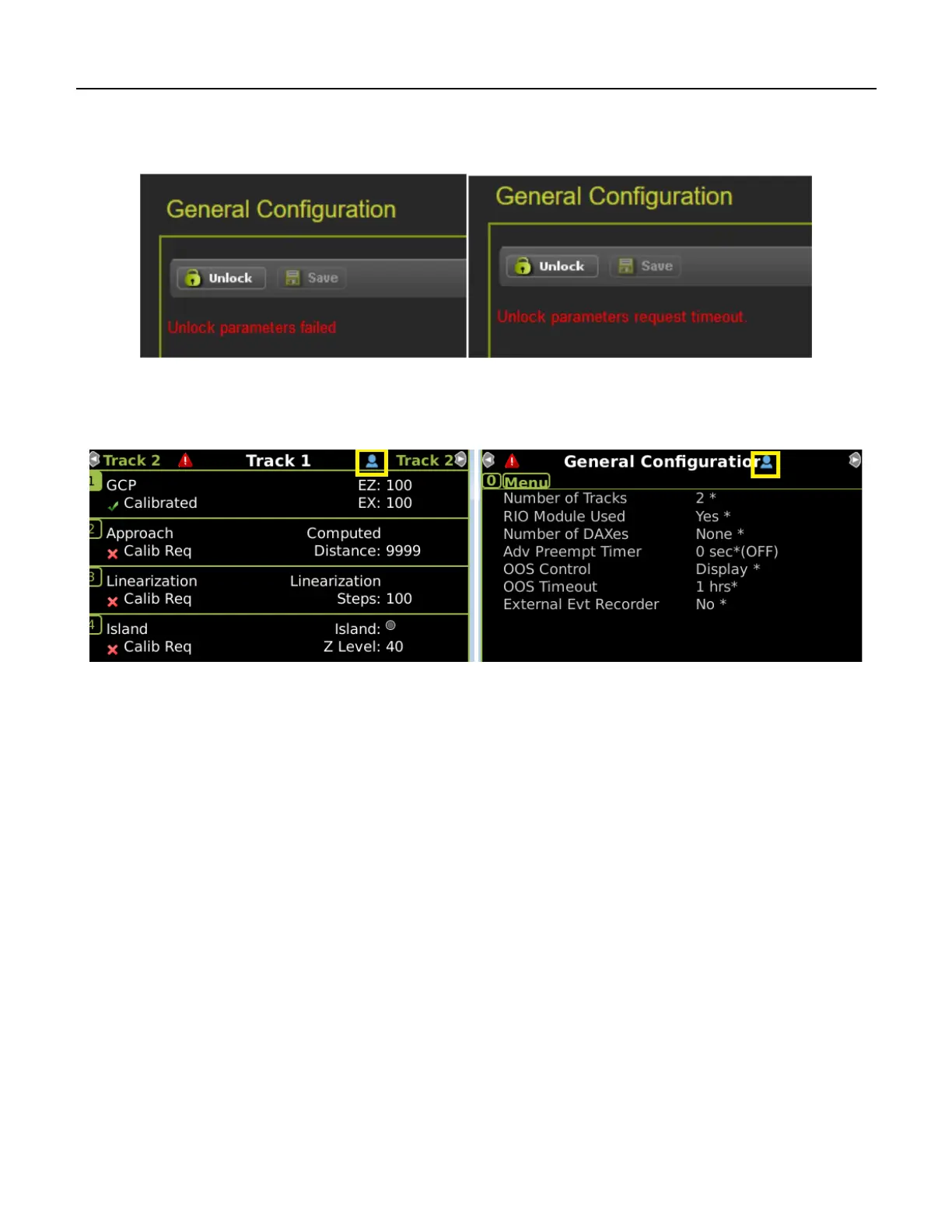
If the local user denies access to the remote user, the WebUI will show the Failed message in the figure
below on the left. If there is no confirmation by the local user, the WebUI will show the timeout message
in the figure below on the right.
Figure 6-16 WebUI Local User Presence Error Messages
The local user can tell when a remote user still has Editing permission as the program and calibration
screens will show the little blue man indication shown in the yellow box below.
Figure 6-17 Display Local User Presence Indicator










 To Next Page