SYSTEM VIEW
2-5
SIG-QG-20-02 JANUARY 2021
Version : A.2
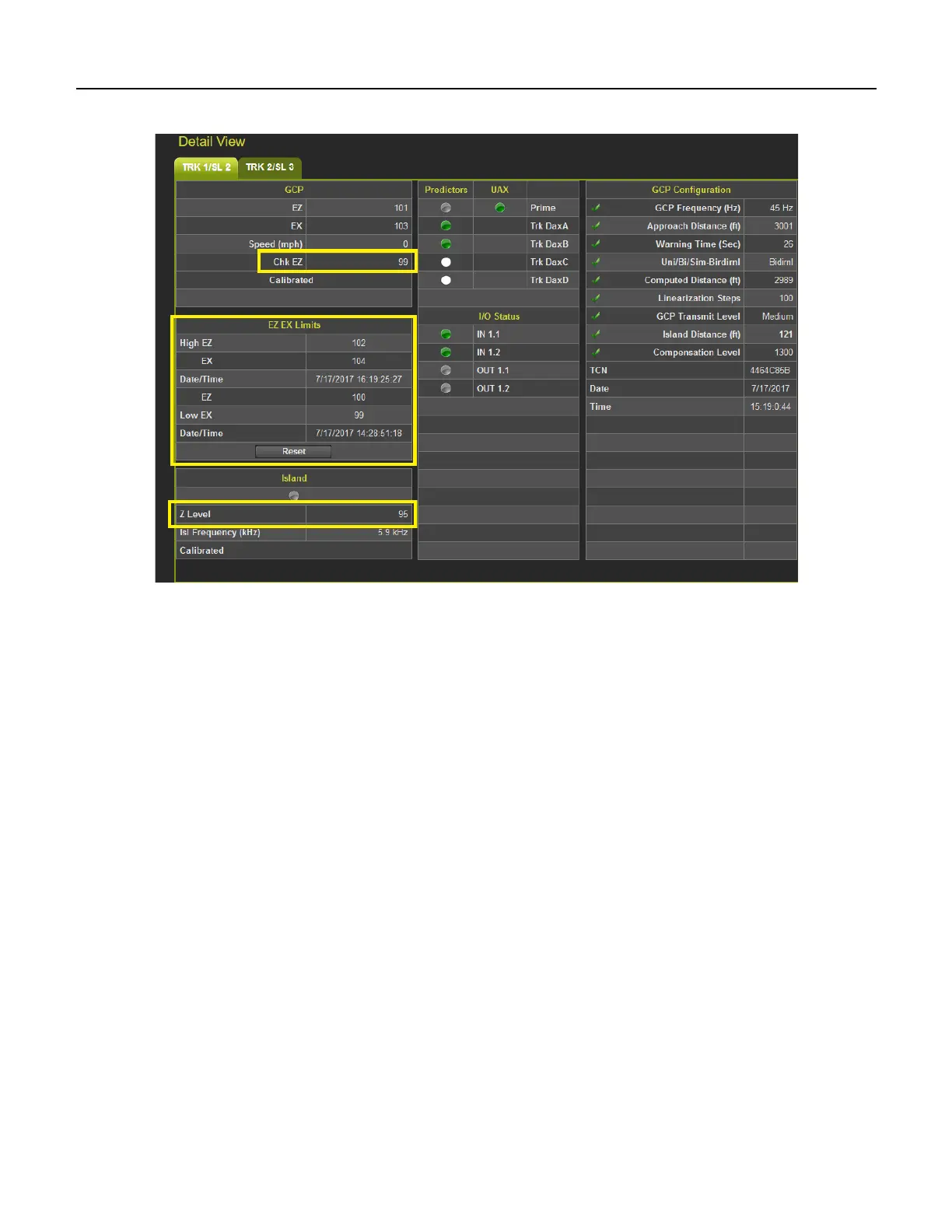
The values can be reset by pressing the Reset button.
Figure 2-6 Track Detail View GCP 3000+
2.2 DIAGNOSTICS
Diagnostics is available under the System View tab but will be discussed in this document under the
Section 6-1.
2.3 TRACK SETUP (GCP 5000 ONLY)
When Track Setup is selected the WebUI will show the following screen that allows the user to see and
change configuration settings that are commonly modified during maintenance operations. This provides
a more convenient way to access these maintenance related parameters than searching for them in the
main program menus. Before options can be selected on the screen, it has to be unlocked and local user
presence confirmed (see Section 6.1.5.1)










 To Next Page