SYSTEM VIEW
2-1
SIG-QG-20-02 JANUARY 2021
Version : A.2
SECTION 2 SYSTEM VIEW
2.0 OVERVIEW
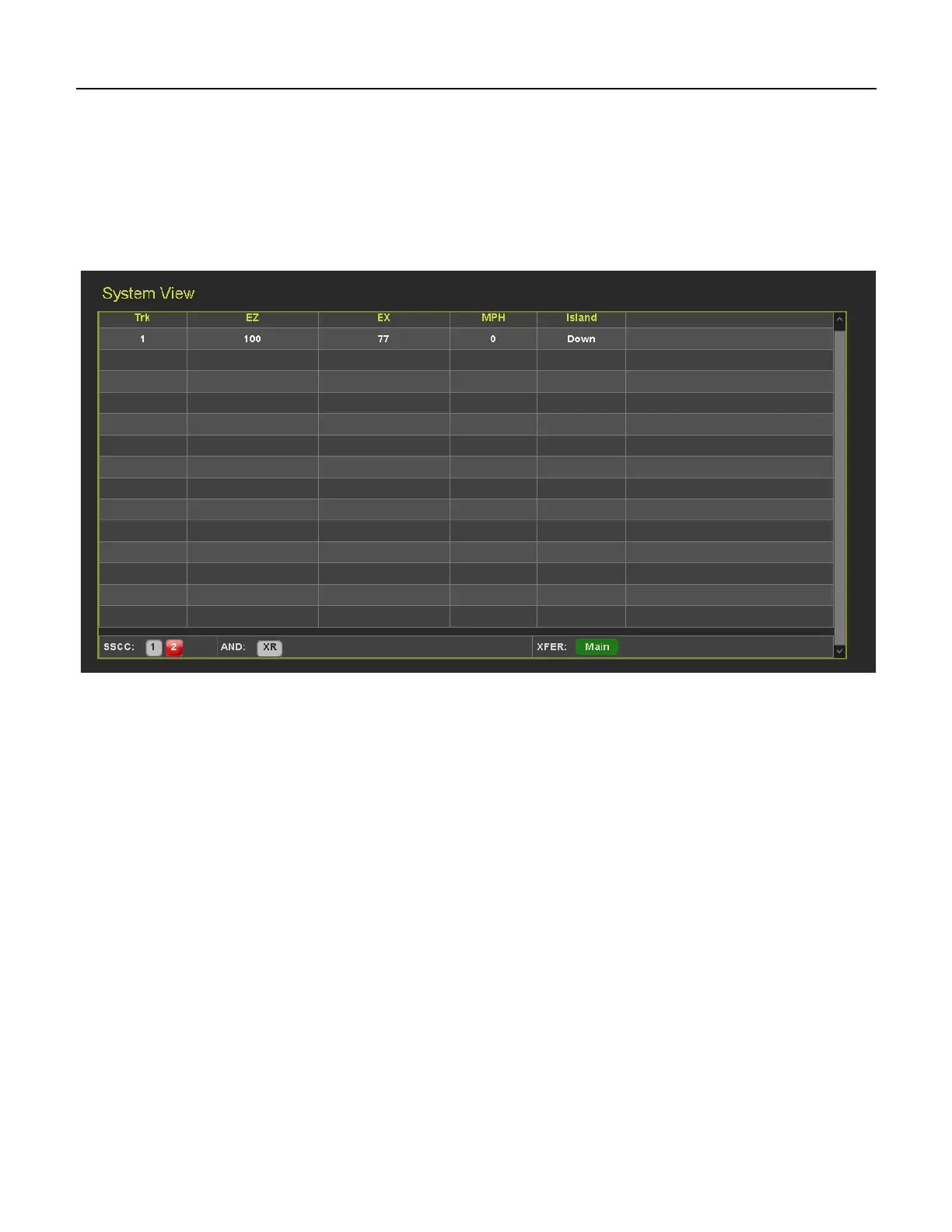
The System View is the main screen that shows an overview of the GCP status, including EZ and EX
values. If there are diagnostic messages present, the System View will show the red exclamation mark in
the top right. Figure 2-1 shows a GCP 5000 system view, Figure 2-2 shows the GCP 3000+, and Figure
2-3 shows a GCP 4000.
Figure 2-1 System View GCP 5000










 To Next Page