CALIBRATION & ADJUSTMENT
4-12
SIG-QG-20-02 JANUARY 2021
Version : A.2
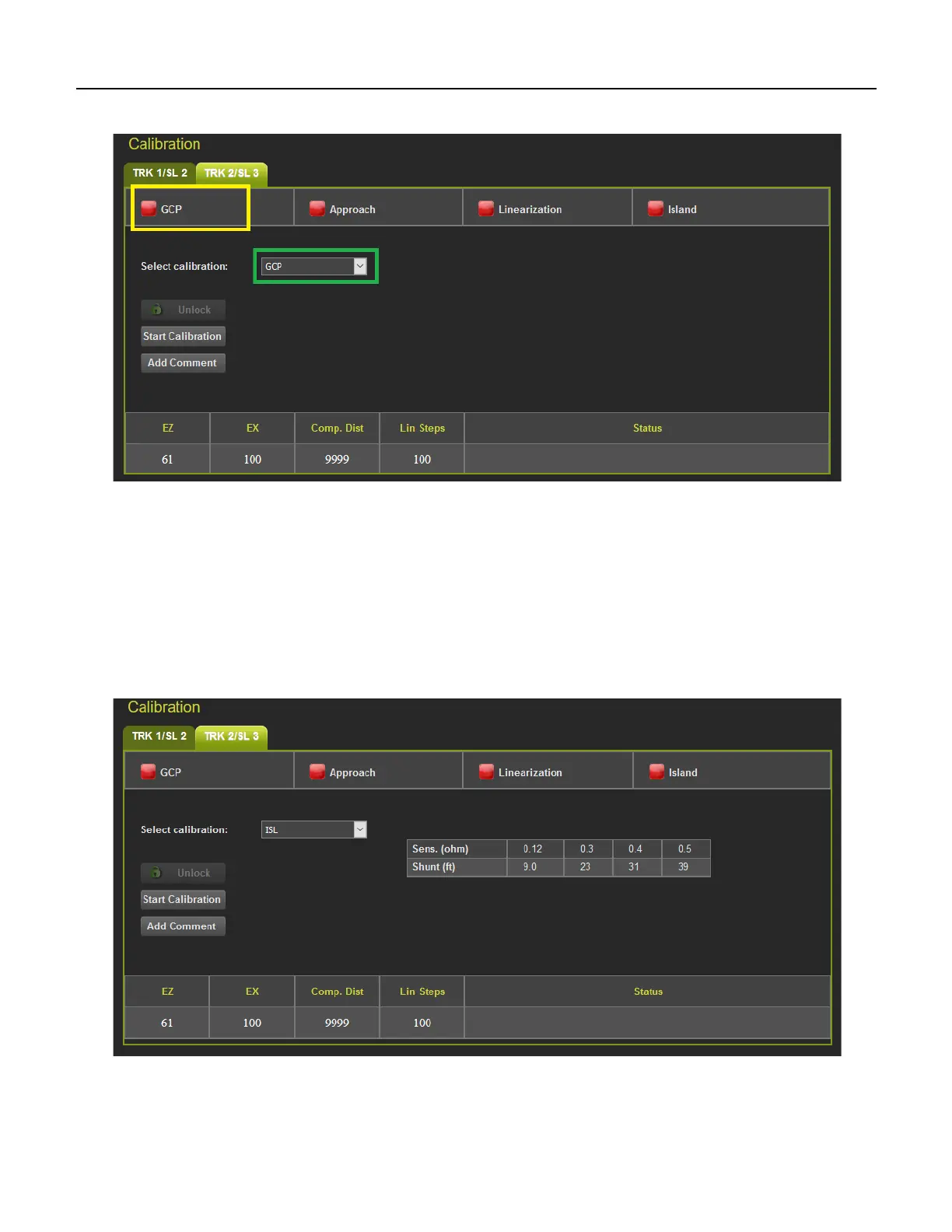
If the calibrations are required, these are marked with a red check box as shown in Figure 4-3.
Figure 4-3 Calibration Required
To select which calibration to perform, either click on a specific calibration in the menu bar, for example,
GCP shown in the yellow box above, or select the calibration from the drop-down menu shown in green
box (Figure 4-3).
4.1 ISLAND CALIBRATION
When the island calibration is selected, the WebUI will show the distance at which the hard wire shunt
should be placed. The distances shown are automatically calculated for the island frequency that has
been configured.
Figure 4-4 Island Calibration










 To Next Page