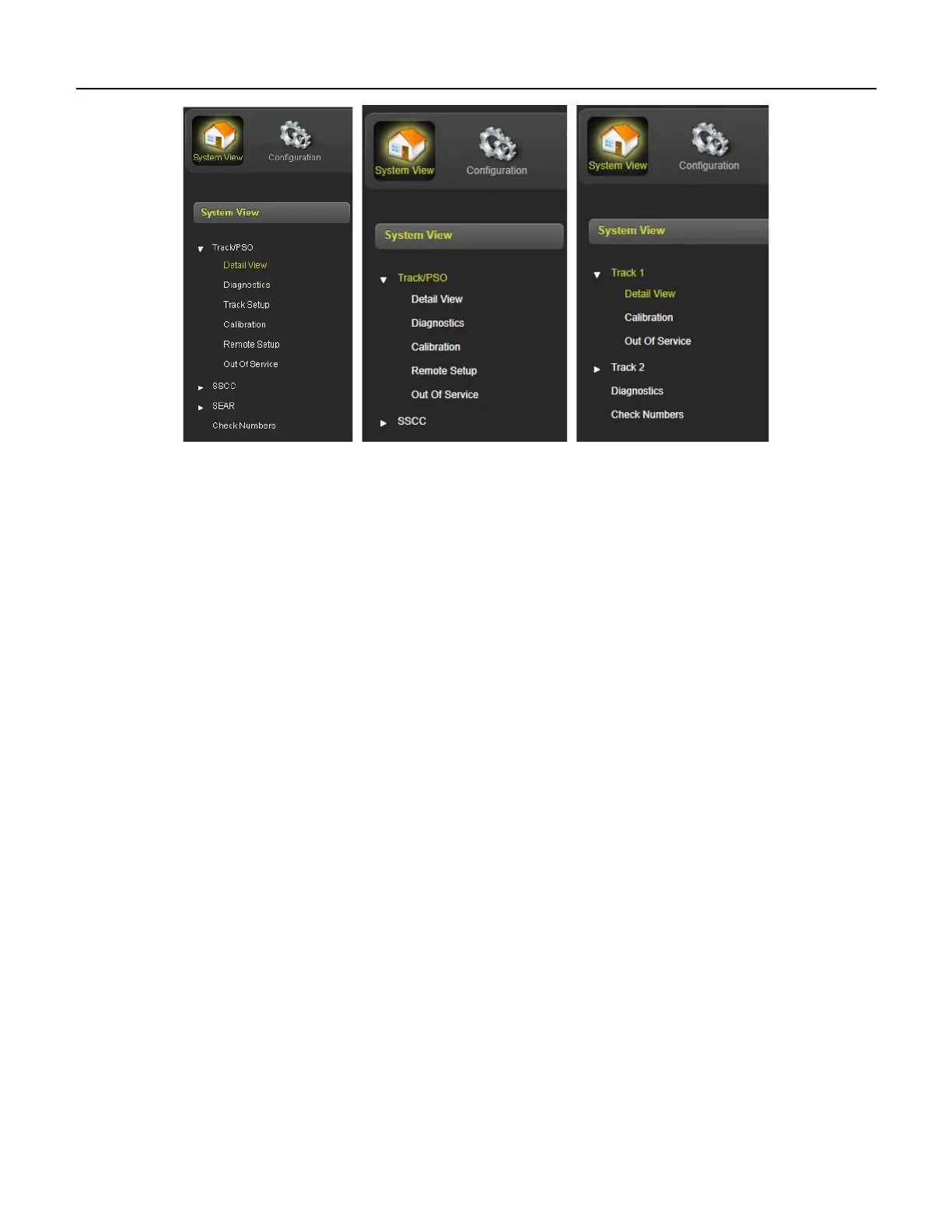
SYSTEM VIEW
2-3
SIG-QG-20-02 JANUARY 2021
Version : A.2
GCP 5000 GCP 4000 GCP 3000+
Figure 2-4 System View Sub-Menus
2.1 DETAIL VIEW
When Detail View is selected, the WebUI shows more detailed information about the 1st track. Click on
the yellow tabs at the top to select a different track module. The tab will be red if the track card is not in
session.










 To Next Page