REPORTS & LOGS
5-3
SIG-QG-20-02 JANUARY 2021
Version : A.2
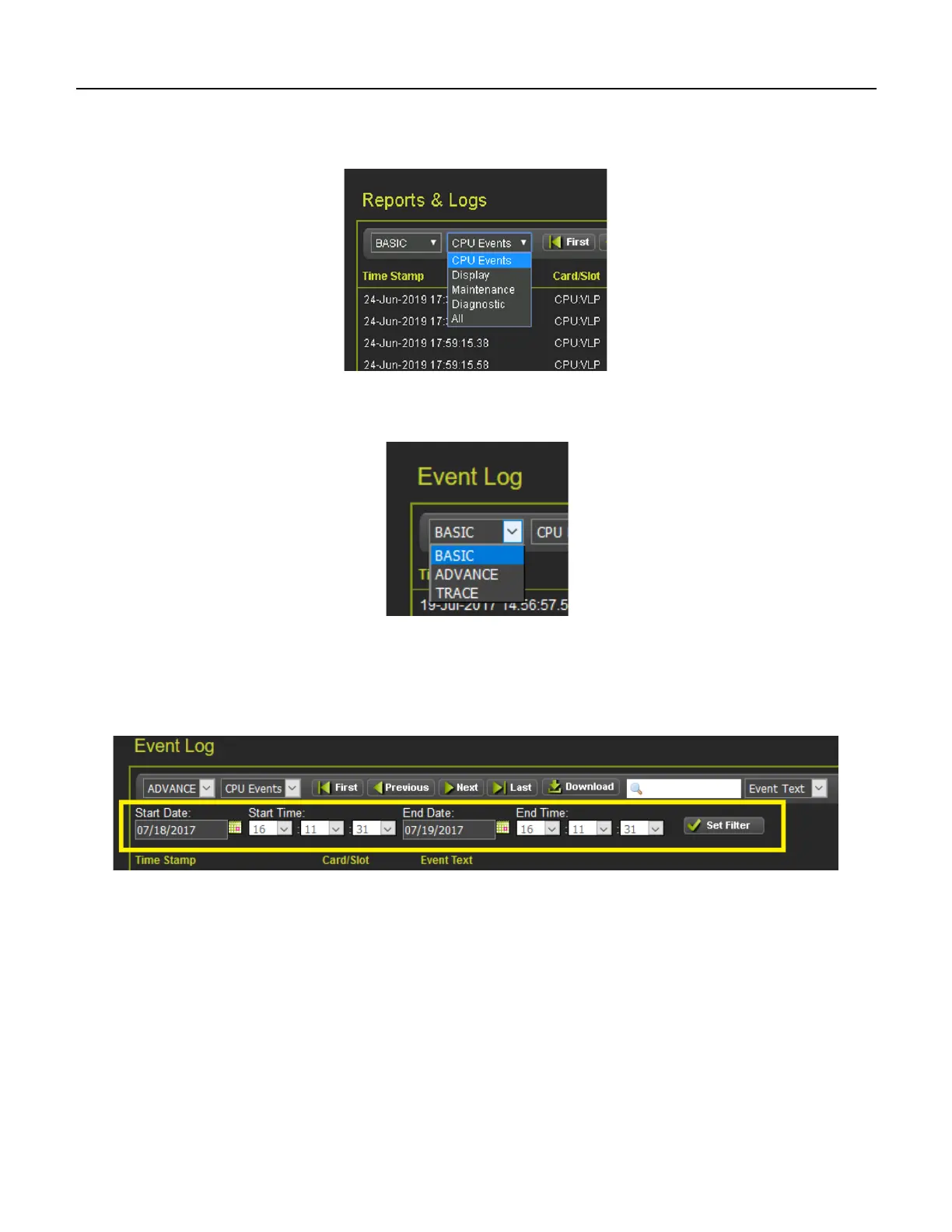
The events log contains CPU, Display, Maintenance, and Diagnostic Events. To see the Diagnostic
events, either change the log filter to Diagnostic, or select the Diagnostic Log menu item from the left
menus.
Figure 5-4 WebUI Log Selection Filter
The first drop-down menu on the Event Log page allows the selections shown in the following figure with
BASIC as the default.
Figure 5-5 WebUI Event Log Mode
If ADVANCE is selected, the WebUI allows the user to choose a range of dates to view. Enter the
required date range. The First button will now show events from the start date and time. The Last button
will now show events up to the selected end date and time. The Download button now has the option to
download a selected range.
Figure 5-6 WebUI Event Log ADVANCE Mode










 To Next Page