SYSTEM VIEW
2-2
SIG-QG-20-02 JANUARY 2021
Version : A.2
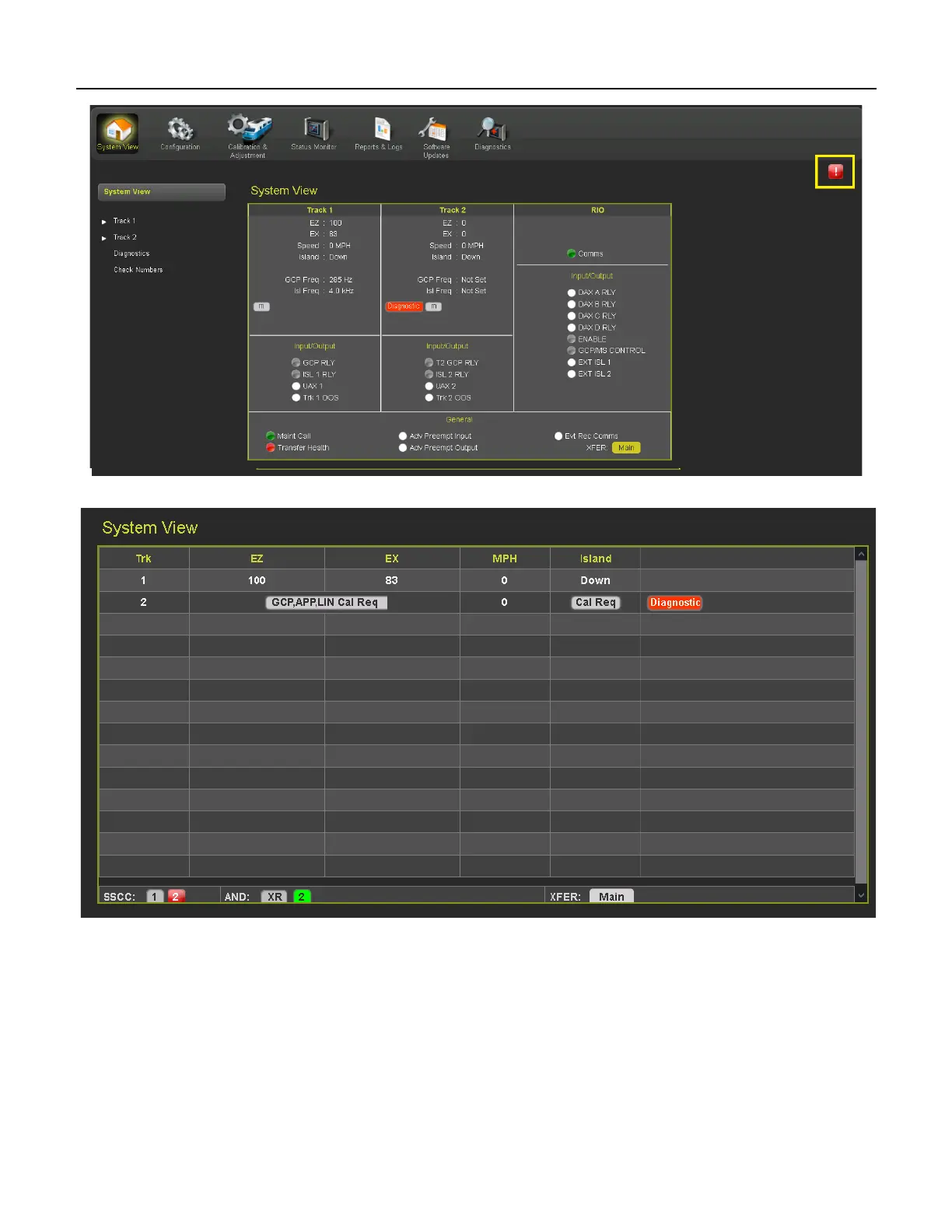
Figure 2-2 System View GCP 3000+
Figure 2-3 System View GCP 4000
The sub-menus shown under System View on the left will vary depending on which modules are
installed in the GCP unit, and which model of GCP the WebUI is for. Each menu item with a white arrow
next to it has an associated drop-down menu. The standard drop-down items for the track modules for
each GCP model are shown below:










 To Next Page