CALIBRATION & ADJUSTMENT
5-2
SIG-QG-20-02 JANUARY 2021
Version : A.2
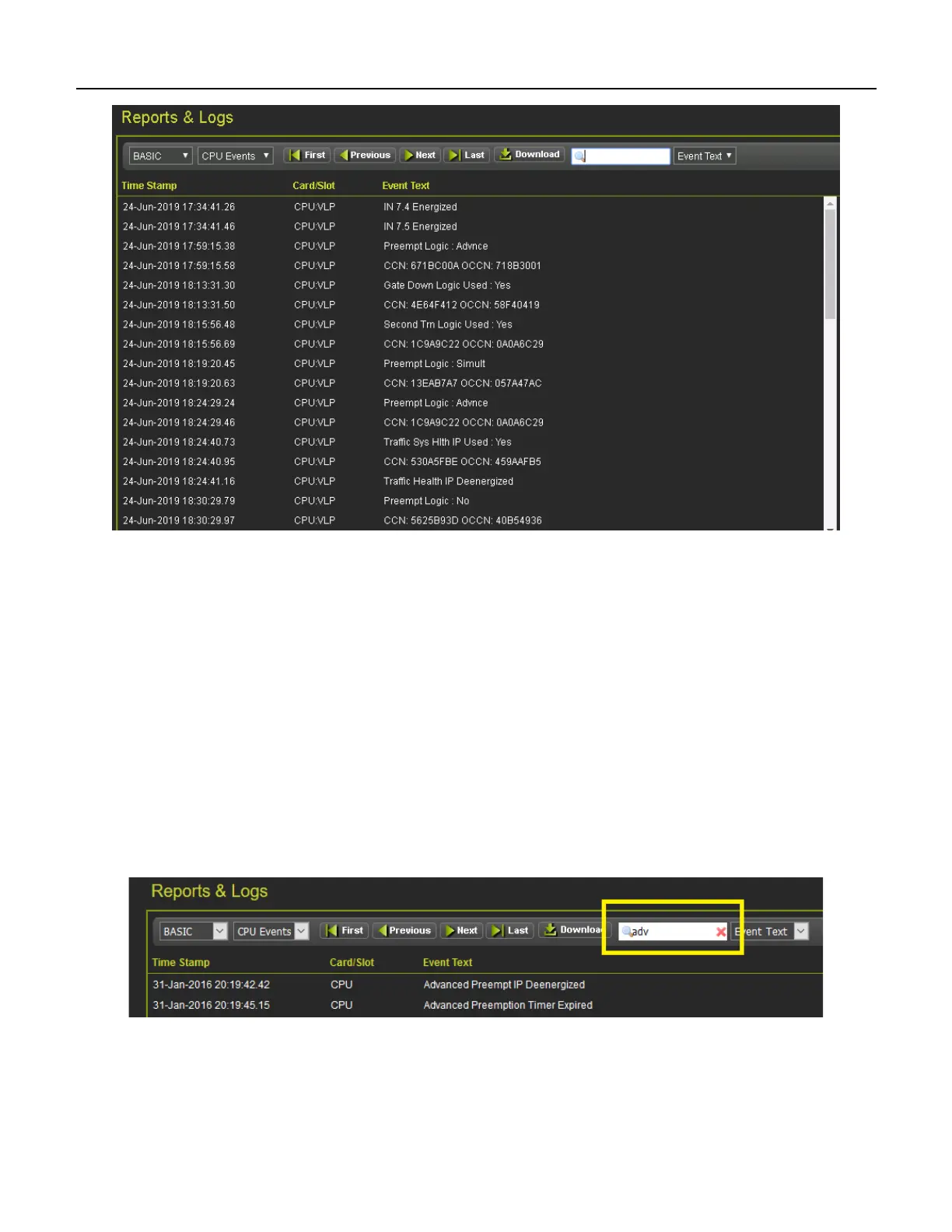
Figure 5-2 WebUI Event Log
Use the buttons as follows:
• First – show the oldest page of events in the log
• Last – show the newest page of events in the log
• Previous – move back a page in the log
• Next– move forward a page in the log
50 events are shown per page, use the scroll bar on the right to see all the events on the page.
The Download button provides the following selections:
• Displayed – download the current page displayed
• Last 24 hours – downloads the events that occurred in the last 24hrs
• All – downloads the whole event log
The screen provides a filter box so events that match the entered text are the only shown. Enter the text
to be filtered, then press enter.
Figure 5-3 WebUI Event Log Text Filter
To clear the filter, either delete the text in the box and press Enter or press the red X.










 To Next Page